
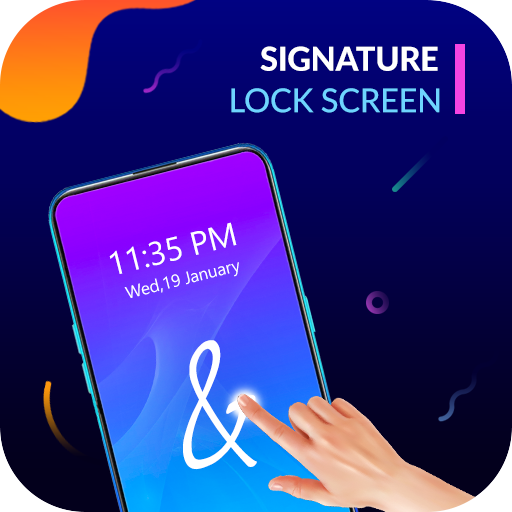
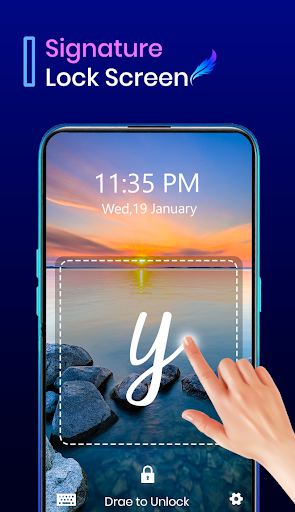
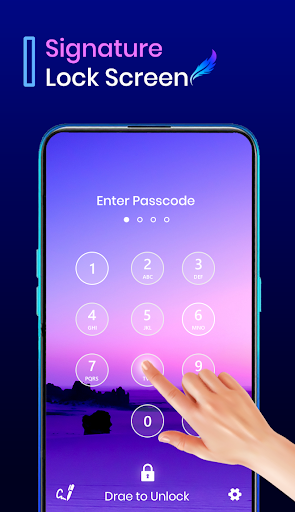
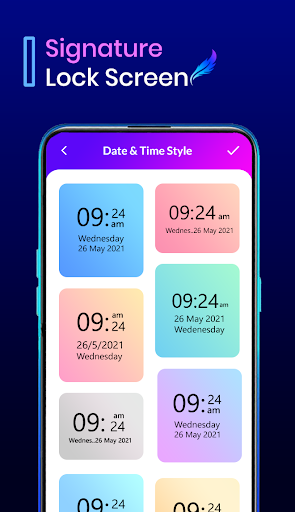
Gesture Lock Screen - Signature Lock Screen with have the option to draw your signature with your free finger. now no bored with old lock screen use our new design application which has no pattern lock and also no any number lock. draw your signature and anything you want to use to make as your mobile screen. Application have all are an amazing option which are...
Features of locks are-
1. Prevent Unauthorized Access
2. Invisible path to Unlock Pattern/lock change every minute.
3. Helps preventing accidental calling.
4. Prevents others from using your device.
5. Superbly rich graphics.
6. Consume less memory and battery, Simple and Clean device.
7. 100% safe and secure
8. 12 hour and 24 hour format both supported
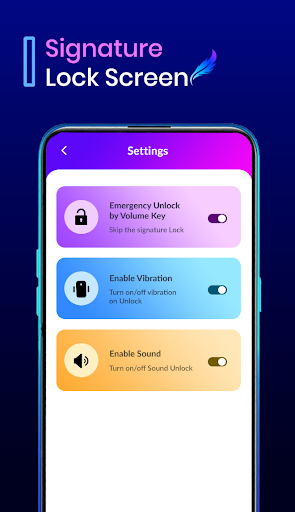
9. Unlock vibration enable/disable
10. Unlock sound enable/disable
11. Highly secure lock screens
12. Choice to set knock position on screen.
Unique Highlights
# Nice User-interface to use this application
# Simple and unique way to unlock your mobile lock
# Use your saved gestures, signatures, letters or shapes as your lock screen password.
# Customize the recovery password in the gesture lock screen.
# Create any signatures, letters, numbers, etc.
# Control gesture on the lock screen: Home, Back, Recent, Volume up, Volume down etc.
# Enter recovery password or backup passcode to unlock
# Hide letters or signatures stops when drawing with Gesture Lock Screen.
# Disable system default lock screen to avoid multiple locks
# Change Matching difficulty level of your gesture with Easy, Medium and Hard option
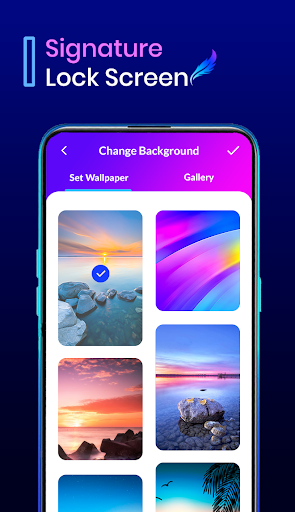
# Very beautiful Gesture Lock Screen to choose for backgrounds as well as choose from the gallery.
# Set Lock screen wallpaper from the app or select wallpapers from the gallery.
# Supports both single stroke (one touch drawing) and multiple strokes




9Apps 4.9














