

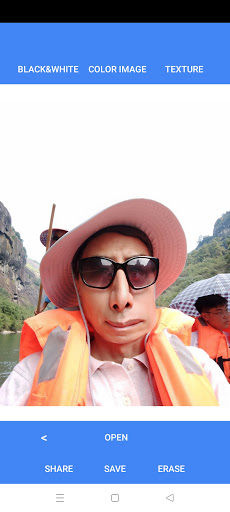
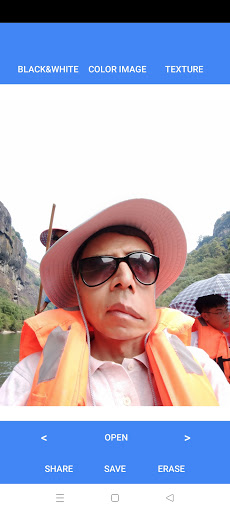
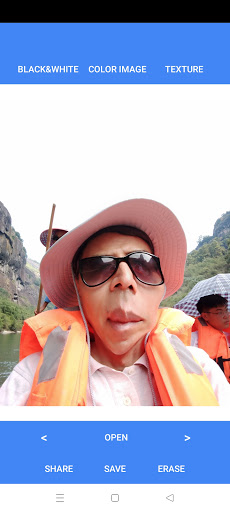

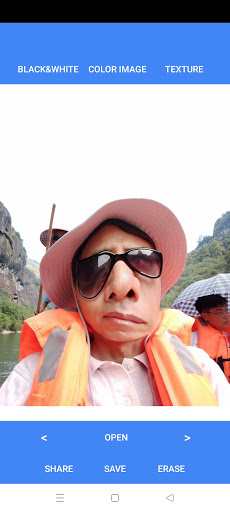
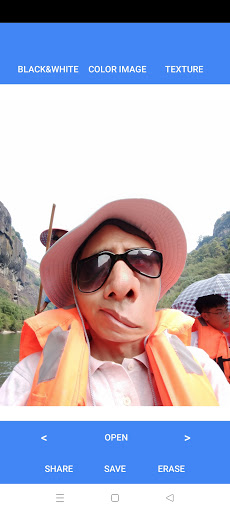


Give your photo a fun image with a simple finger stroke. Have a try!
The app allows users to create artistic effects on images with simple finger strokes.
Quick Working Steps
- Open an image from your photo album
- With a finger, stoke on the image where you want the effect to appear, or using two fingers to expand or squeeze a portion of the image, Repeat or select a new spot until finished (please see video demo)
- Move back and forth with “
” for reviewing every edit step done
- “Save” to store your images
- “Share” to share your images
- “Erase” to delete all edits
- Choose from three image categories (color, black & White, and Texture) from the top bar






9Apps 4.9













