

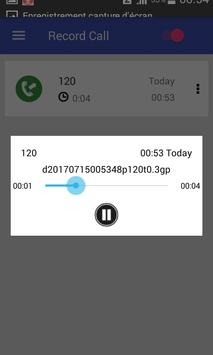

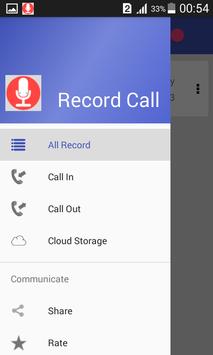
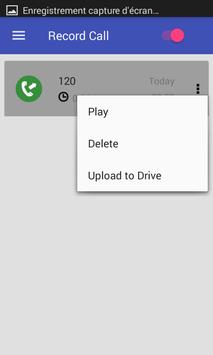
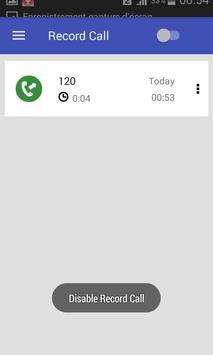
There are 3 default settings for automatic recording:
Record everything (default) – This setting records all calls except for contacts pre-selected to be ignored.
Ignore everything – This setting records no calls except for contacts pre-selected to be recorded.
Ignore contacts – This setting records all calls with people who are not contacts, except for contacts pre-selected to be recorded.
In the Pro version only: You can set calls from particular contacts to be automatically saved, and they will be saved in the cloud.
This app contains ads.
The best call recorder, automatic call recorder, phone call recorder
Features:
- Record incoming call
- Record Outgoing call
- Favorite
- Search
- Marking recordings as important
- Multi select, delete, send
- Displaying contact name and photo
- Excluded numbers
- Set password to protect privacy
- Lots of recording formats
- Set source (Mic, Voice call, camcorder)
- Ability start delayed recording
- Different recording modes by number, contact, non-contact or just selected contacts
- Enable/Disable call recording
- Records all your phone calls
- Play recorded audio
- Delete recorded items
- Lock recorded items to prevent from auto-cleaning
- Share recorded items
- Confirmation dialog: Would you like to keep recorded call that is shown just after the call (only in Pro version).
- White list
- Blacklist
- And many more...
Share files:
- Dropbox
- Google
- SMS
- Skype, FaceBooks,whatsapp



9Apps 4.9














