


* Features provided by the app
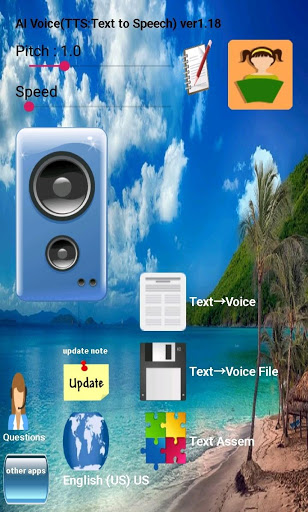
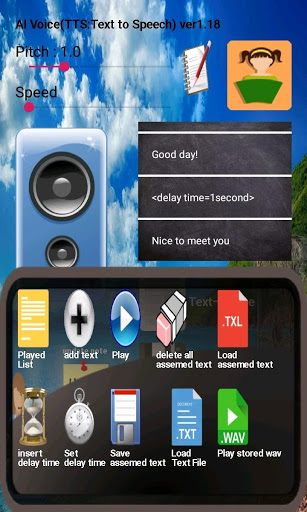
1. It receives the sentence and outputs it by voice.
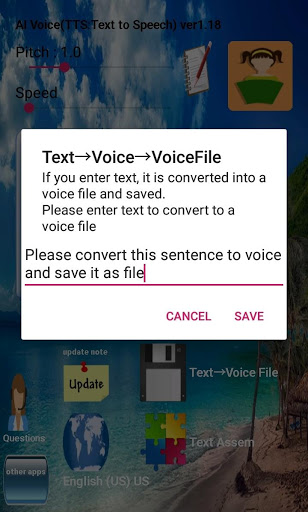
2. Take a sentence and save it as a voice file (wav).
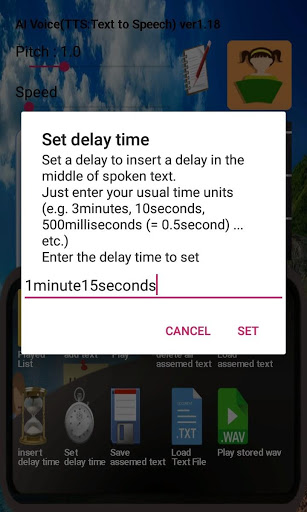
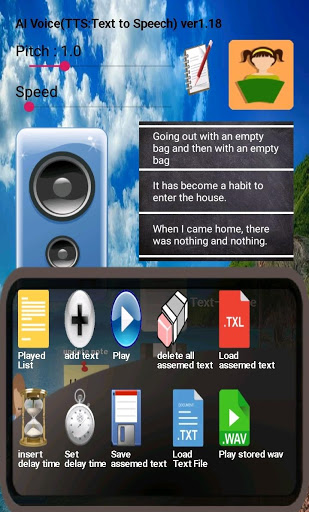
3. You can combine sentences into a played list (texts that were output as voices) and include a delay time. You can output this combined sentence again.
4. Combined sentences can be saved as a dedicated file (file kind . TXL) and recalled later.
5. Text file (file kind . txt) can be imported and output by voice.
(Charset can be specified when selecting a text file)
**Access Permission Notice
Item: Storage permission
Reason: Required permission to save voice data as a file or to save user settings, combination text and settings.
If you do not have the permission to save, you cannot use any other functions other than the basic function "Text → Audio Output".
*Version 1.38
-Fixed to move quickly when moving to an item farther from the assem text
-Changed to activate the automatic bookmark function when saving assem text
*Ver1.37
-Performance improvement: Speed up when reading large TXT file




9Apps 4.9













