



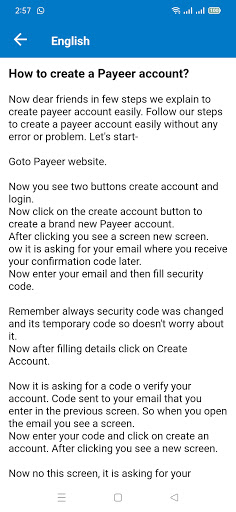


In few steps we explain to create Payeer account easily. Follow our steps to create a Payeer account easily without any error or problem.
Goto Payeer website.
Now you see two buttons create account and login.
Now click on the create account button to create a brand new Payeer account.
After clicking you see a screen new screen.
ow it is asking for your email where you receive your confirmation code later.
Now enter your email and then fill security code.
Remember always security code was changed and its temporary code so doesn't worry about it.
Now after filling details click on Create Account.
Now it is asking for a code o verify your account. Code sent to your email that you enter in the previous screen. So when you open the email you see a screen.
Now enter your code and click on create an account. After clicking you see a new screen.
Now no this screen, it is asking for your password. So enter your strong password and then enter a secret word that not matched the password. Secret word uses to secure your Payeer account so enter it carefully and remember all time. Account name already entered so not try to change it. Now click on next and a new screen .
Now it's asking for your name and country. Enter your name and select your country. After selecting it click on done. After clicking on done your account creates successfully and the Payeer dashboard opens .
Hurrah! Your account creates successfully and you see your Payeer account dashboard. Now earn money and enjoy it.
Disclaimer: It is not official app of Payeer. It just for Helping Purpose.



9Apps 4.9














