

Spy Rush Who is Mobile Application Moniter your Mobile and Tell You who took your Mobile without a permission.
Being Started, it will take a snap of whoever touch, who try to unlock your Mobile. As privacy is one of the important
element now a days so it is right time to check either your wife, firend , or any close one or any unknown person try to
touch your device... Discover who was that —
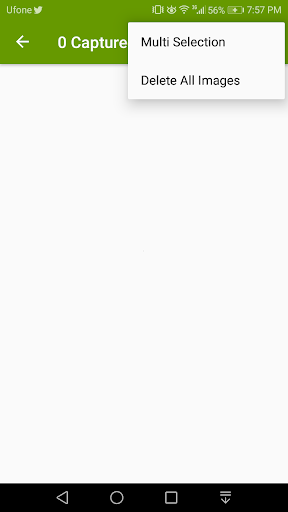
Picture taken Will Go to Image Library
Features:
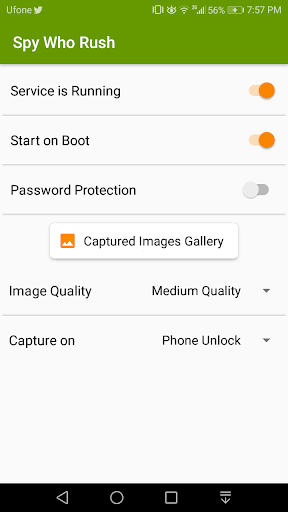
►password protection - You have option to protect with password feature
►stealthiness — After taking a Picture, application silently goes to the background
►photo manager - Manage Photos
How to use:
1. Launch Spy Rush Mobile App
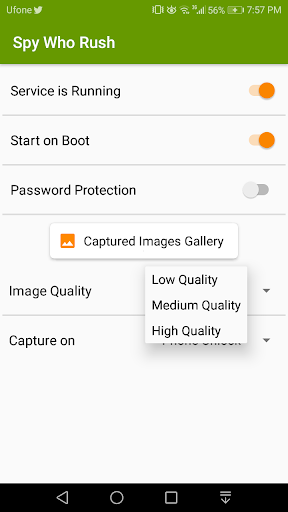
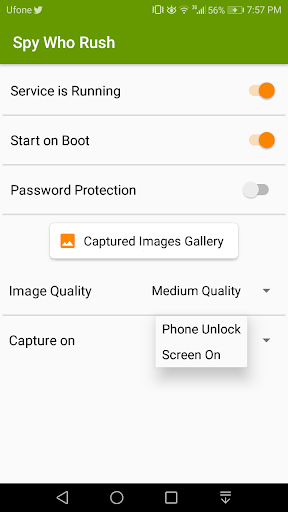
2. Enable option "Service is Running" With all Sub Options
3. Close app
4. Press power button - Mobile will be locked
5. Press power button again and unlock phone with swipe or whatever you have
6. After a Short Span of Time the Picture will be taken
7. Now you can enter the app again to check for captured images
In case of problems with application contact me sagicyrs8819@gmail.com


![How To Detect A GPS Tracker On My Car [Step-By-Step] screenshot 5](https://i.ytimg.com/vi/6Cuoyuqzm60/mqdefault.jpg)

9Apps 4.9














