
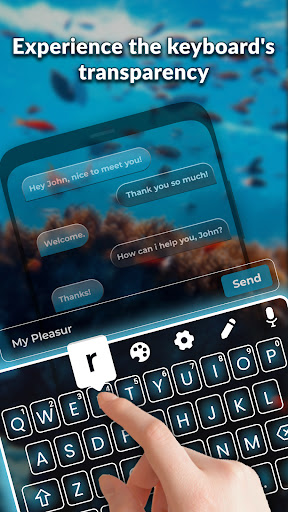
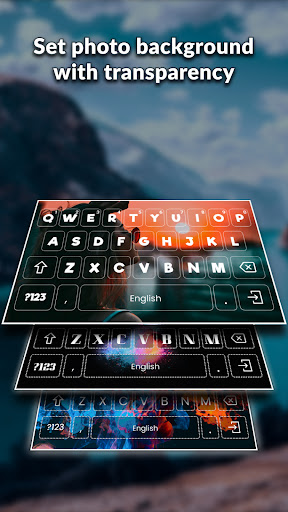
Personalize your typing experience like never before! Enjoy a smooth & transparent default keyboard that blends easily with your home screen. Adjust transparency levels right from your home screen for quick and convenient settings.
Key Features: 🌟
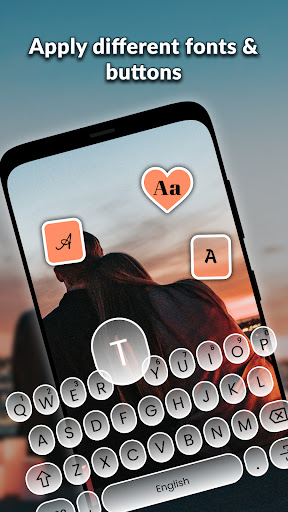
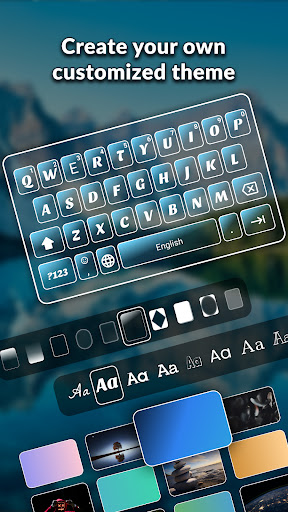
🎨 Edit Keyboard: Customize your keyboard with multiple editable options, like keyboard color gradients, wallpapers, buttons, and fonts.
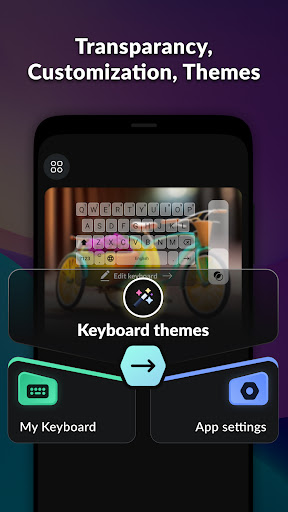
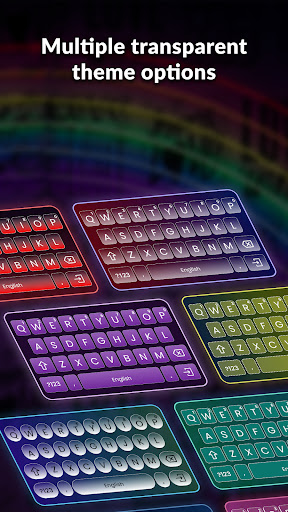
🎭 Keyboard Themes: Choose from a wide range of transparent and eye-catching themes. Select your favorite theme and edit it with the available customizable options.
📚 My Keyboard: Keep all your saved keyboard themes in one place. Easily switch between your customized themes or add new keyboards to the collection.
⚙️ App Settings:
🎙️ Voice Typing: Enable or disable voice typing directly from the app settings. Speak your thoughts easily with voice typing feature.
📳 Vibration on Key-press : On/off the vibration on key press on or off by this setting.
Why Choose Transparent Customize Keyboard:
🔮 Transparency Control: Adjust the keyboard's transparency level for a easy integration with your device's background.
🎨 Endless Customization: With an array of editable options, you have the creative freedom to design a keyboard that truly represents you.
🌈 Stylish Themes: The collection of transparent and attractive themes ensures that you'll find one that suits your taste.
⚙️ Convenient Settings: Access voice typing and vibration settings from within the app for a smooth user experience.
Permission:
1.Record Audio: The record audio permission is required for the speech-to-type feature in the keyboard.

9Apps 4.9


![[AD] These keycaps look like Rose Quartz! 🩷[AD] details in description screenshot 3](https://i.ytimg.com/vi/B52Wi7dKfwQ/mqdefault.jpg)















