

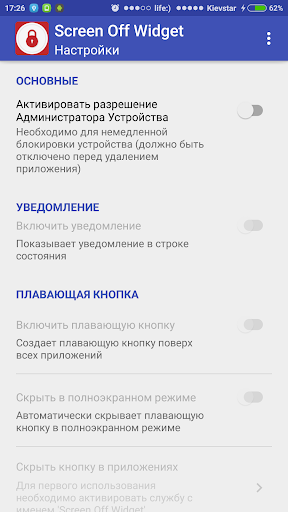
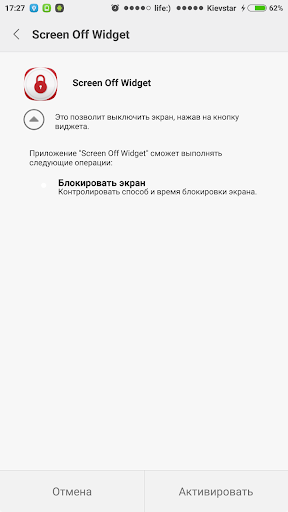
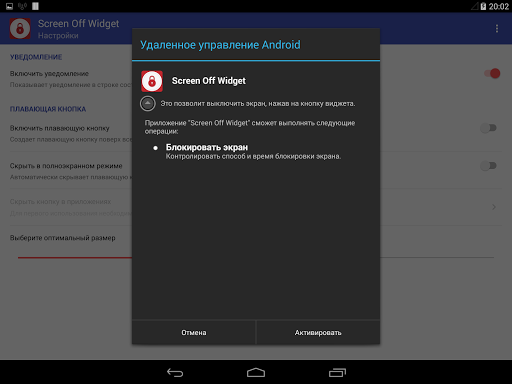
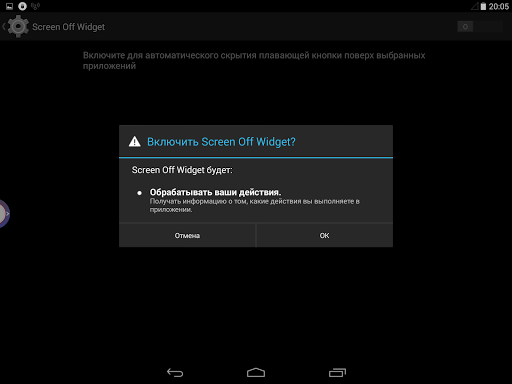
Attention! This app uses the Device Administrator permission for locking device immediately.
FOR DEVICES WITH MIUI
You must enable "Display pop-up Window" option, which is located in the "Display pop-up Window" directory.
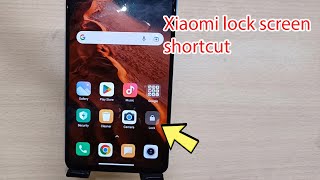
This application will allow you to turn off the device's screen with just one touch.
At your disposal will be a wide range of possibilities for the screen locking.
Implement it to your liking:
- Create a widget on the home screen,
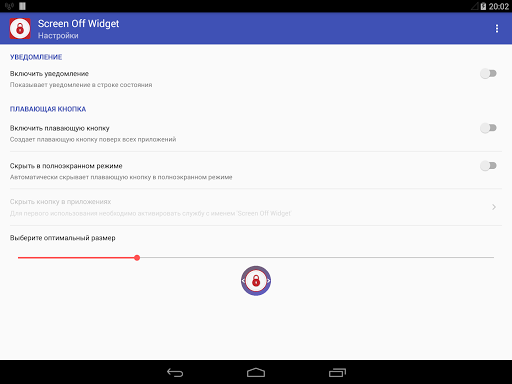
- Activate the floating button,
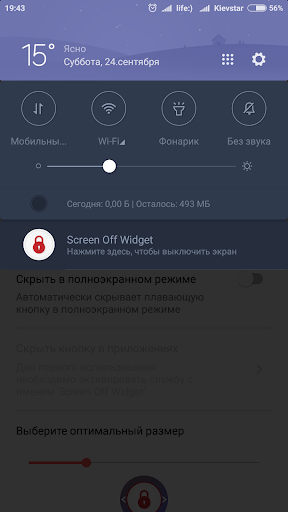
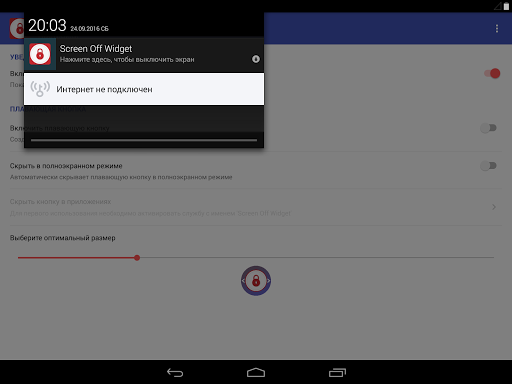
- Enable notification, and that's not all!
WIDGET
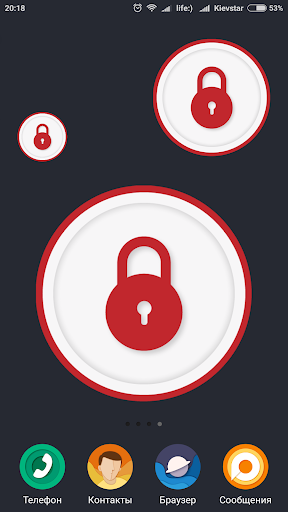
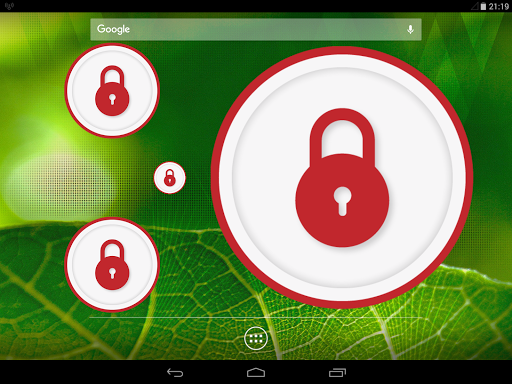
Install a widget on your home screen! Available size 1x1, stretchable to any convenient for you scale.
FLOATING BUTTON
Create the floating button on top of other applications to always be able to quickly turn off the screen. Customize button at its discretion:
- Adjust the icon size;
- Activate auto-hide when full-screen mode;
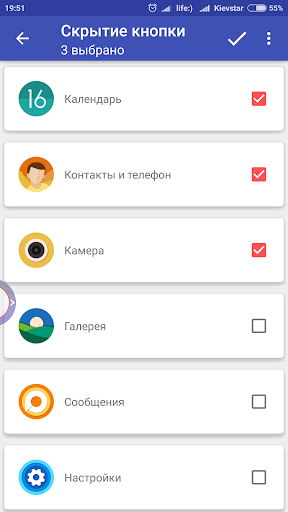
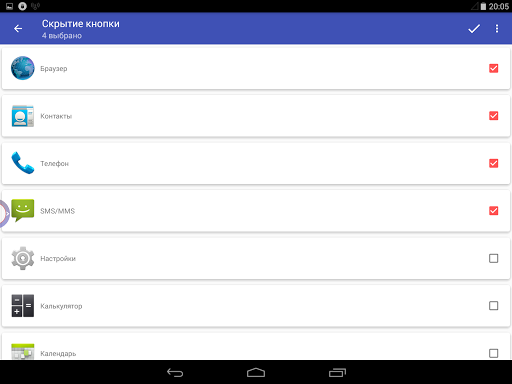
- Enable the button hiding for any application on your device.
NOTIFICATION
Activate the notification in the status bar. Click on it to immediately turn off the screen.
SHOULD PAY ATTENTION
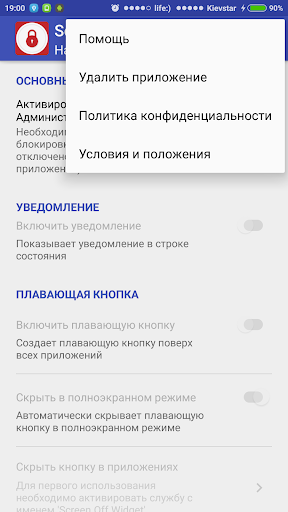
To uninstall an application, you can use the option "Uninstall application" from the menu of the application.
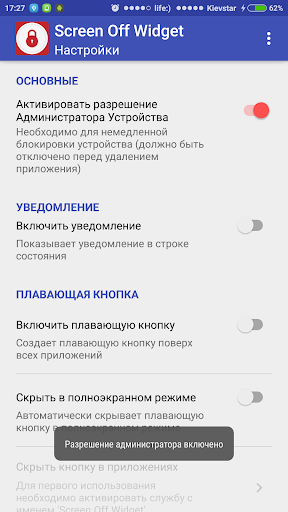
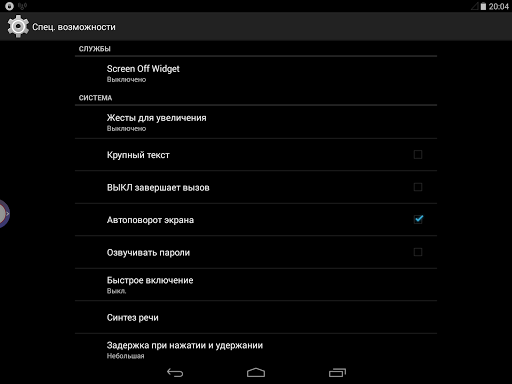
You can also disable the checkbox "Enable Device Administrator permission" from the menu of this application or go to the "Device Settings" > "Privacy" > "Device Administrators" > "Screen Off Widget" and uncheck the box, and then delete the app.
Added the Device Administrator permission switch button for locking device immediately.
Added a link to the privacy policy and terms and conditions in the application settings.
Fixed the behavior of the floating button during full-screen mode.



9Apps 4.9















