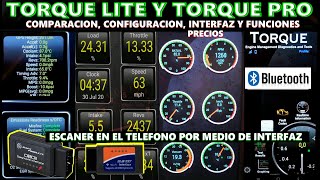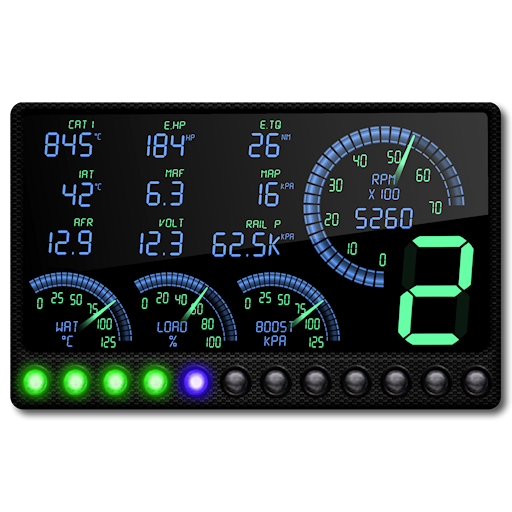

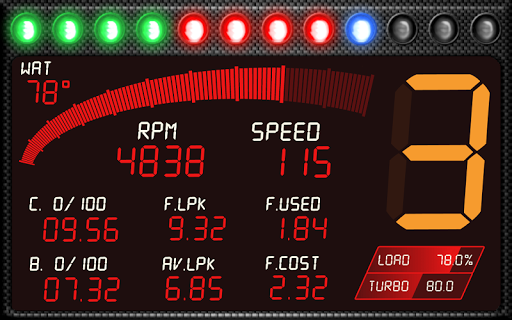
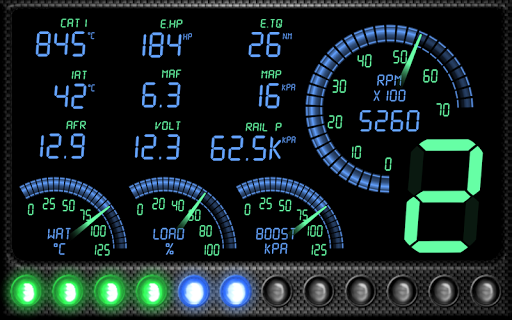
RacingMeter requires the Torque Pro App and an OBD 2 adapter in order to communicate with your car's ECU. After the installation, launch Torque Pro and click on the RacingMeter icon.
This version is compatible from Android 4 to Android 10, higher versions may be compatible but have not been tested.
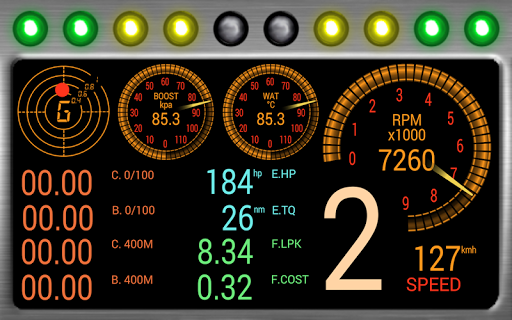
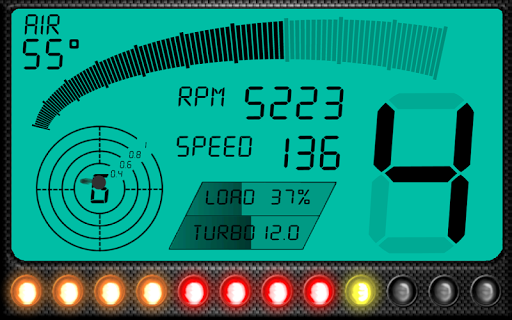
This plug-in transforms your Android device into a highly customizable racing dash including live telemetry, power meter, accelerations measurements, shift lights, gear ratio estimation, HUD mode and much more... Please note that some data can be unavailable depending on your car's model.
• Digital widgets for RPM, Speed, Engine coolant temperature, Intake Air temperature, Catalysts temperature, Engine Load, Turbo boost, Fuel Consumption, Clock, Fuel pump, Rail pressures (gauge and relative pressure) and Air/Fuel ratio, Mass Air Flow, Intake Manifold Air Pressure, Fuel Used, Fuel Cost, Voltage and others described below.
• Dials with auto scale, customizable style, scale, angle, size and warning thresholds. RPM, Engine Load, Turbo boost, Engine coolant temperature, Intake Air temperature, Speed, Catalyst temperatures, Fuel pump, Rail pressures, Mass Air Flow, Intake Manifold Air Pressure.
• RPM LEDs Bar
Custom colors, four styles and three animations available. Automatic or manual threshold settings. Two additional LEDs Bar are available to display Turbo, RPM or Load data.
• Acceleration Measurements
Configure and display six independent stopwatches with specific speed thresholds for your current and best acceleration. Display 1/4 mile, km DA times.
• Engine Power and Torque estimations
Based on speed, RPM, weight, wheel radius, SCx and G-forces.
• Current gear ratio estimation
Based on speed and RPM.
• Shift Light
Flash on screen, Automatic or manual threshold, customize color. Ability to define different RPM thresholds depending on your gear.
• Make your own dashboard
Move, rescale, add or remove any parameters, three different presets containing up to five screens each can be saved. All colors fully customizable.
• Head-up display (HUD) mirror mode.
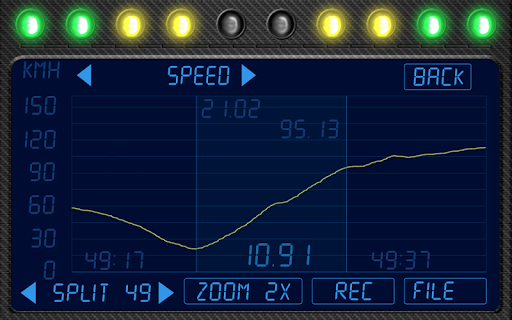
• Telemetry Viewer
Display Telemetry in real-time and save up to one hour of data. Two cursors can be placed on the graph to measure the time between two points.
The following data are recorded:
Speed, RPM, Gear, Engine load, Turbo boost, Lateral forces, Longitudinal forces.
• Save the telemetry data for further calculations. Export to RR format supported.
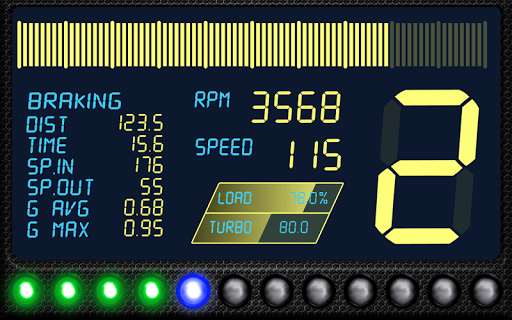
• Braking Statistics
Distance, time, speed in/out, G-force avg/max.
• G-Force Meter (plotted 5s)
Units available:
Mph/Kmh ; °C/°F ; psi/kPa/bar ; LPK/KPL/MPG ; HP/CV/Kw ; Nm/mKg ; L/gal
v1.8.5:
- Fixed compatibility issues on Android 10.
- Minor improvements.








9Apps 4.9