

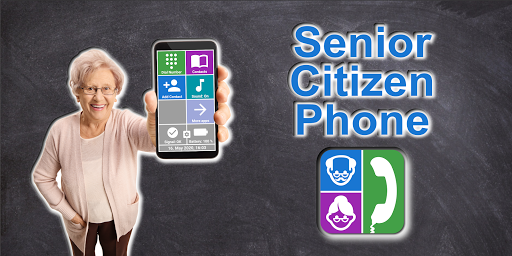
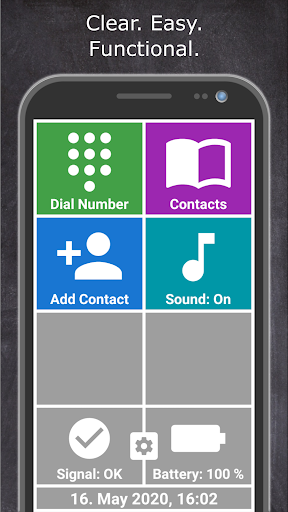
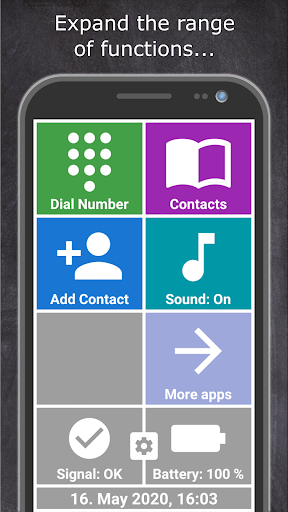
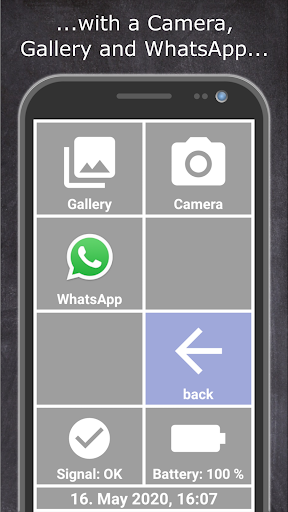
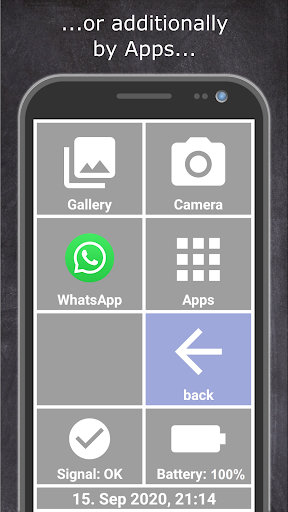
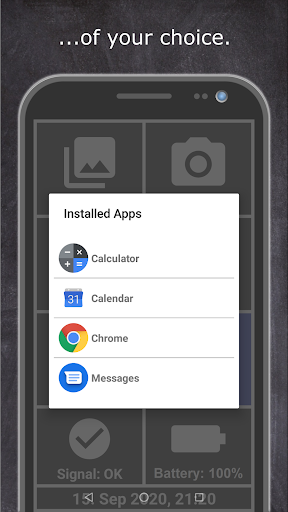
The clear and intuitive design helps seniors easily to take part in the life of young people. Modern communication is no longer a problem. No matter if you are 8 or 80 years old, everyone can now serve a smartphone.
Easy handling of the app is implemented by clear symbols and colored tiles. Every user intuitively recognizes the familiar functions of a telephone. Large fonts and clear information give the user constant feedback.
The app offers the following functions:
Dial a phone number
- Direct entry of a phone number and calling a subscriber.
Phone book
- Selection of a specific contact using the cursor keys.
- Direct call of a saved contact.
- Delete a contact.
- Displays your own phone number.
Save the phone number
- Save the name and phone number of a contact.
- A clear alphabetical keypad for input.
Volume
- Switch the sound on and off.
Battery pack
- Displays the charge status of the device battery.
- Notification when the battery is empty.
- Notification when the battery is fully charged.
Clock & Date
- Displays the current time and date
Cell phone reception
- Displays the current signal strength
Notes on operate the app:
To access the settings, press and hold the settings icon at the bottom of the screen for 5 seconds.


![Set Up a Smartphone for an Older Family Member [How-To] screenshot 2](https://i.ytimg.com/vi/eKipORIqv0U/mqdefault.jpg)




9Apps 4.9














