

Security Master is a security guard & Android optimizer to secure privacy.
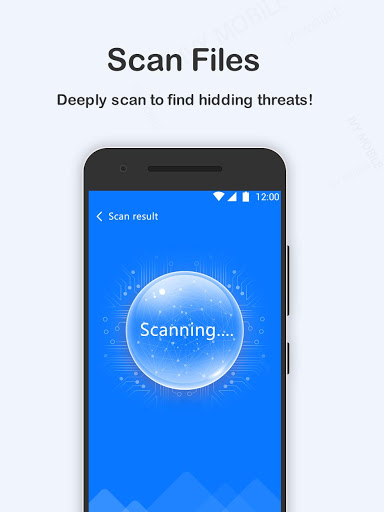
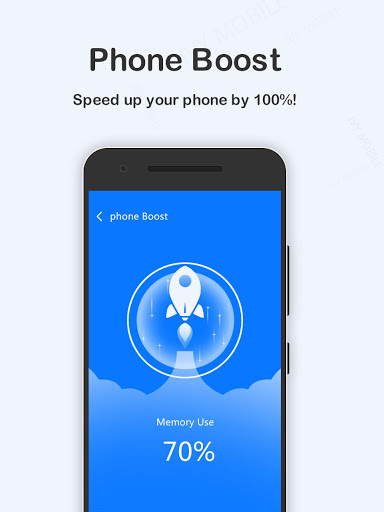
Security Master can scan and clean junk files, boost phone speed, free up RAM space, save battery, lock apps, lock photos to protect privacy safe and keep phone clean & fast.
Security Master is a free security guard, cleaner, booster, applock and battery saver tool to keep your phone clean and run in optimal performance.
Security Master can:
App Lock
Security Master can lock apps (e.g. WhatsApp, Facebook, SMS, Contacts), photos, videos and other private data with password lock or pattern lock. Protect privacy, prevent intruders & snoopers from peeping at your private data, hide sensitive photos and videos by encrypting your Gallery.
Junk Cleaner
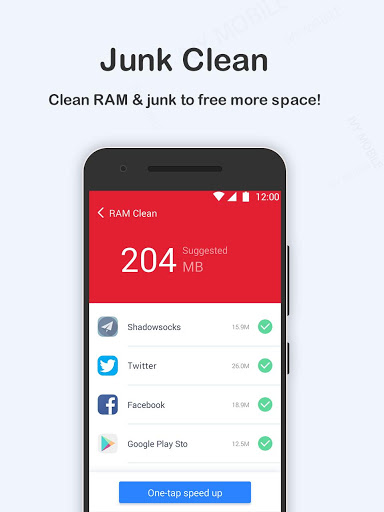
Clean up junk files, including RAM, cache, residual files, temp files, obsolete APKs and browse history, and free up storage space. Boost phone speed and release RAM to keep phone running fast.
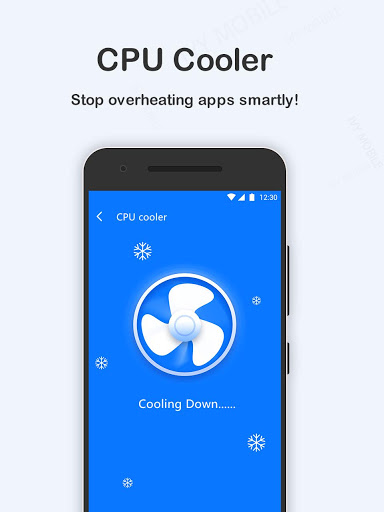
CPU Cooler
Real time monitor and reduce CPU usage, stop overheating apps and resource consuming apps to cool down CPU temperature.
Battery Saver
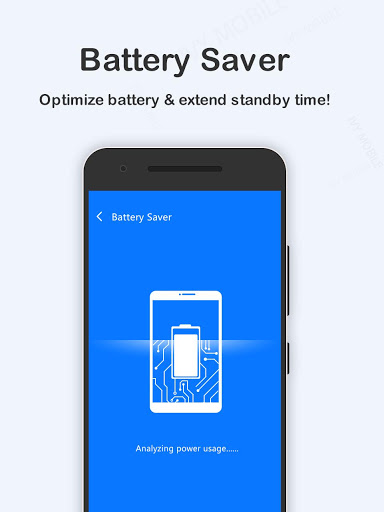
Security Master smartly detect and analyze battery power usage, stop high power consumption apps to save battery, extend battery standby time by up to 80%. Enable battery saving feature, prolong battery life with Battery Saver to optimize battery life.
Charging Protector
Prevent battery over charging, with real time battery status and reminds you remaining charging time, to protect battery safe and extend battery life. Charging Protector provides you with smooth & healthy charging experience.
App Manager
App manager can smartly list all the installed apps, the storage consumption, use frequency. Uninstall the unused/unwanted apps to free up your storage space. One tap to free up storage, boost phone speed quickly.
QR Scanner
Tap QR scanner icon at the top right corner to scan all QR code and barcodes, a powerful and smart QR scanner & reader app for Android.
Call Recorder
Powerful call record tool to record calls as required.
----FAQ----
1. How to clean junk files?
Tap the Junk Clean icon to clean junks, or tap the Scan icon to optimize your devices.
2. How to enable the AppLock
Tap AppLock icon -> Set password -> Choose apps you want to lock down.
Highlights of Security Master AppLock:
-Powerful security tool to secure your phone, free privacy scanner, booster and junk file cleaner
-Lock apps with password lock, pattern lock
-Scan and clean junk files: Cleaner quickly analyzes the space storage on your device and free up storage by cleaning up all junk files
-Extend battery life with super battery optimizer
-Boost phone speed with super boost cleaner
-Record any phone calls as required

9Apps 4.9















