

This app will help you:
• Become more focused at work and school by reducing the need to look at your phone.
• Increase productivity by using your computer's keyboard, mouse and screen.
• Overcome accessibility issues by connecting to a larger screen and keyboard mouse inputs.
Key features:
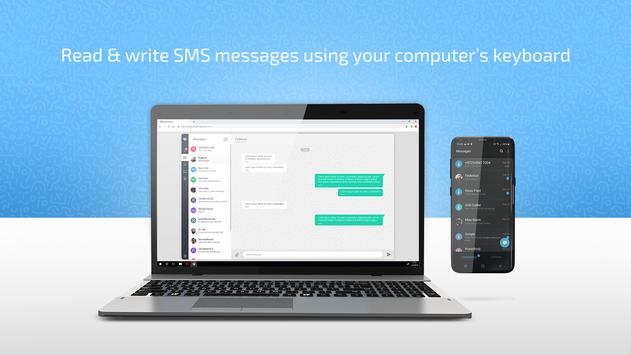
• Read & write SMS messages using your computer’s keyboard.
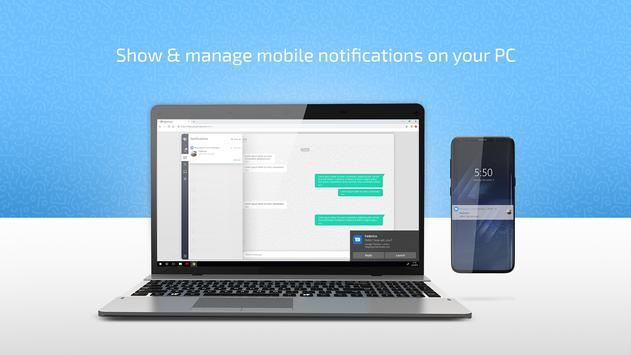
• Receive & manage mobile notifications on your computer without having to pick up the phone and lose your line of thought.
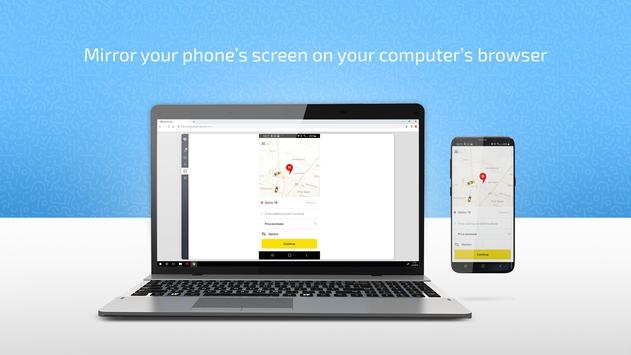
• Fully mirror your phone’s screen, allowing you to do everything on your phone without taking it out of your bag or charging station.
Minimum hardware and software requirements:
• Google Chrome, Version 71
• Android 8
• The following phone brands are not yet supported: Asus, Huawei, Oppo, Vivo, Xiaomi
Pairing instructions:
• Install WebPhone on your Android phone.
• On your PC browser, go to: webphone.screenovate.com.
• Open WebPhone app and scan the QR code.
Bug fixes

9Apps 4.9















