
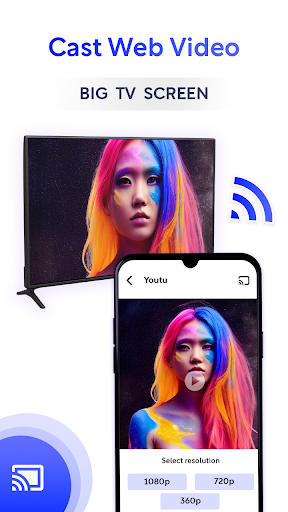
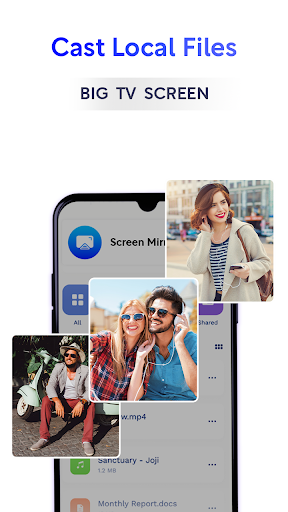
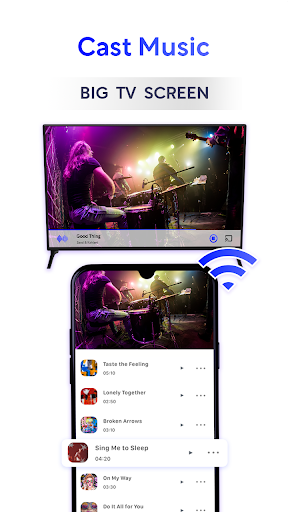
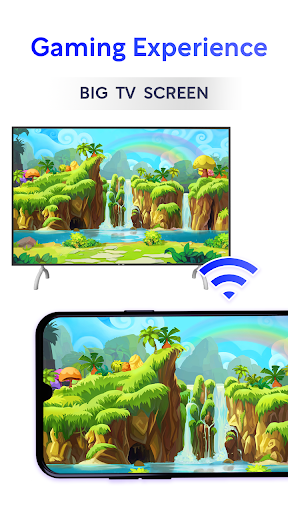
HD Screen Mirroring App - Cast TV allows you to connect a mobile to a TV for playing mobile videos on the TV screen. The best TV cast app is able to mirror & connect your mobile to your TV screen. With this video mirroring cast app, you can easily connect your phone with your smart TV wirelessly. Connect any mobile phone to your Android TV easily by using our screen-cast.
The screen TV casting app lets you connect your android mobile to the TV screen so you can enjoy your mobile videos precisely as you see them on your mobile device.
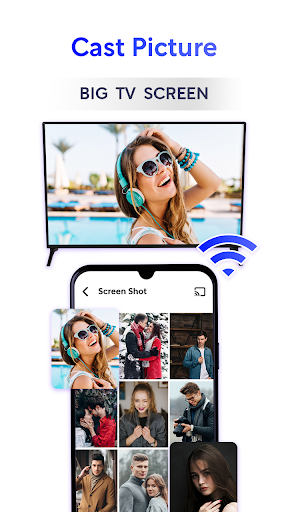
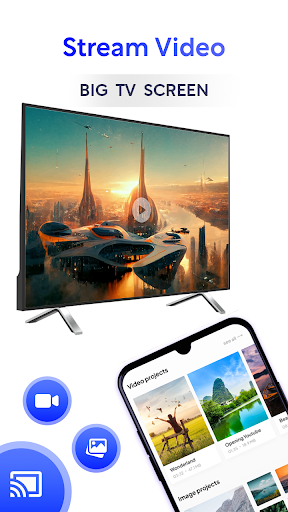
The phone-to-TV screen casting app is useful for streaming and easily accessing all media files, including mobile games, photos, music, videos & E-books on the smart TV screen. With the HD screen mirroring app you can search for your favorite shows and movies and easily stream them anytime on your TV screen in HD quality.
Multiple Devices Supported
- Google Chromecast
- AnyCast
- Amazon Fire Stick & Fire TV
- Roku Stick & Roku TV
- Other DLNA Receivers
- Other wireless adapters
- Most smart TVs, LG, Samsung, Sony, TCL, Xiaomi, Hisense, etc.
Phone to TV casting app is a powerful app for screen minoring and video & TV casting. This screen stream app scans and mirror your smart TV with the same Wi-Fi internet connection. Download this best Screen casting app and make sure both mobile and TV will be connected with the same internet connection.
How to use this stunning app?
Download and open the Screencasting app.
Make sure both devices mobile and TV are connected with the same WIFI connection.
Turn off VPN.
Enable the Miracast Display function on your TVClick the connection button
Enable the wireless display function on your phone.
Wait for the device to search.
Now Enjoy HD TV screen mirrorin
Feature of HD Screen Mirroring App - Connect Phone TV:
HD display on TV.
Free to download.
One tap to connect.
Wireless connection.
Supports all media files.
No need to Login for connection.
Fast connection with just one click.
Fast, very easy to use for everyone.
Provides screen share in real-time speed.
Mirror your android mobile phone on a smart TV.
Provide streaming for videos, movies, and photos using screen mirroring.
Before you Start:
Before connecting the TV Screen, make sure VPN is turned off.
The TV must be connected to a WI-FI network same as your phone.
Save your eyes from the small phone screen and enjoy big-screen TV series shows in the family area. Download this free TV mirror and screen share app!
Thanks for downloading Screen Mirroring - All Mirror App and share with friends and family.





9Apps 4.9














