
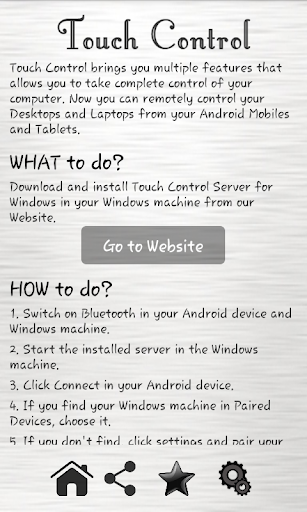
It brings you multiple features that allows you to take complete control of your computer. Now you can remotely control your Desktops and Laptops from your Android Mobiles and Tablets. You can play or pause your videos, browse in the internet, navigate during slide shows and presentation in a much better way.
Stay where you are, We bring smarter world to you in smarter ways
Important:
★ Download and install Touch Control for Windows in your Windows machine in the below link. (Server)
https://sites.google.com/site/touchcontrolandroid/
How to use?
★ Run the server software now installed in your Windows and Start the server
★ Run the Touch Control App in your Android device.
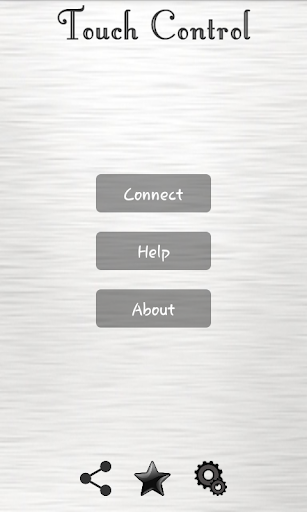
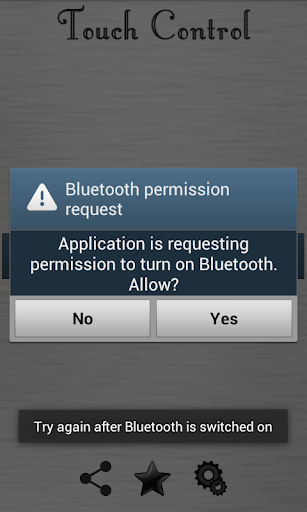
★ Connect your device to the server through Bluetooth
Amazing Features
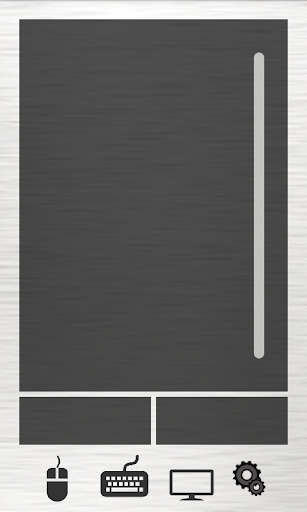
★ Complete Mouse control (Left click, Right click, Double click, Scrolling and Dragging)
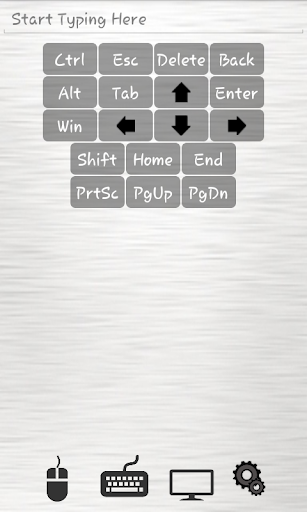
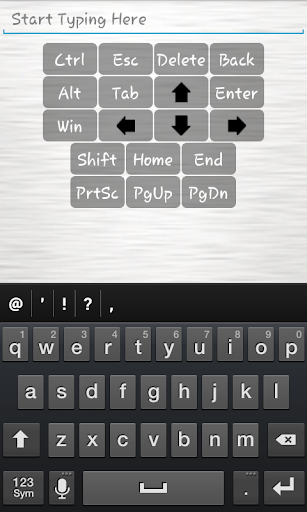
★ Most of the Keyboard features are available
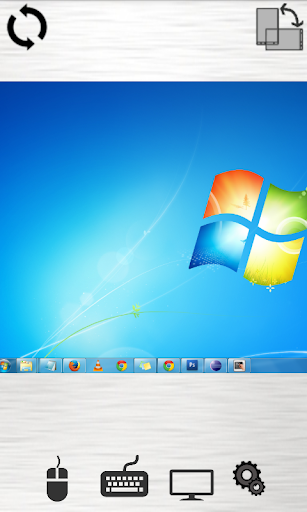
★ You can view the Live (current) Screen of your computer in you device.
★ Secured Bluetooth Channel for communication
★ Any time control can be disconnected
Version 1.01:
★ Fixed bugs









9Apps 4.9














