
With
Password Manager: Top Secret
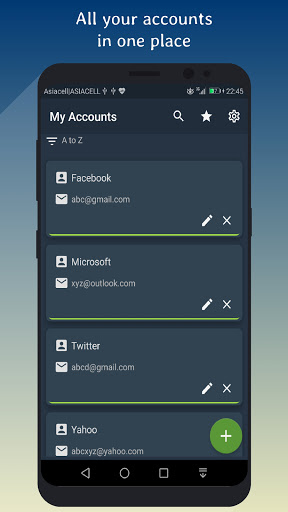
you can safely store accounts, emails, passwords, and keys with encryption and forget about something called I don't remember my password :)
New
Dark and Light mode.
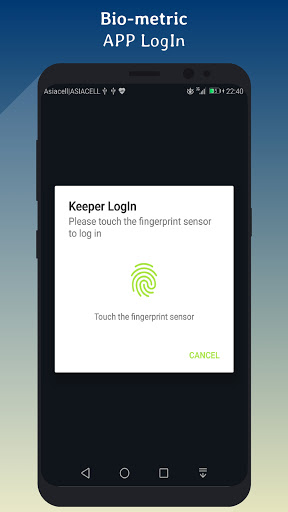
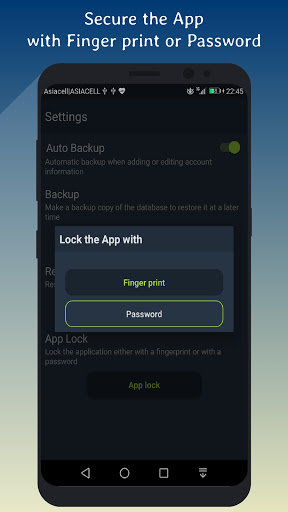
Biometric login.
Entries sorting.
Features:
1- Strong data encryption using AES-256 bit.
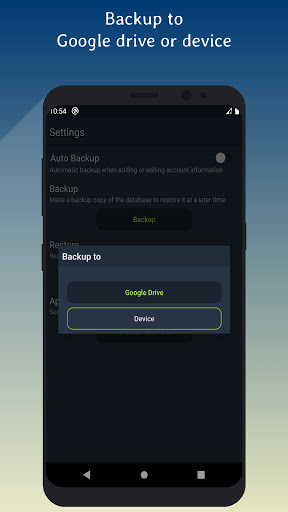
2- Backup your data to your Google Drive account.
3- Restore your data from your Google Drive account.
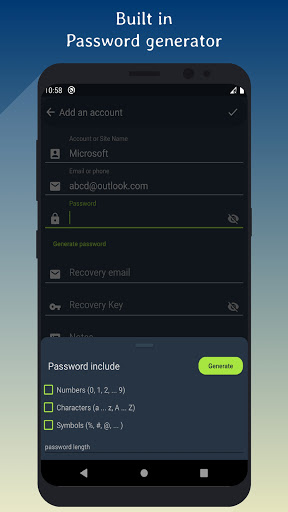
4- Built in strong password generator.
5- You can secure the application with a password.
6- Auto-Backup to local storage.
7- Backup and Restore data manually from Google Drive or from local storage.
8- Editing and Deleting accounts.
9- The ability to make a copy of account details in the application.
10 Unlimited number of entries.
Security
Your data is always encrypted using 256-bit Advanced Encryption Standard (AES).
If you need a new strong password you can use built in password generator.
Notes
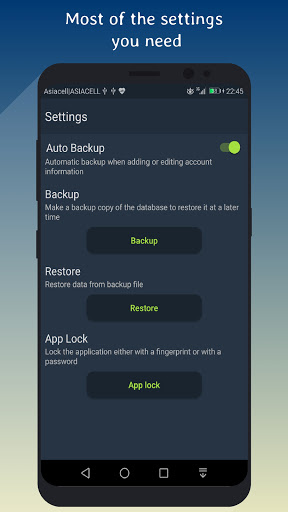
- After installation go to settings in the application then activate Auto Backup.
- This is an offline password manager application.
- Auto backup works if you add or update an account.
- Auto backup works as a backup copy of the database on the device only.
- You can upload any backup file from device to the Google Drive.
- You need to set up a Google Drive account to backup and restore.
Backup and Restore
If you have multiple devices or if you buy a new device you can share easily your accounts with your devices or with a new one using Google Drive without retyping them.
Restore accounts on another device
Simply create a backup to the Google Drive then install the application on the other device and go to the settings in the application->click on the
restore and choose Restore from Google Drive then select the backup file and that's it.
How to use:
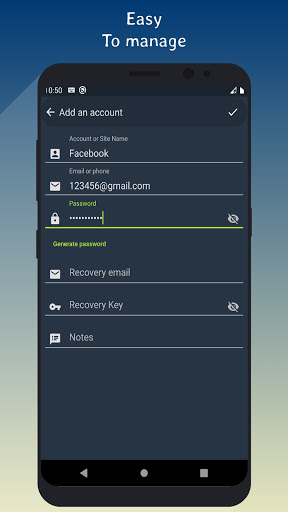
1- Write your account or site name.
2- Write account or site email.
3- Write account or site password.
4- Save it and it's done.
Note:
Storage: Needed to allow you to backup and restore data.
Dark and Light mode.
Biometric App Lock.
Entries sorting.
Fix some bugs.


9Apps 4.9