
Royal TSD icon

Royal TSD

2.0.23 for Android
4.8 | 5,000+ Installs | Reviews

Michael Rumpler

$5.99

Description of Royal TSD

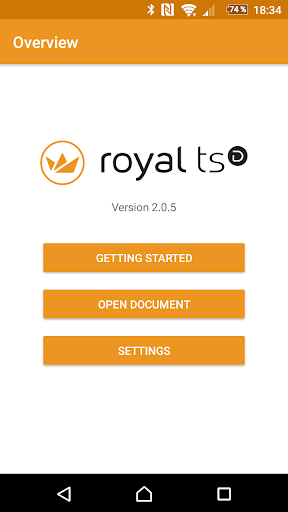
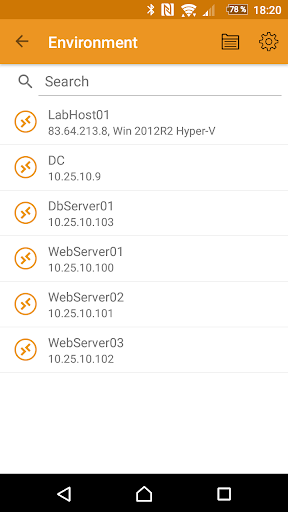
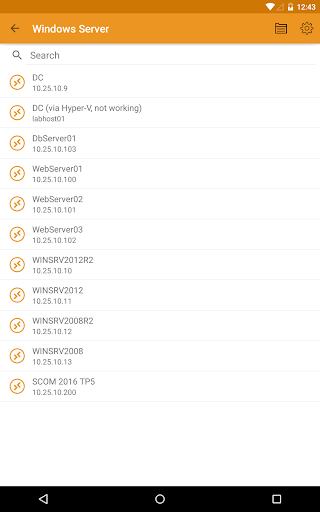
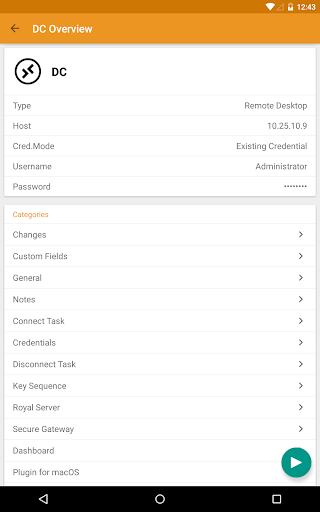
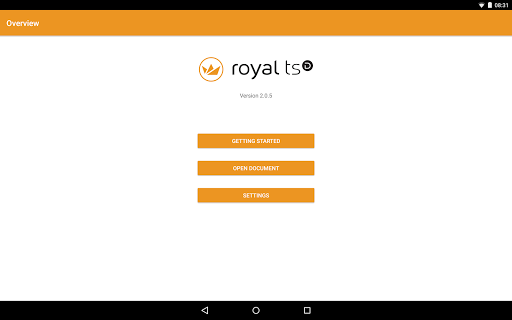
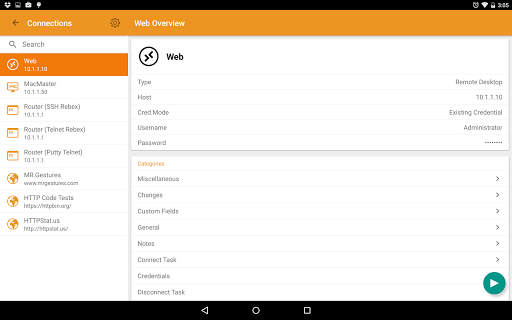
Royal TSD provides easy and secure access to your remote systems (RDP, VNC, SSH, etc.) by allowing you to open your Royal TS/X documents created with Royal TS (for Windows) or Royal TSX (for macOS).
Those documents can be opened directly from any installed cloud provider like Google Drive, Dropbox or OneDrive. You can even send the documents via email or copy them to your device via USB and then open them with Royal TSD.
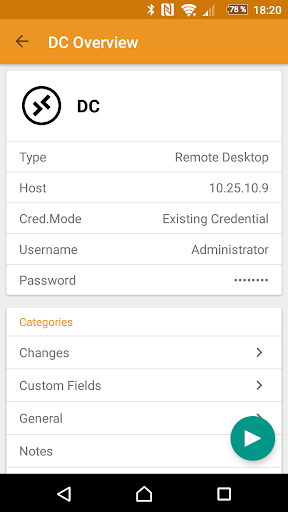
Connecting to the remote machines with RDP, VNC, SSH or Telnet is possible with specialized 3rd party apps.
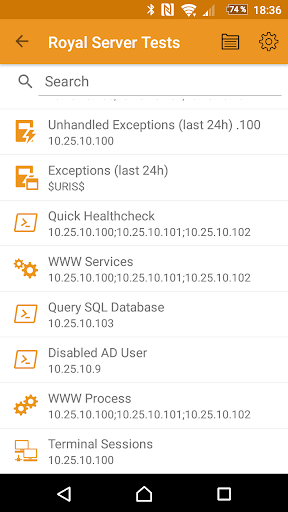
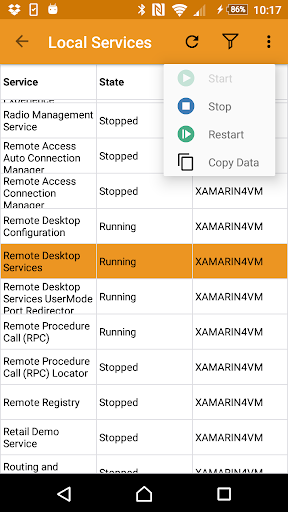
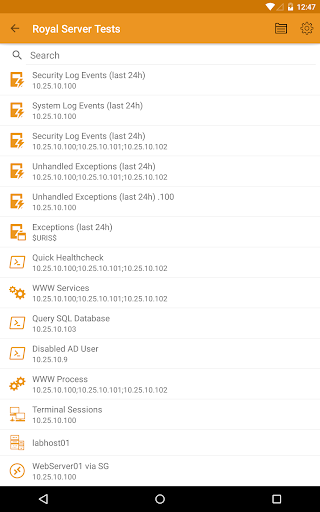
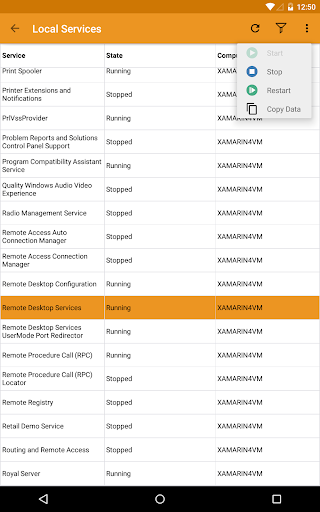
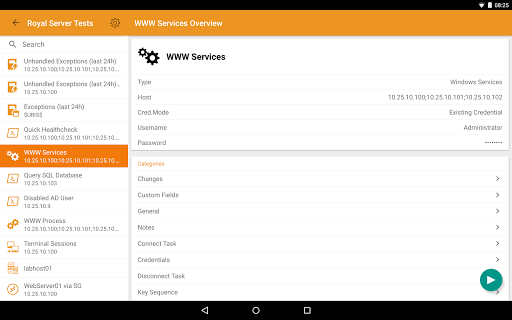
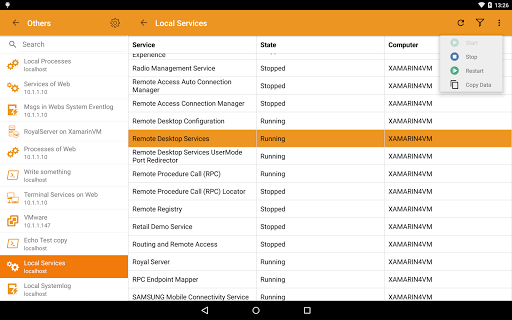
With Royal Server you don't need to connect to the remote desktop anymore. You can manage Windows Events, Windows Services, Windows Processes, Terminal Services, Hyper-V and VMware virtual machines and can start PowerShell scripts on the remote machine directly from Royal TSD.
E.g. if you find an error in the Event Log, then you could restart a service, kill a process, reset a Terminal Services connection or stop and start a Hyper-V virtual machine. When you use PowerShell scripts, then there is no limit of what you can do.
Some supported connection types can be tweaked and optimized for your mobile device. E.g. Remote desktop connections can be configured to always use a lower color depth or screen resolution to save bandwidth.

What's New with Royal TSD 2.0.23

- dynamic folders and credentials
- navigate to previously opened page on app start
- new Information object
- dynamic colors based on current theme
- new custom property type Month/Year
- show release notes within the app
- other fixes and improvements are listed there

Information

  • Category:
    Business
  • Latest Version:
    2.0.23
  • Updated:
    2021-07-30
  • Requirements:
    Android 0 or later
  • Developer:
    Michael Rumpler
  • ID:
    com.royalapplications.royaltsd
  • Available on:
Reviews
  • avatar
    More of a password manager for other apps and not like the desktop. Can't create configurations can must have a desktop version for this to work.
    2021-11-13 11:14
  • avatar
    Limited to no functionality compared with the desktop version. 4/10 could try harder.
    2020-04-17 07:04
  • avatar
    As others people said this should be all in one apps like on PC without the need of 3rd party apps (I hope in the future you will improve that). I'm waiting the possibility to create document etc... in the next release as you said :)
    2020-02-04 12:53
  • avatar
    Я в восторге от десктопного стека приложений. Работаю и на маке и на винде. Для меня как для домашнего пользователя это была довольно дорогая покупка, но это лучшие десктопные приложения для терминальных сессий на рынке во всех смыслах! Прежде чем купить, я перепробовал очень много альтернатив. Тут шлюз есть, настроил ретину средствами приложения (до этого держал отдельное приложение для изменения разрешения), перфоманс отстроил так, что RDP откликается ооочень быстро, софт предоставляет кучу настроек, до сих пор много чего изучаю. Но Я конечно сам дурак и не почитав даже описания на радостях купил это приложение. Я не могу понять зачем оно мне даже бесплатно нужно. Это просто читалка документов, которая редиректит на другие приложения. А другие приложении само собой не поддерживают ваш шлюз и разумеется мои терминалы, что работают через шлюз, через эту программу не работают. Так что спасибо команде разработчиков десктопного стека, а это приложение пока что еще ничего не стоит и я не вижу что тут вообще оценивать...
    2019-06-07 07:50
  • avatar
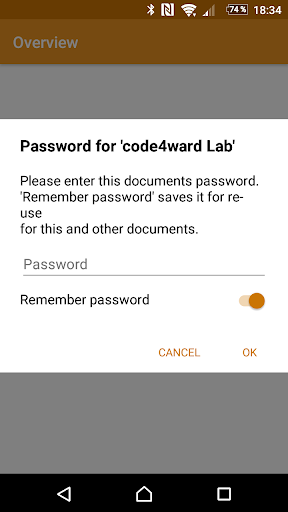
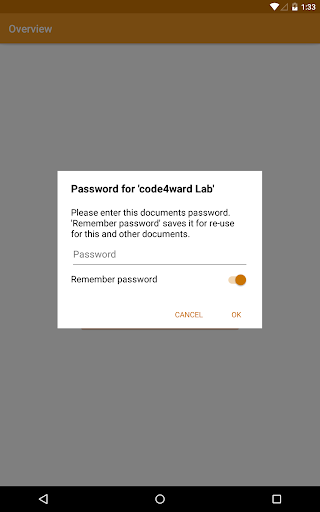
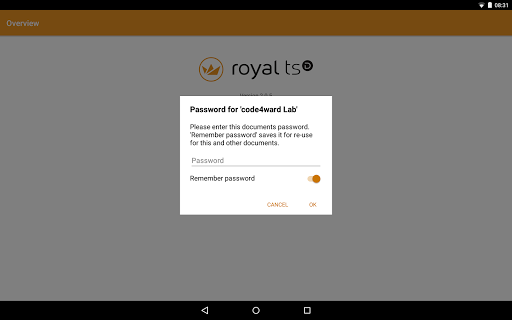
    Keeps crashing when attempting to open password protected document
    2019-04-12 06:48
  • avatar
    Really wanted it to be an all in one app like it is on Mac and PC (though it properly said in the description otherwise). That said the transition to the preferred apps is not laborious and it works similar to the Mac and PC versions.
    2019-03-08 05:46