Time Wall & Lock
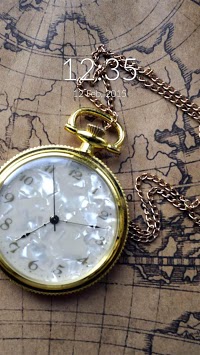
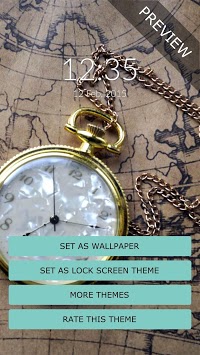
Antique pocket clock screen locker. Get this pocket clock screen locker and give a sophisticated look to your mobile phone
It's easy, to install the wallpaper push the "Set as Wallpaper" button.
On the lock screen side, Time is a theme for Rocket Locker, so if you don't already have it installed, you'll be redirected to Google Play in order to install it.
* The Time screen lock theme requires Rocket Locker which you can install free from Google Play (https://play.google.com/store/apps/details?id=com.rocketlocker).
* If you don't have Rocket Locker installed, you can easily install it inside the theme app.
If you have any issues or suggestions, please feel free to contact us.
E-mail: support@mobaba.com (please make sure you include "rocket locker" in the subject)

9Apps 4.9