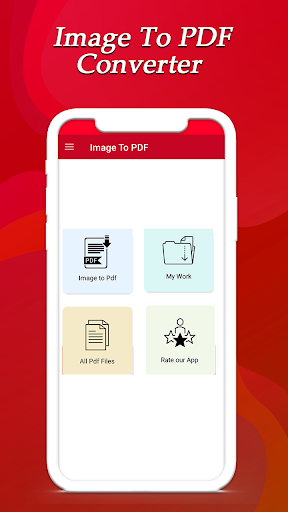
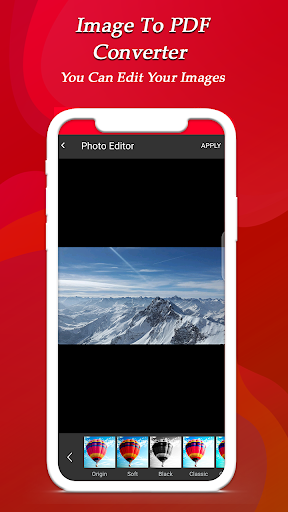
Image to PDF Converter app will let’s you to change your images into PDF file without any problems.this have option to edit your image and get started to change into PDF file.
Image to PDF Converter app is a tool to create pdf files with jpg, png or bmp image files. Converts multiple images into a single PDF file. It does not require internet connection.
Free Image to PDF converter app by using this, image could be converted to PDF in a minute and designed with more friendly approached design. JPG to PDF Converter is very useful tool for corporate office, business meetings, daily uses, government office, and online registration account.
Steps to use Image to PDF Converter:
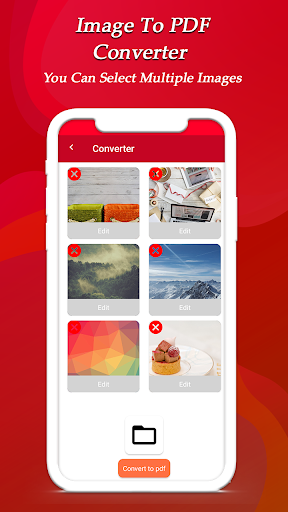
1. Select image/images from gallery with icon.
2. Deselect unwanted images by long pressing on it.
3. Convert to Pdf.
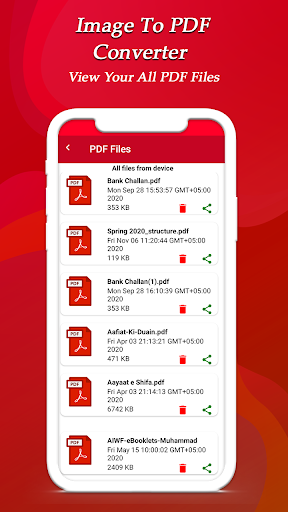
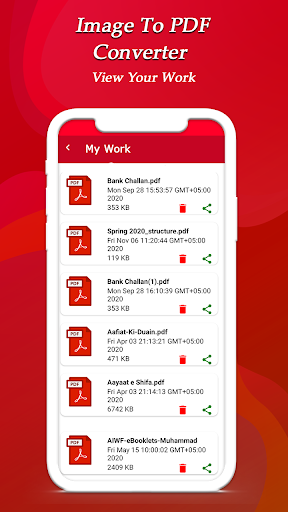
4. View list of all created PDF.
5. Open the PDF with any PDF viewer/editor.
6. Share or delete the pdf by long pressing the file in the list.
EasyPDF converter app has a very easy user interface. Just add pictures and run to combine multiple images or directory to PDF. Using this PDF maker you find that there is nothing to make things difficult. In time, extra features will be added according to what users request.
You can create PDF documents for your own official use and maintain records that are secured by the use of PDF Maker.
Enjoy now PDF Conversion at one click and convert your PDF to JPEG or PDF to PNG.
Features:
Powerful and fast images to pdf Converter
Convert Multiple images into one pdf file
Compresse images into pdf file without lossing its quality & resolution
Simple app user interface
Set pdf file before Converter into pdf file


9Apps 4.9