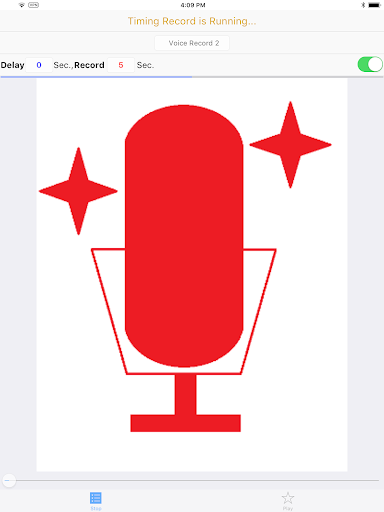
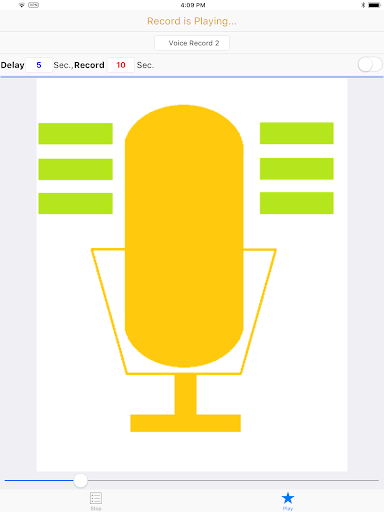
Want to start voice recording automatically and stop voice recording automatically?
Now use this App can meet your needs!
Features:
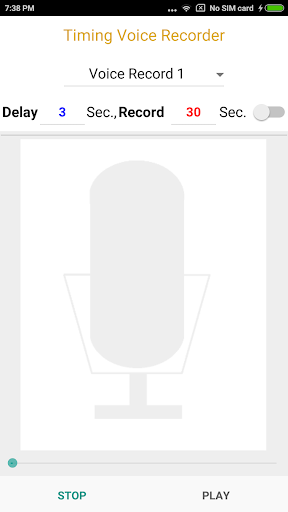
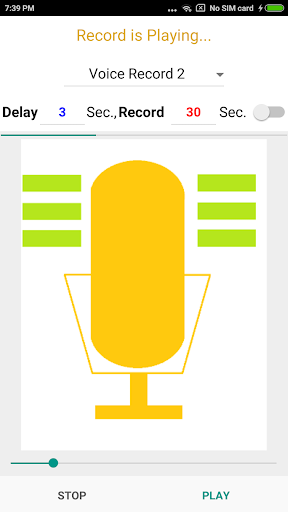
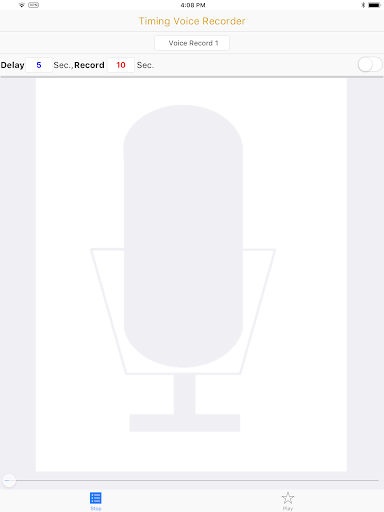
• Delay Time and Record Time settings.
• 20 voice recordings.
• Auto repeat playback.
Quick Start:
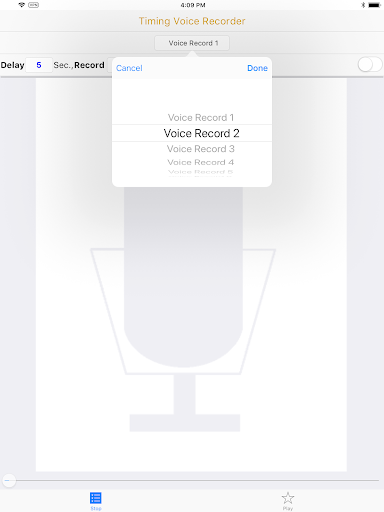
1. Select voice record number.
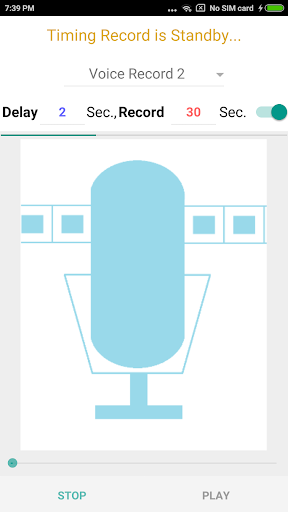
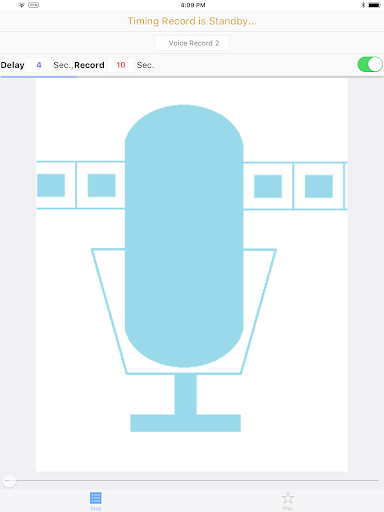
2. Enter the delay seconds and recording seconds.
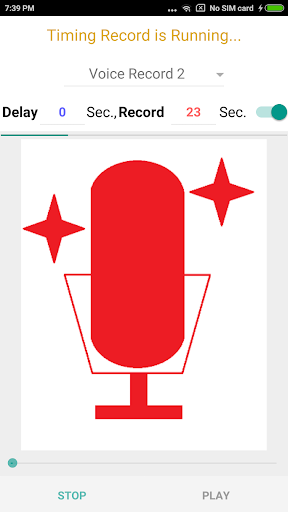
3. Press the top switch to start voice recording.
4. Click the Play button below to play the voice recording.
For more details:-
Website- https://goo.gl/t6Tn9X
Update UI.


9Apps 4.9