

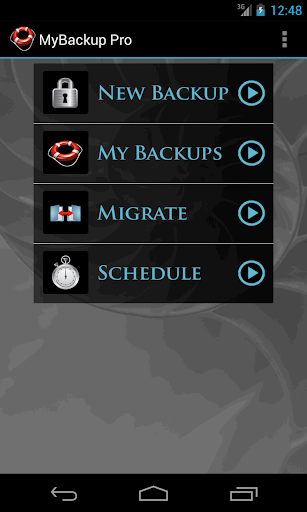
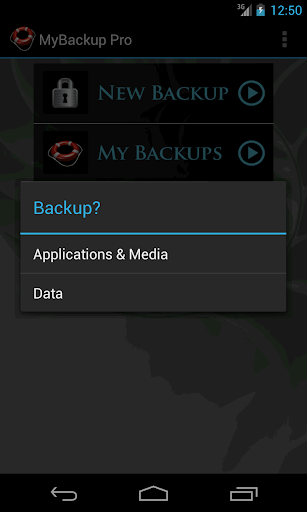
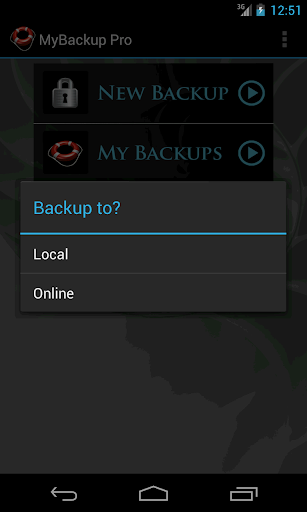
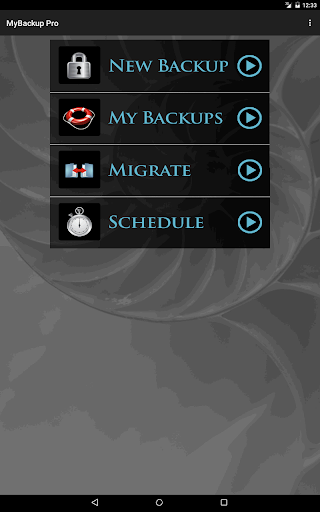
MyBackup is the easiest, most reliable, and feature packed Android backup solution available.
Supporting the most content, and the most Android devices.
For FREE:
* Backup locally to your device or SD card
* Backup and restore using an On The Go (OTG) USB card
* Cloud Backup
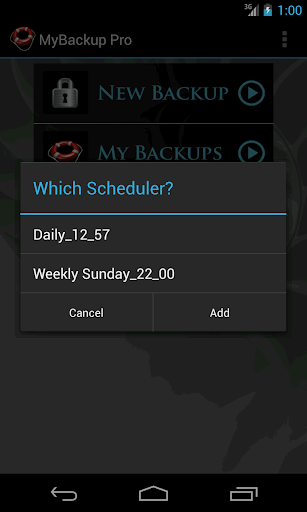
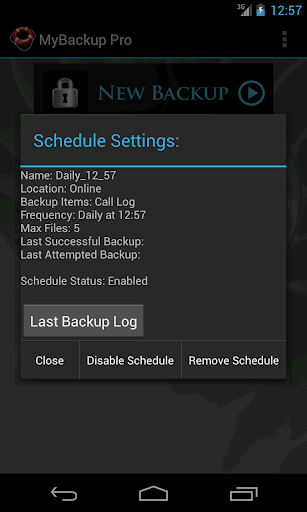
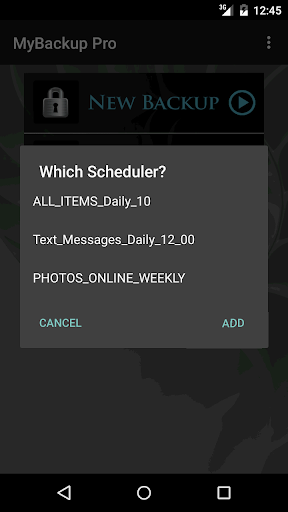
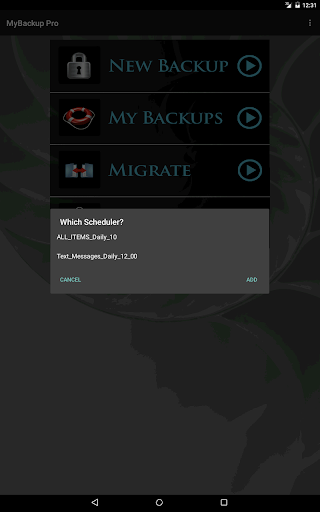
* Schedule multiple automatic backups
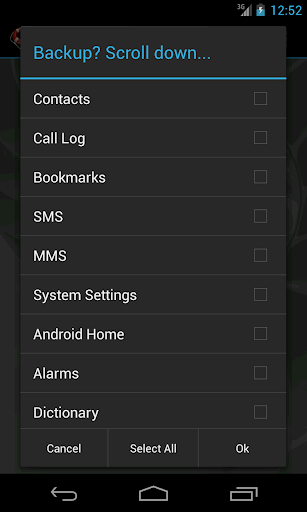
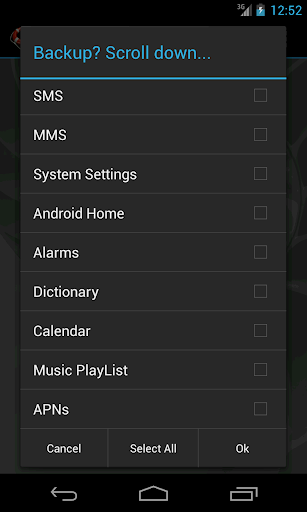
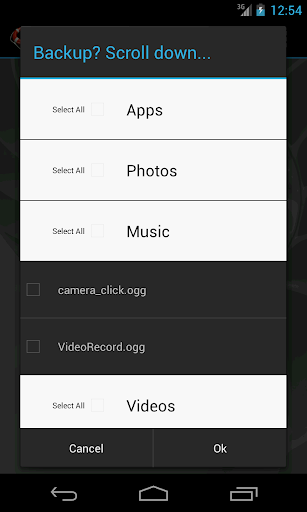
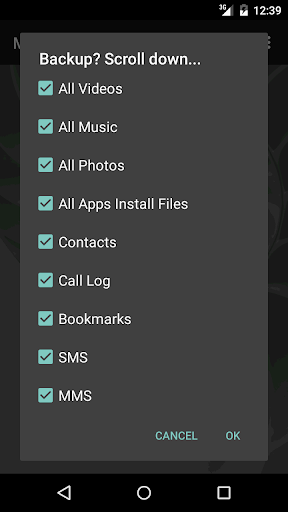
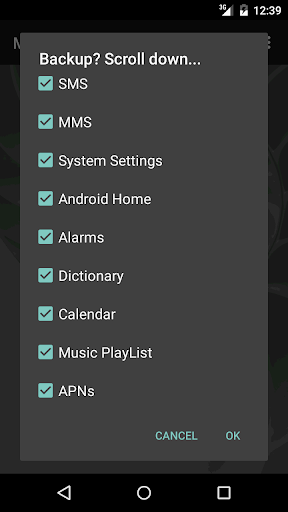
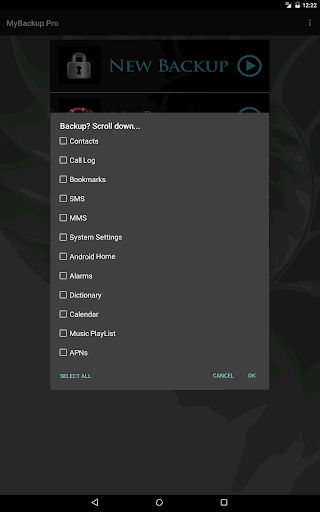
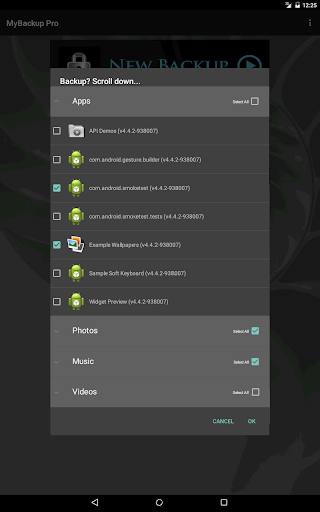
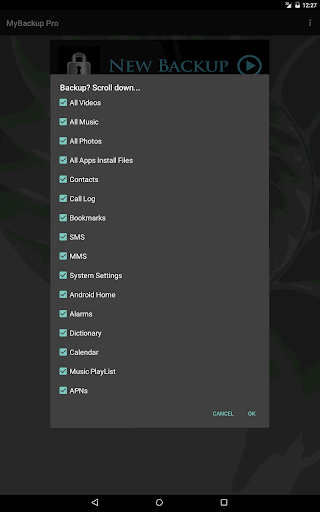
* Supporting THE MOST content including your Applications, Photos, Music, Videos, Contacts, Call log, Browser Bookmarks, SMS (text messages), MMS (message attachments), Calendar, System Settings, Dictionary, Music Playlists, APNs, Home Screens (Some devices), Alarms (Some devices), and more...
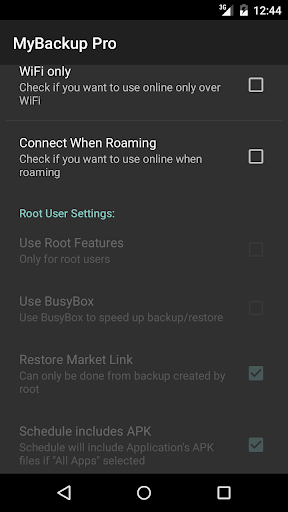
* Users with root access can backup APKs AND DATA!
* Backup and restore one device, to go across another device (data migration) you will need the Pro features
Unlocked Pro features include:
* Backup and Restore to any number of Android devices sharing the same account
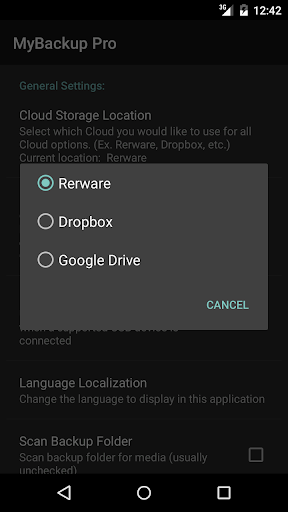
* Cloud backup support to any of the following services: 1) Rerware Cloud, 2) Dropbox, 3) Google Drive.
* Direct backup to your computer over the Internet!
* Direct migration from one Android device to another over WiFi
* View your data and application backups online
* Users with Root access can:
- Freeze bloatware, system apps
- Defrost frozen applications
- Wipe Cache of applications
- Wipe Data of applications
- Uninstall applications
- Force Close applications
- And more...
MyBackup will work on all Android mobile devices, regardless if they have root access or not.
Find out why over 5 million people trust MyBackup as their secure source for a Backup Solution.
NOTE: Data and setting of applications can only be supported if you have a rooted device, or if the application integrates with us.
________________________________
NEWS AND REVIEWS:
CNET TV recommends Android users to use MyBackup Pro to backup their personal data.
T-Mobile highlights MyBackup Pro in their quarterly magazine as "an application to have For the Security Minded."
TechHive (PCWorld) gives MyBackup Pro 4.5 stars and recommends Android users to use MyBackup Pro to backup and secure their Android devices.
________________________________
v4.7.6
- Fixed SMS/MMS restore on Android 10
- Fixed intent redirection vulnerability
v4.7.3
- Fixed Google Drive issues and Misc fixes.
v4.7.1
- Fixed Google Drive and Dropbox.
v4.7.0
- Misc fixes for Android 10.
v4.6.6
- Fixed device id on some devices.
- Misc fixes.
v4.6.5
-Fixed schedule backup on some Android devices.
-Fixed restore apps on some Android devices.
v4.6.4
-Google API updates.
v4.5.5
- Update the target SDK.
- Misc fixes.
v4.5.4
-Misc fixes.








9Apps 4.9














