

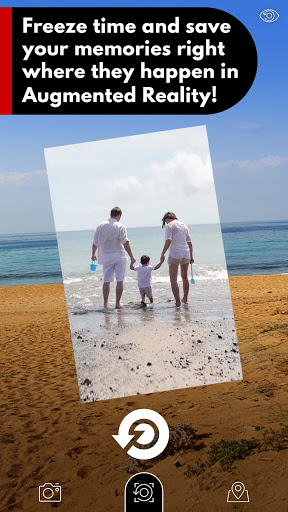
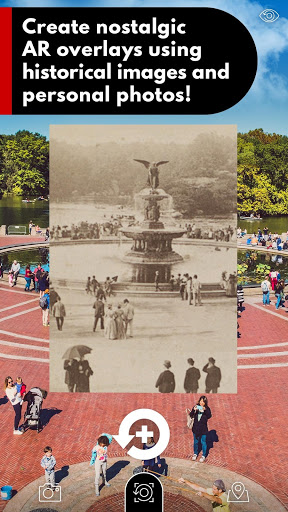
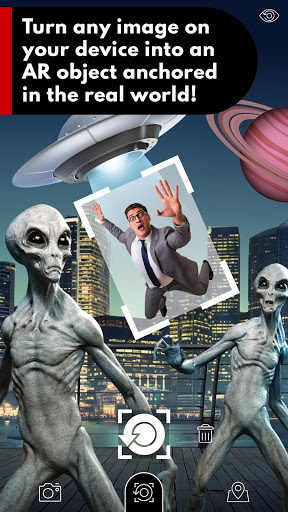
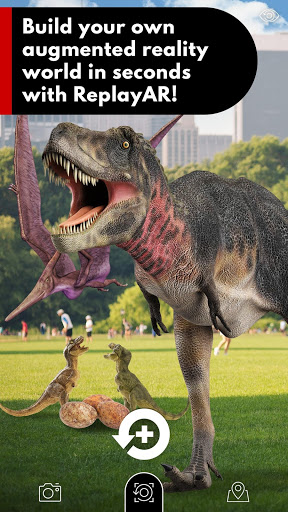
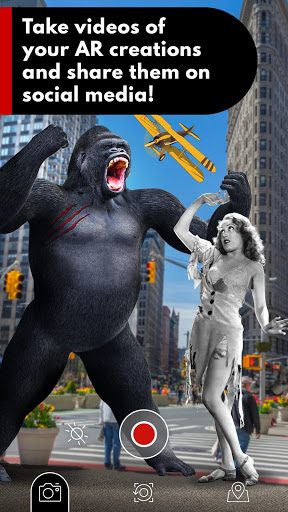
An augmented reality camera app that captures images from historical events and personal memories and then projects those scenes on the real-life locations where they actually happened. ReplayAR allows you to take AR photos and instantly turn any image on your device into a custom AR experience that can be viewed, recorded, and shared with others on social media. Our mission is "to pioneer innovative technologies that preserve and protect historical truth while connecting and inspiring a global community through the shared continuum of our human experience."
⭐ READ THIS FIRST! In some cases, this new technology may not be compatible with your device. In that case, please do not leave a negative review. You can also reach out to us directly for tech support at info@replayar.com. Usually, we will provide a response within 24 hours. For best results, please see additional notes below.
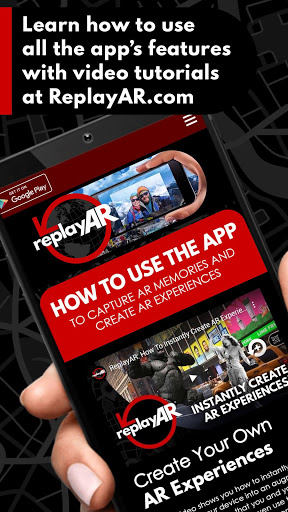
▶️ PLEASE WATCH THIS YOUTUBE TUTORIAL VIDEO to learn how to use ReplayAR: http://replayar.com/tutorial
📸 MAKE SURE YOUR CAMERA LENS IS NOT BLOCKED OR COVERED when launching the app. ReplayAR needs to see its surroundings.
👍 ALLOW ALL PERMISSIONS WHEN INSTALLING THE APP so ReplayAR has the tools it needs to function properly.
🛑 IF YOUR ANDROID DEVICE IS "NOT COMPATIBLE" you may need to download and install Google Play Services for AR (AR Core). Download it here: https://bit.ly/InstallARCore. It is likely your device shipped from China and requires AR Core to run many AR apps.
To learn more about how to use this app and see real-life examples of ReplayAR in action, please check out our videos at: http://ReplayAR.com.
📱 FEATURES AND FUNCTIONS:
Create AR Images:
Swipe the screen to go between Capture and Create. In Create Mode, tap the main button to pull up your device’s image gallery. Select an image to display it on your ReplayAR screen. Move your device to position the AR image where you want it placed. You can also pinch the screen to scale the image. Once the image is right where you want it, tap the main button again to lock it in place. Tapping twice on an AR image will open it in your timeline.
Capture AR Photos:
Swipe the screen to go between Capture and Create. In Capture Mode, tap the main button once to take a photo and preview it as an AR experience. If you like what you see, tap it again to save the AR experience and lock it in place. Tapping twice on an AR photo will open it in your timeline.
Camera Mode:
Take photos and videos of your AR creations to save and share on social media. You can even shoot video while creating new AR experiences! The photos and videos you take will be saved to your device’s gallery.
Map Mode:
Map Mode lets you see where all your AR images and photos are geographically located. Pinch the screen to zoom in and out and find your photos pinned on the map. Tapping a pin will open its corresponding image or photo in your timeline.
Timeline:
This is where all of your AR photos can be seen in chronological order, along with where and when they were taken. You can also save, delete, locate or highlight images from your collection. AR that was created using existing images from your device can have their dates changed to reflect the original date the image was created.
Reorientation Tools:
Due to the limitations of current GPS technology, some AR images may drift from their locations in between sessions. You can move the positioning of a single AR image or a full set with our reorientation tool by tapping on the world or compass icons in the corner of the screen.
We want to see how you use ReplayAR!
Replay your AR memories and share your AR creations on Instagram, Twitter, and Facebook with the #ReplayAR hashtag!
ReplayAR: The future of preserving the past.®
http://ReplayAR.com
©Copyright 2020 • All Rights Reserved • U.S. Patent No. 10,127,730 B2







9Apps 4.9













