

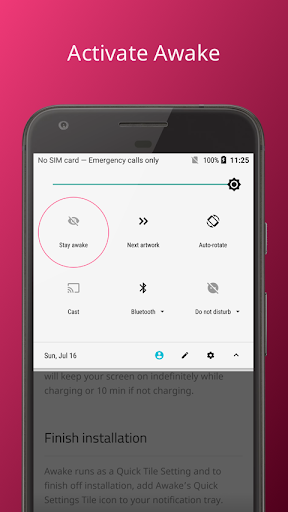
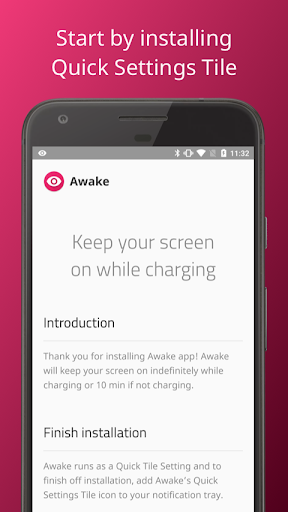
Awake runs as a Quick Tile Setting or by using the app.
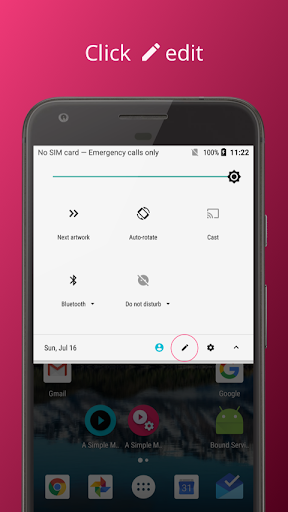
Please add Awake’s Quick Settings Tile icon to your notification tray.
1: Slide down your Quick Settings Tile and click on edit.
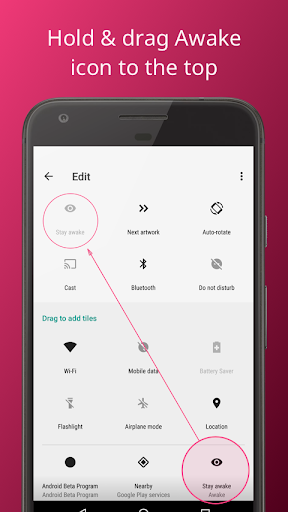
2: Find Awake icon. Long press and drag it to the top.
3: Turn on Awake, by clicking on "Stay awake" icon.
- After adding the quick tile,
- Awake will automatically turn on when you plug your phone it.
- It will automatically turn off when you unplug your phone.
- You can enable or disable this behavior.
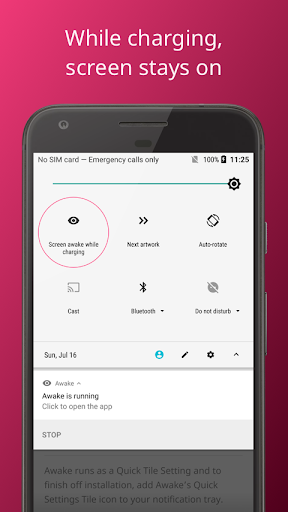
- If your phone is charging and you turn on Awake, it will stay awake indefinitely.
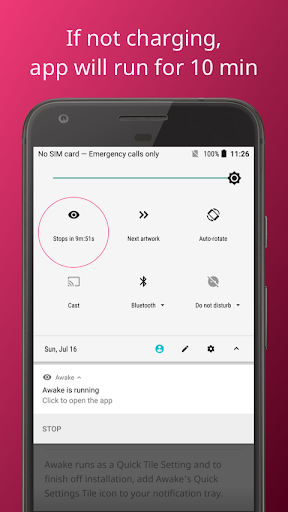
- If your phone is not charging, Awake will keep your phone’s screen awake for 10 minutes.
- You can specify 5, 10, 30 minutes for this timeout value.
Make sure app works on Android 10






9Apps 4.9














