
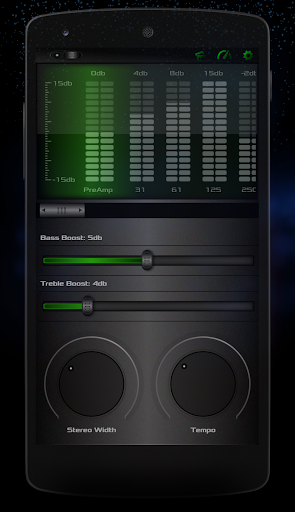
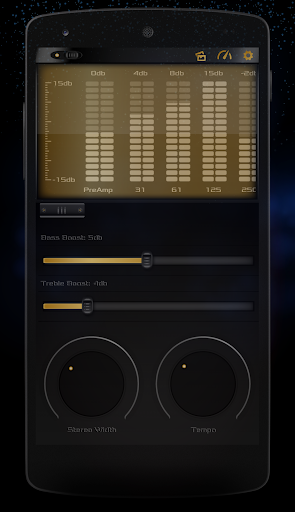
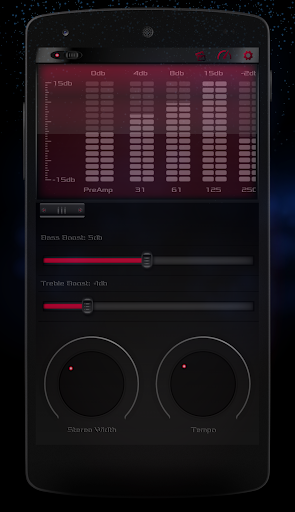
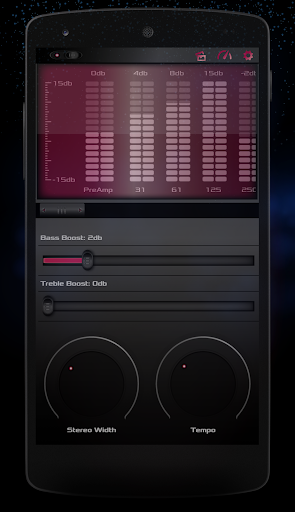
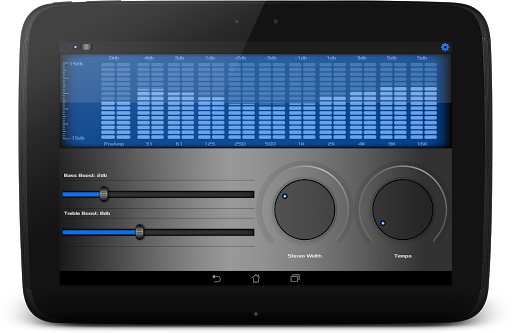
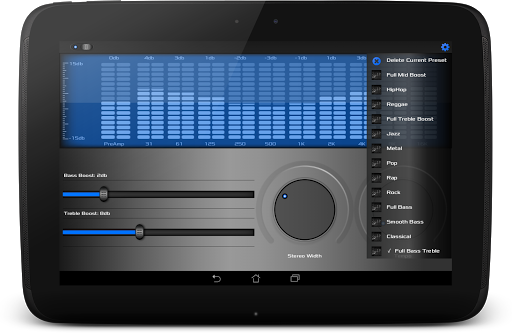
This is the pro unlocker for Equalizer Ultra™. It simply unlocks the full features of Equalizer Ultra!
Please note that this is not a stand alone application and therefore depends on you having Equalizer Ultra™ installed on your device. You should not uninstall Equalizer Ultra after installing this unlocker!
This addon unlocks the following features in Ultra Mode for Equalizer Ultra™:
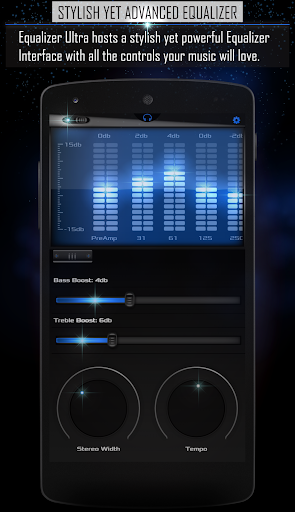
• 10 Band Graphic Equalizer
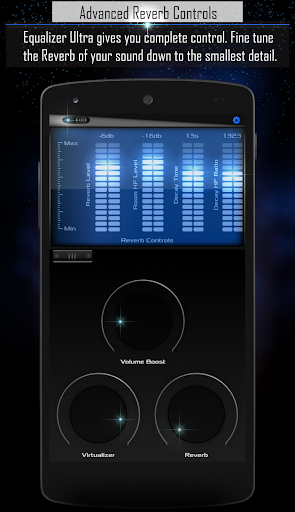
• Reverb Effects
• Pitch & Tempo Controls
• Bass & Treble Controls
• Stereo Effects (Stereo Width Expander and 3D Angle Shifter)
INSTRUCTIONS:
All you need to do is install this add-on, then simply restart the main app (Equalizer Ultra™) by pressing the "Quit" button in the options menu and the new features should be unlocked.
If activation is not successful on first try, simply repeat the step above.
Enjoy!
Pro Unlocker Updates:
- Launcher screen implemented to help limit some of the confusion that users were facing with this Unlocker.
- If Equalizer Ultra is installed, the launch screen will have a flashing 'Start' button which can be used to start the application.
- If Equalizer Ultra is not installed, the launch screen will have a flashing 'Install' button which will direct you to the Play Store where you can install Equalizer Ultra.









9Apps 4.9













