
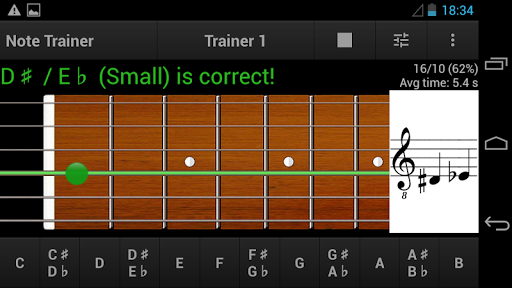
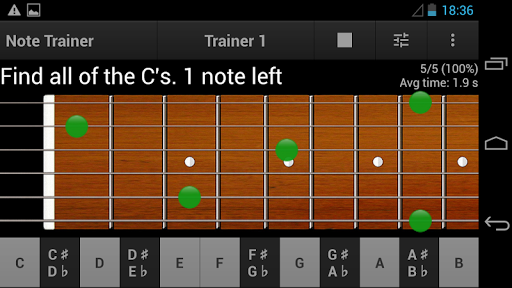
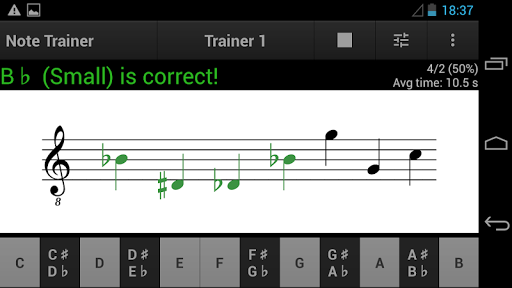
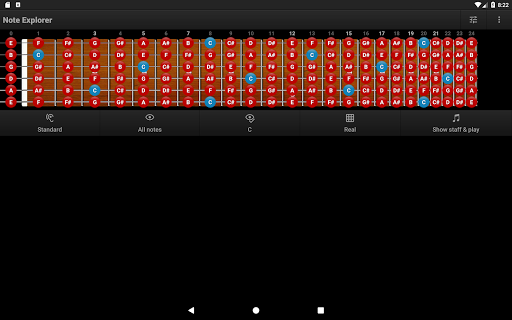
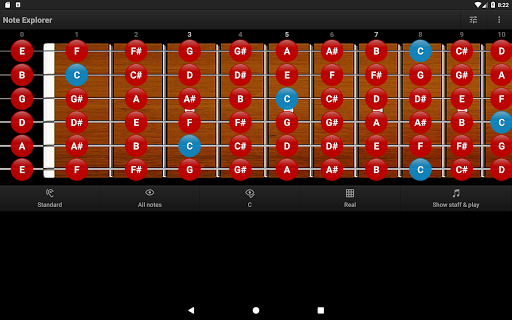
Guitar Note Trainer is a tool to assist in learning the 4-string, 6-string and 7-string guitar fretboard notes. This app provides all you need to meet this goal, in an intuitive and flexible way. It is useful as for beginners, so for those who already have basic skills and want to make them perfect.
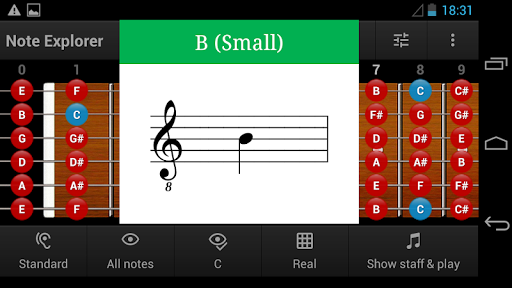
Guitar Note Trainer is an excellent choice for learning notes (English, German and Latin namings), octaves (Traditional and Scientific namings), sight reading (Treble and Bass clef), sight playing, finger memory and ear training.
The tuning of the guitar simulator can be customized in any way in range from F# (contra octave) to B (3 line octave) with different sounds (acoustic steel, electric distortion, nylon).
Guitar Note Trainer has 6 modes:
★ Note Explorer
★ Note Trainer
★ Note Practicum
★ Note Game
★ Note Tuner
★ Note Theory
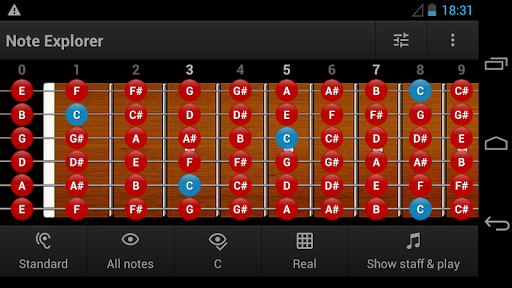
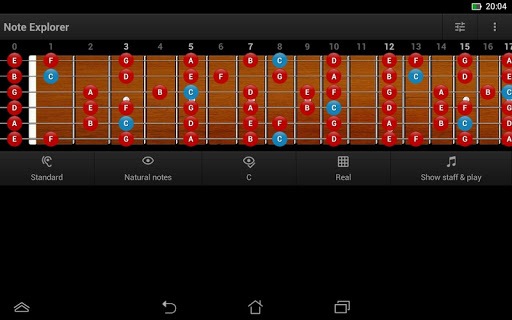
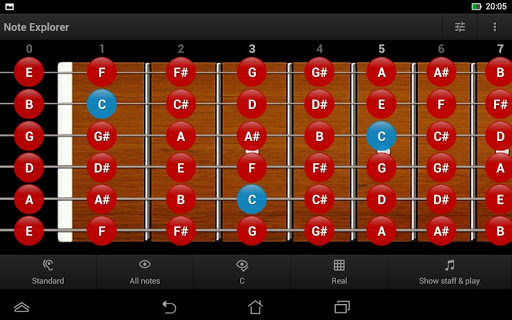
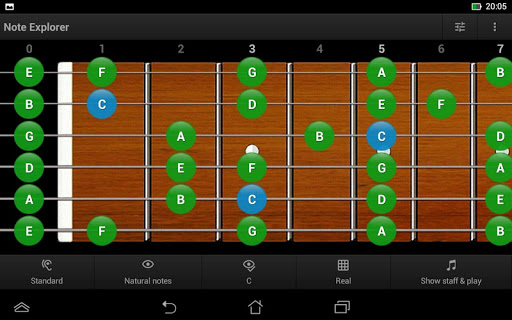
EXPLORER MODE displays/hides notes on the fretboard or on its diagram, using various user-adjustable filters and highlighting, and also allows you to choose the explorer action for touching notes on the fretboard of the guitar simulator.
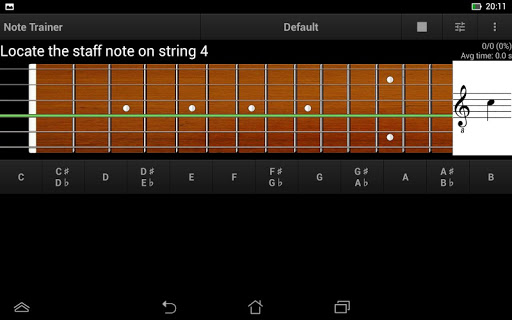
TRAINER MODE includes the following features:
★ Customizable trainer profile that defines area and the notes on fretboard you would like to focus on
★ Trainer can generate 9 types of questions that covers all the possibilities of identifying notes
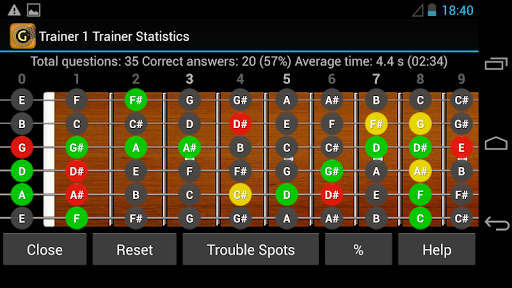
★ Full statistics tracking for each note and totals for trainer profile: number of total question, number of correct answers, successful percent, average time of reaction and total time of training
★ Creating new trainer profile by trouble spots in the statistics
PRACTICUM MODE allows to recognize requested notes of a real instrument (also it can be set in auto-answering mode). Thus, you train both, note recollection and finger memory.
The practicum mode includes the following features:
★ Customizable practicum profile that defines area and the notes on fretboard you would like to focus on.
★ Practicum can generate 7 types of questions that covers all the possibilities of identifying notes for this mode
★ Full statistics tracking for each note and totals for practicum profile
★ Creating new practicum profile by trouble spots in the statistics
IMPORTANT: To use this mode, for recognition of the notes of the instrument, you need to enable the Microphone Permission.
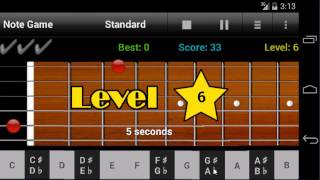
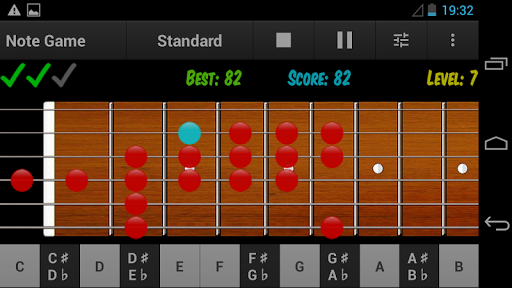
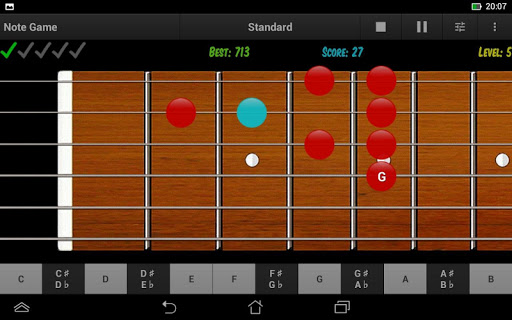
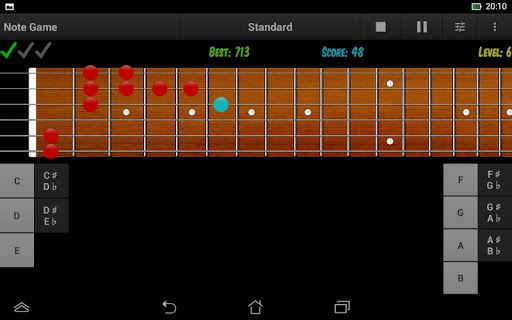
GAME MODE offers a more efficient way of verifying the knowledge and learning the notes on the guitar fretboard by playing and having fun.
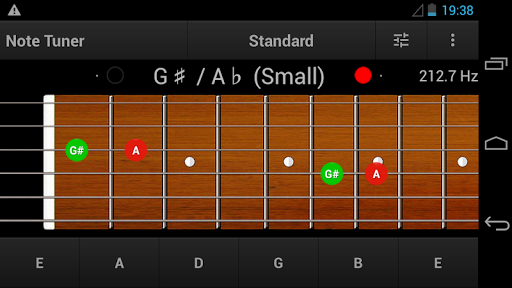
TUNER MODE is a guitar tuner (45-2034 Hz) that displays on the fretboard all the positions of the recognized note of the instrument and its frequency.
THEORY MODE includes basic musical notes theory and some useful charts and hints for learning the notes on the fretboard.
By using the application for a few minutes each day it is possible to quickly learn all of the notes (in any notation) on the guitar fretboard.
5.7
Allowed user-defined marker dots positioning (All dots, No inlay, Customizable on default frets)
Added Russian language
Adjusted secondary design to Android OS themes
* Animated general options menu has been removed
* Important improvements
- Bug fixes








9Apps 4.9