
Do You?
Want a software navigation bar upon hardware navigation bar?
Want to use software navigation bar over oxygen pill or bottom bar?
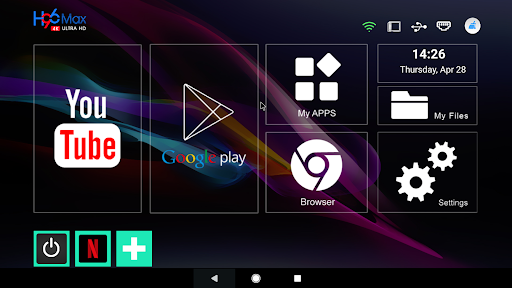
Want to completely remove the dependency of remote on AndroidTV or AndroidTV box?
Here, it is
Android Navbar - another life and money savior
Extra Options - special hidden options under the hood
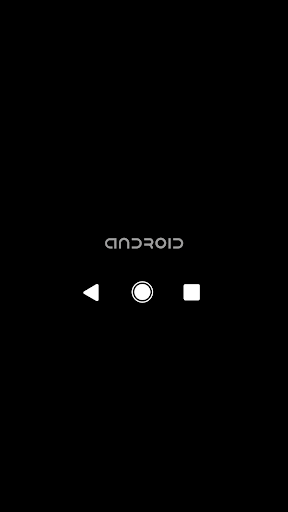
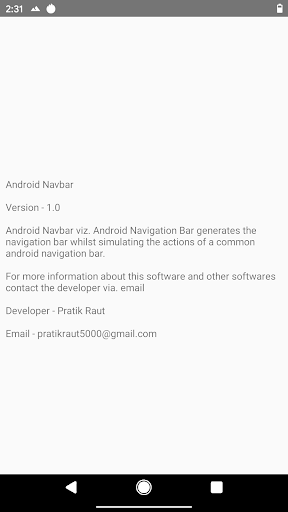
Android Navbar viz. Android Navigation Bar generates the navigation bar whilst simulating the actions of a common android navigation bar.
Features
- Supports all android versions through Android 5.1 (Lollipop MR1)
- Comes with Extra Options
Extra Options
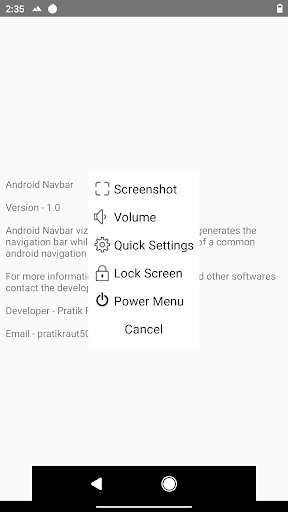
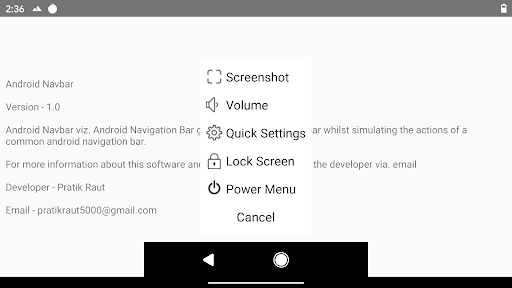
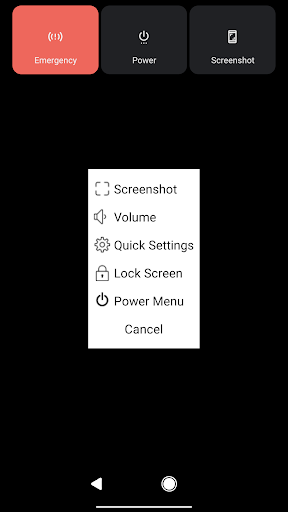
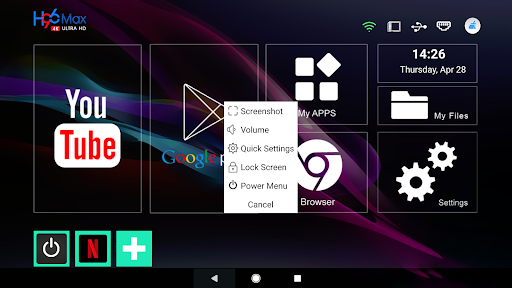
Screenshot - takes the screenshot without having to press the combination of volume and power buttons
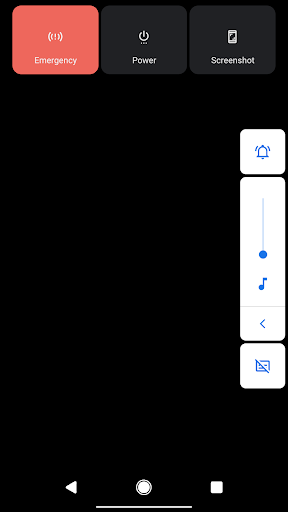
Volume - shows the volume dialog
Quick Settings - shows quick settings panel
Lock Screen - turns off the screen (standby mode)
Power Menu - shows power menu options
Note - These extra options will vary depending upon the Android version and the device.
Note - On some devices, clearing the recent apps or cache will exit the Android Navbar.
In such case, either
1. Disable Android Navbar from Accessibility Settings and enable it again.
or
2. Restart the device
Emergency Mode
1. Go to ---> Settings ---> Accessibility ---> Android Navbar
2. Enable/Disable Android Navbar
v1.2
- Bug fixes
v1.1
- Long press anywhere on the Android Navbar to reveal the Extra Options menu
- Double tap the Android Navbar to change the position
(bottom, center, top)
v1.0
- Initial Release
- Supports all android versions through Android 5.1 (Lollipop MR1)
- Consists of some hidden options known as Extra Options



![Best Apps & Mods For Hiding Android's Soft Keys [How-To] screenshot 3](https://i.ytimg.com/vi/-xPFcW8V_Lo/mqdefault.jpg)
![Get Android L Soft Keys on Your Nexus Running Android 4.0+ [How-To] screenshot 5](https://i.ytimg.com/vi/RMEVX3pRk64/mqdefault.jpg)

9Apps 4.9















