

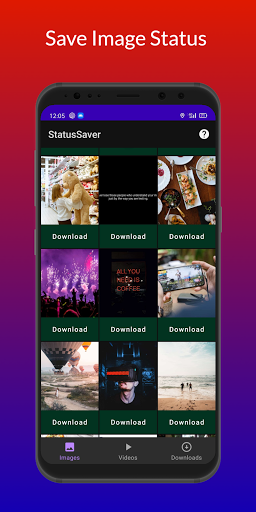
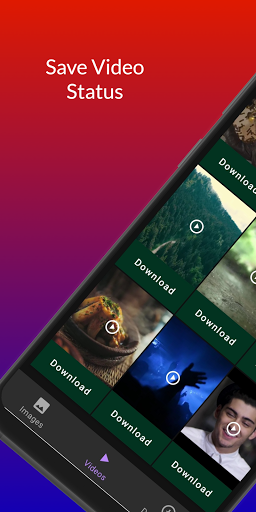
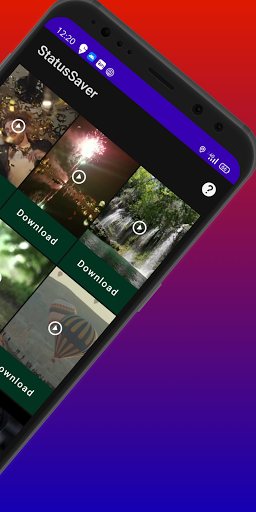
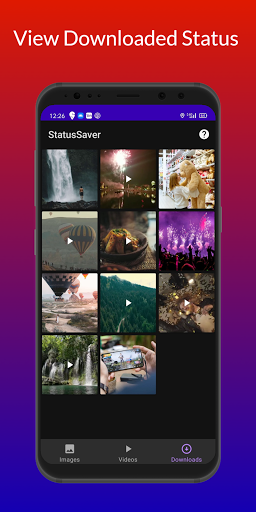
Loved a Friend's Status they uploaded? Want that picture/video in your gallery?
Well, You are at the Right App page 😉
How to Use (WhatsApp Status Saver)?
1 - Check the Desired Status / Story.
2 - Open App, Click on any Status to View.
3 - Click the Download Button / Icon to save the status.
4 - Click the Share icon to share the status across a range of other social media networks.
The Status is Instantly saved to your Internal Storage/Download/WhatsAppStorySaver or Gallery! 😉😃
Notable Features:
* Multi Save, Delete, Repost / Share on every social media platform,
* Easy Repost without Saving,
* Easy & Fast Saving,
* Built in Image Viewer & Video Player,
* Easy Navigation!
Still Reading this? 😛
Go install the App & start Saving & Sharing Statuses! 😃
Hey wait,
Please do give a Good Rating if you like the App! 😀
Probably 5 Stars 😁😃
Performance improvement and bugs fixed.



9Apps 4.9














