
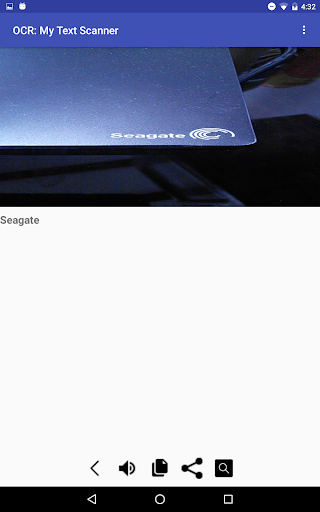
Do you still copy text by typing a long URL, Phone Number, or a contact with a lot of details?
Use the OCR: My Text Scanner App instead.
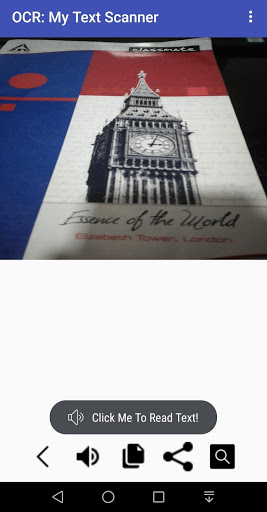
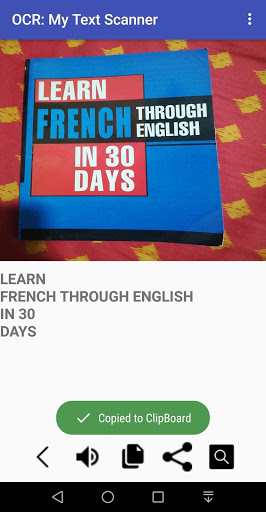
You can conveniently save time by taking a picture of the object, image, notebook to scan the text that is present in it.
The App lets you convert images of typed, handwritten or printed text into machine-encoded text .
Features of OCR: My Text Scanner App -
1) SCAN: Use the app to quickly Detect Text like notes, receipts, contact details, text from objects, screens, handwritten notes etc
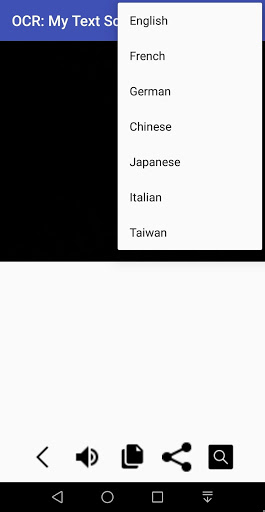
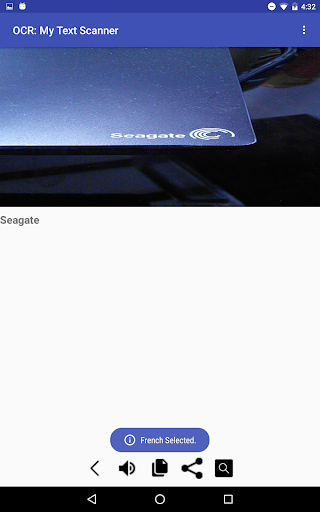
2) TEXT TO SPEECH: Convert this scanned Text to Speech. Languages supported for Text To Speech are :-
-English
-French
-German
-Chinese
-Japanese
-Italian
-Taiwan
3) COPY: You can copy the Scanned Text to Clipboard and you can paste them to another location [ document, Email
or another Application ] .
4) SHARE: Share the scanned text to your friends on Whatsapp and customize them before sending.
5) SEARCH: Search the Net to get the Google Meaning of your Scanned Text.
Permissions:
1) Camera
2) Internet
Please share and support .
For queries , please contact: prashanthguru.17@gmail.com


![Scan to an Editable Text File Using OCR [Brother Global Support] screenshot 2](https://i.ytimg.com/vi/0Ve6hiOrgZs/mqdefault.jpg)



9Apps 4.9















