

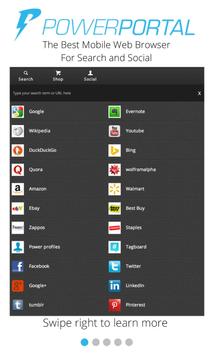

Traditional mobile web browsing is a terrible experience, that is why most people go directly to apps instead of mobile web sites. But separate apps creates a fragmented experience that takes way too long to get the information you’re looking for.
Between the popular PowerPortal.org desktop browser and this mobile web browser, we can save you up to 4 hours per week by helping you do more in less clicks.
Power Portal has 3 web “tabs”:
The LEFT tab opens to http://powerr.it - a social contact manager that helps you to quickly switch between your friends various social profiles and see all their latest updates across the popular social networks
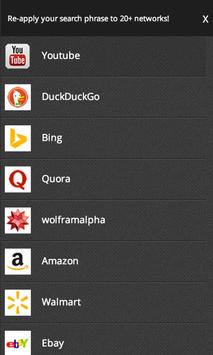
The MIDDLE tab allows you to take the same search term and apply it to any of the popular search engines, shopping sites, or social networks.
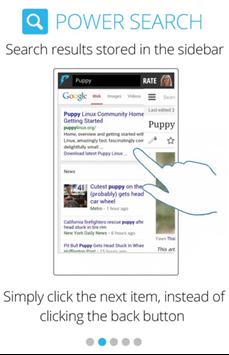
The RIGHT tab is complimentary to the middle tab. One of the biggest pain points of mobile web browsers, is losing where you left off when you click a link. Power Portal opens links in the right tab, so you can quickly get right back to where you left off in the middle tab, without the wasted time of a page refresh and looking for where you left off.
What's Next?
Traditional mobile web tabs are broken. Often we leave tabs open as a placeholder for something we may or may not ever get back to. Traditional mobile browsers close inactive tabs and reload the page when you click on them, essentially turning tabs into short cut links. When you look at web tabs as simply a placeholder for something you want to come back to, it becomes obvious that there is a more powerful way to do this. We’ll introduce it in a later version of the browser.




9Apps 4.9














