Image to PDF Converter icon

Image to PDF Converter

1.0.2 for Android
3.0 | 5,000+ Installs

PookiDevs

⚠️ You need 9Apps App to install .XAPK File. How to install XAPK?

Description of Image to PDF Converter

Steps to use:
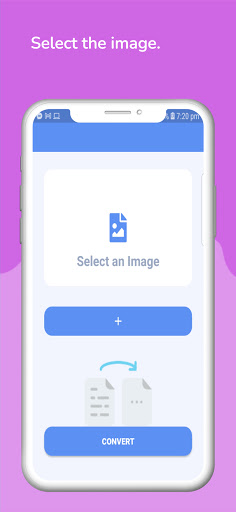
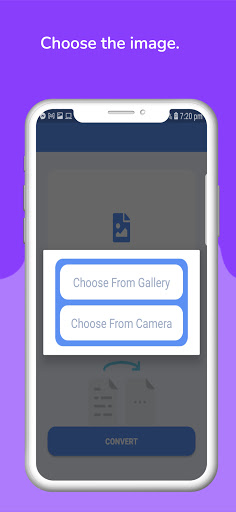
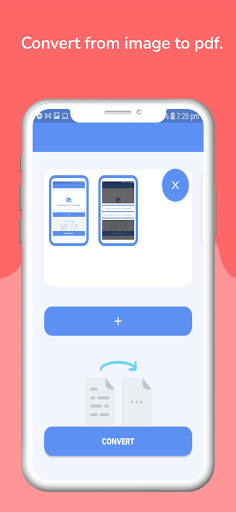
1. Select image/images from the gallery by clicking on the icon. The camera option is also available to take new pictures and convert them to PDF.
2. Deselect selected images by pressing the cross (x) button on them.
3. Convert to PDF.
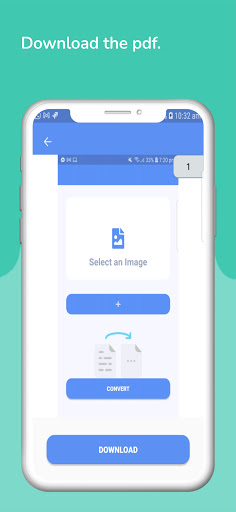
4. Preview the PDF & download it with the desired name.

Information

  • Category:
    Productivity
  • Latest Version:
    1.0.2
  • Updated:
    2021-07-10
  • File size:
    8.3MB
  • Requirements:
    Android 5.0 or later
  • Developer:
    PookiDevs
  • ID:
    com.pookidevs.imageconverter