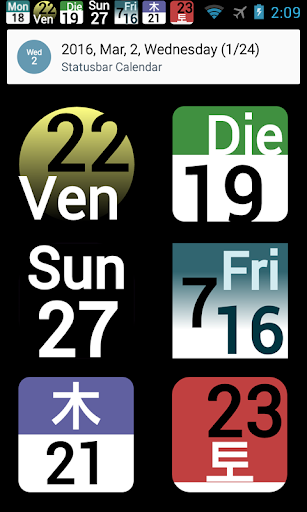
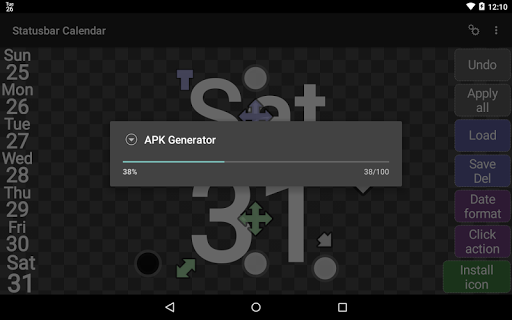
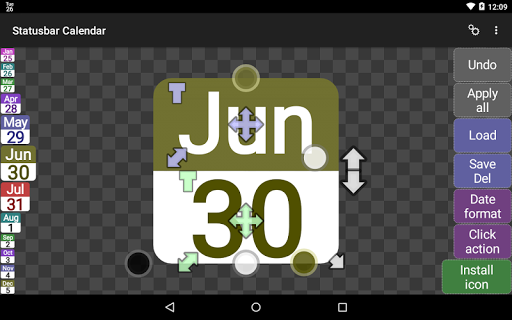
Status bar Calendar icon

Status bar Calendar

2.13 for Android
3.4 | 5,000+ Installs | Reviews

JINASYS

$1.49

Description of Status bar Calendar

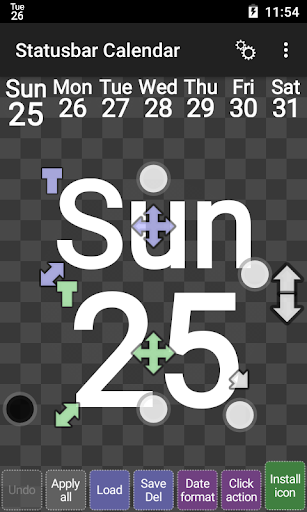
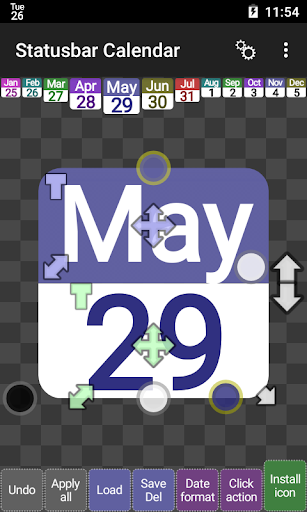
The Statusbar Calendar is the date display in the status bar.
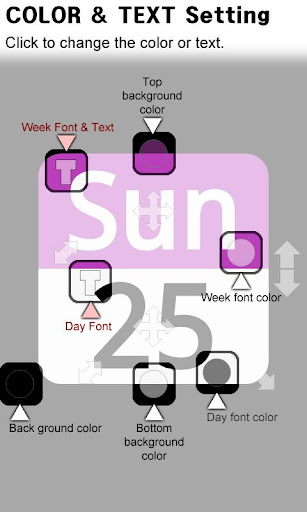
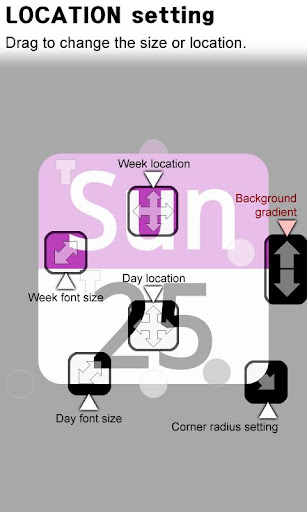
You can edit an icon, date type, description and behavior can be customized.
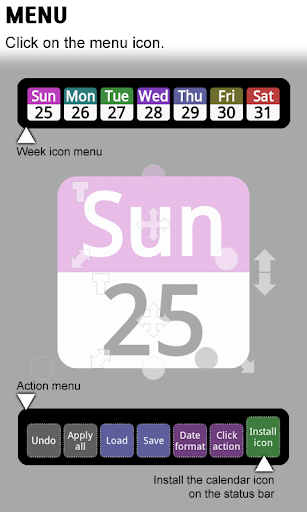
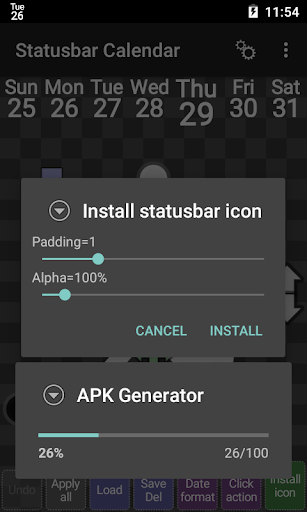
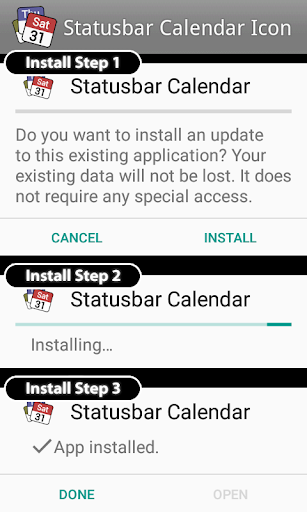
Click the [Install icon] button at the bottom right corner to install the status bar icon.
* You need permission to install unknown source.
Notification icons must be entirely white.
Android will change either black or gray to white.
However, the color icons also work exceptionally.
Try using very dark blue(FF000020) instead of black.
It looks black to humans, but it doesn't change to white because Android OS recognizes it as color.
This app may malfunction due to antivirus or security apps.
If this app malfunctions, please stop using antivirus or use another antivirus app.
DEMO version is available.
Feature
1. Week, Month calendar are displayed in the status bar.
2. You can enter any language.
3. Font type, size, color and location are customizable.
4. Date format and Status bar click action are customizable.
5. 1x1 widget support.

What's New with Status bar Calendar 2.13

Android 10 supports.

Information

  • Category:
    Tools
  • Latest Version:
    2.13
  • Updated:
    2020-04-24
  • File size:
    849.2KB
  • Requirements:
    Android 5.0 or later
  • Developer:
    JINASYS
  • ID:
    com.pjw.sbc
  • Available on:
Reviews
  • avatar
    Does not work, $1.49 wasted
    2022-03-15 06:14
  • avatar
    Okay, small update. App is not working correctly on UMIDIGI Bison GT running Android 10. App will not start automatically after a phone reset, and after manually starting app, the icon appears in notification area, however, when the phone is idle more than a few hours, when I wake the phone, the status bar icon is gone. Please fix, will re-review after update.
    2022-01-20 07:27
  • avatar
    Not working anymore
    2022-01-15 10:25
  • avatar
    Seems to be working fine now on UMIDIGI Bison GT running Android 10. MAKE SURE YOU ADD THIS APP TO THE IGNORE LIST ON ANY BATTERY MANAGEMENT OR TASK APP.!
    2022-01-08 12:03
  • avatar
    Just upgraded to android 10,,I have used this app for years, but now it disappears after so long (I think it is getting force closed by background battery manager). So I added it to the ignore list and it still disappears. Please fix, I don't know the date without this app! 🙄
    2022-01-05 04:35
  • avatar
    good so far!!
    2021-05-18 01:21