Pixilart - Make Pixel Art icon

Pixilart - Make Pixel Art

1.7.0 for Android
4.4 | 1,000,000+ Installs | Reviews

Pixilart

Description of Pixilart - Make Pixel Art

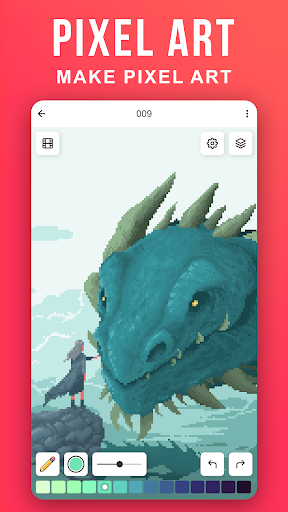
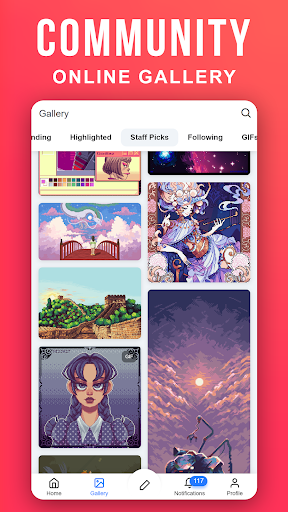
Create pixel art on the go. Pixilart is a community of passionate art enthusiasts who enjoy pixels. Easily make pixel art, and then share your art and even follow others who have created their own pixel art creations.
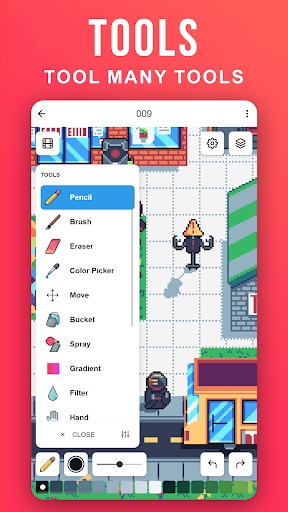
Become part of the largest pixel art community and understand why Pixilart is a growing community for feedback, sharing, art and more! It's fun and easy to create pixel art on the go with Pixilart. Simply move your finder across the screen to move the cursor and click on draw to lay pixels. Use blank canvases or choose from a variety of bases created by other users.
KEY FEATURES
• Create pixel art on the go with our easy-to-use drawing feature
• Create from bases or blank canvases
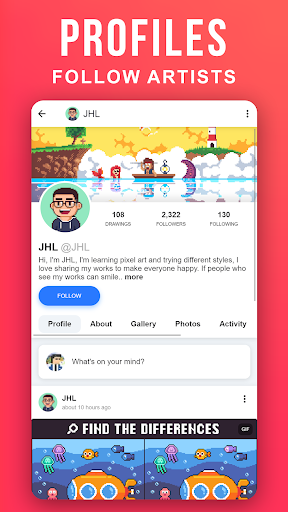
• Create profiles to upload drawings in the cloud for easier access on different devices
• Upload drawings in private, or in public so others can see
• Share drawings with others for feedback or simply to show off!
• Receive notifications from likes, comments, mentions, and new followers
• Follow your favorite artists on activity feeds
PARENT INFORMATION
Pixilart is a social platform for all ages. There is no private messaging system. All conversations are public. Swearing filters are enabled by default. Spam filters are enabled by default. Users can easily block/un-follow others. All drawings are monitored.
SUBSCRIPTIONS
There are no subscriptions

What's New with Pixilart - Make Pixel Art 1.7.0

Fixed push notifications

Information

  • Category:
    Art & Design
  • Latest Version:
    1.7.0
  • Updated:
    2024-08-30
  • File size:
    16.3MB
  • Requirements:
    Android 9.0 or later
  • Developer:
    Pixilart
  • ID:
    com.pixilart.app
  • Available on:
Reviews
  • avatar
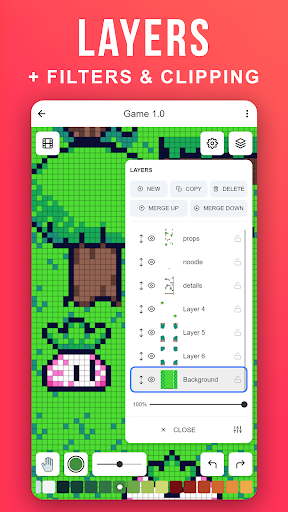
    Unfortunately this isnt as good as the browser on a computer,even the mobile website is better.I understand that the developers are probably really busy since it's a social platform ontop of a drawing app.if it is possible there are lot of things that I hope that the developers of the app can fix,for example;layers,moving around the canvas when zoomed in,perhaps add brushes and maybe allow the person to change brush size on pencil.Allow bigger canvas, aka more than 100x100.Still a good platform.
    2020-10-23 09:58
  • avatar
    This app is very helpful and user-friendly, but lately I've been having issues. When you insert a file, no matter what you do, you can't save. I need to use this feature since I am making a game. Please fix this!
    2020-10-21 01:48
  • avatar
    Limited canvas sizes, limited color palette, for some reason if you zoom in to draw it crops the canvas? I started with one of the bases and zoomed in to recolor the shading and when I zoomed back out my canvas was literally not even a quarter of the original image.
    2020-10-12 05:21
  • avatar
    An excellent app for pixel art on the go! For more complex pieces, the save function is a good way to continue your work on a computer screen. Plus, the social media and community is active and brimming with cool new artworks :o
    2020-10-01 06:09
  • avatar
    It is really hard to draw on mobile plus some features that are on computer are not on mobile. If you improve that, I will give this app 5 stars.
    2020-09-19 03:35
  • avatar
    This app is perfect if you want to make little pixel designs on the go. However, compared to it's website counterpart it has very limited tools. For example in pixilart website there are layers and larger canves to use to create more complex designs unlike in the app.
    2020-09-11 07:48