


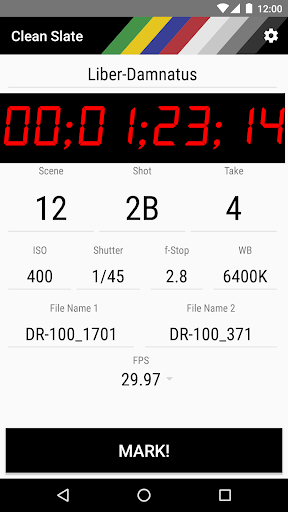
Clean Slate is a no-frills, no-nonsense, no-in-app-purchases clapperboard app and was developed in tandem with the actual requirements of professional film/video production by an industry expert.
Clean Slate is a tool to help you synchronize recording devices such as cameras and sound recorders in post-production by displaying a flash-frame and simultaneously playing a synchronization tone. Clean Slate allows you to enter notes and ratings for each take and save it on your device.
In post-production (i.e. your editing software), line up the video at the first frame the device running Clean Slate flashes with the start of the sync-tone on the audio track(s), done!
Features
Small and responsive
The small file size ensures that the app downloads and launches as fast as you need it. No ads, no social media integration, no could nonsense, just a reliable tool.
Humble
Clean Slate only requests write permissions to store a shoot log locally on you device. No personal data (or any data at all, actually) will be submitted.
Reliable
Once a take is in progress, Clean Slate will track in the background. No matter if you switch off the screen, close the app, or even your battery dies: When you come back and stop the shot, Clean Slate will have recorded the correct duration.
Convenient
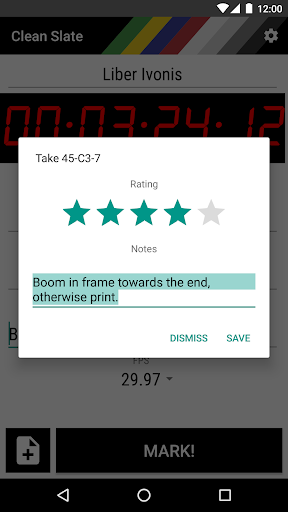
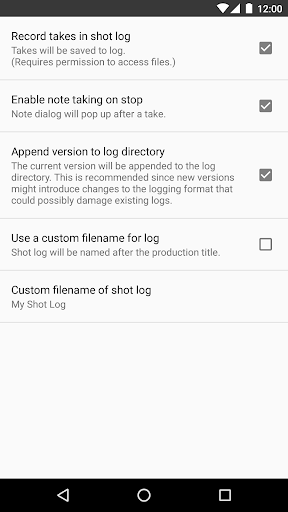
Clean Slate offers you to save a rating and a note with each take that can be stored automatically along with all meta-data in a file for later reference in your Documents folder. This CSV-format file opens up as a spreadsheet in MS Office, OpenOffice, or even Notepad. Further, Clean Slate can automatically increment provided file names.
Customizable
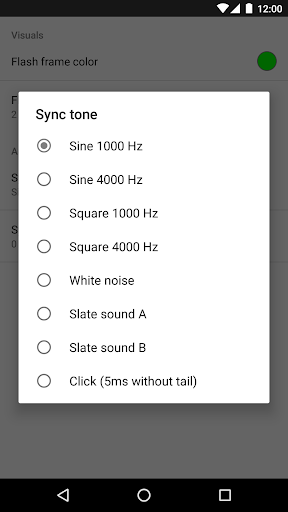
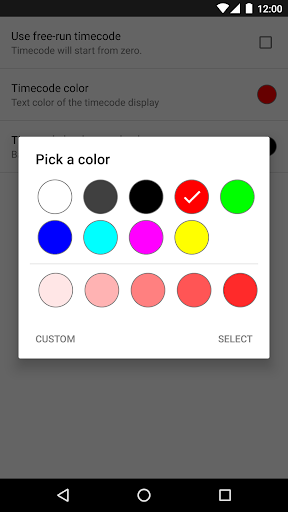
Fit it to your needs: Set the countdown time, the appearance and behavior of the timecode display, color, and duration of the flash frame, choose one of many synchronization audio cues and more.
Professional
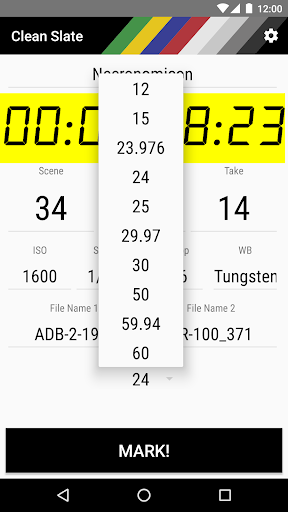
Clean Slate reads your device’s audio latency to offer the best synchronization experience in post-production. Further, it supports all common timebases (12, 15, 23.976, 24, 25, 29.97, 30, 50, 59.97, and 60 frames per second), free-run timecode mode and will automatically increment the take number.
Usage
1) Enter all data such as production title, scene number, and camera meta-data
2) Hold your device that its screen is visible to the camera(s) and its sound will get picked up by the microphone(s).
3) Hit "MARK!".
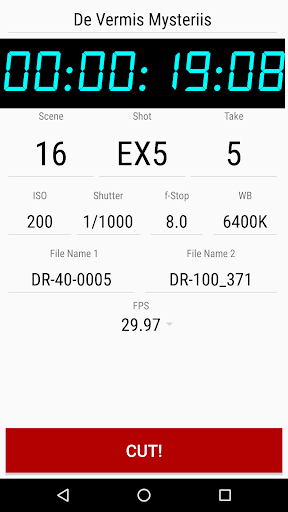
4) After a short countdown Clean Slate synchronously flashes the screen and plays an audio cue and start counting the take's duration.
5) When the take is finished, hit "CUT!"
6) Optionally add note or rating and hit "SAVE". Clean Slate will write it to a local take log.
7) Rinse and repeat*
* Do not actually rinse your device! ;)
———
Note: The app is still in development and might have some kinks to iron out. Please post any feature suggestions as a comment or write an email to support.
★ Added: American slating (activate in General Settings)










9Apps 4.9












