
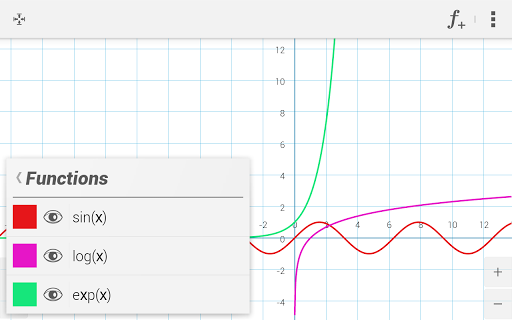
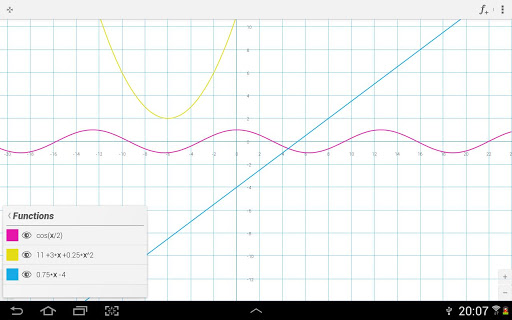

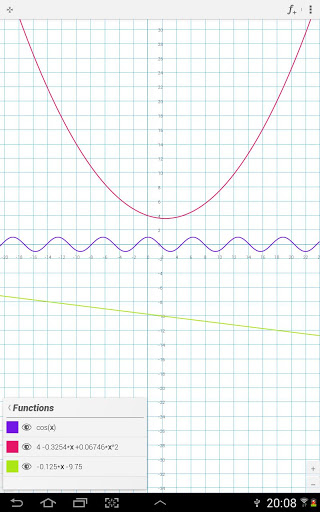
Graphing mathemathical functions have never been so easy before!
xGraphing app makes creating mathematical graphs easy and intuitive!
Support for small and large (phone and tablet) devices!
1) Plotting mathematical functions with given equation is the basis.
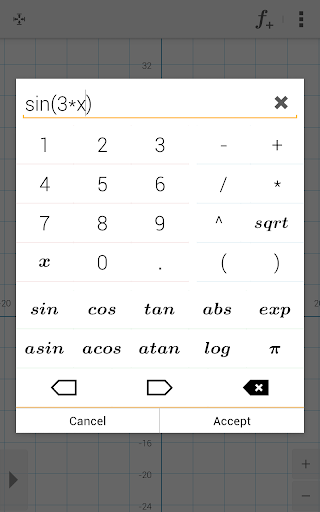
Application offers all most popular mathematical functions and operators like:
•• math functions, sinus, cosinus, tangens, absolute value, exponential function, arcus sinus, arcus cosinus, arcus tangens, logarithm and square root
•• math operators: addition, substraction, multiplication, division, exponentiation
2) Besides standard method, also the new useful method exists!:
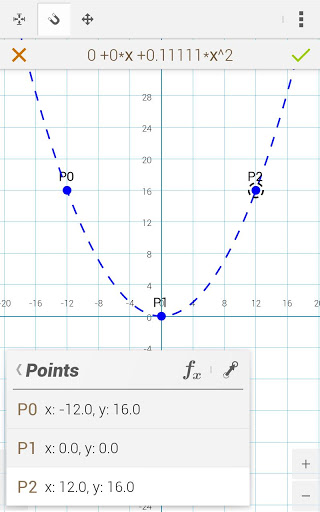
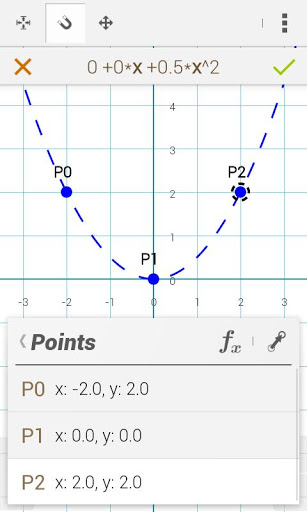
•• Creating function graphs and calculating equations from points specified by user!
•• After user will give chosen points on screen he recieves function graph with equation - Just tap some points on the screen and admire a splendid function graph with equation!!
•• Up to 4 points are supported!
3) The whole is completed by additional functions and splendid user interface:
•• moving/zooming visible coordinate system area with pan/pinch gestures
•• interactive functions list which allows to select, edit, translate by vector or just delete function
•• visible coordinate system area settings window
4) Additional functions:
•• Sharing visible coordinate system sector
•• Saving coordinate system to file
5) The modern tutorial showing all base application functions!








9Apps 4.9

![[Java/Swing] Function Grapher Program Part 1 screenshot 1](https://i.ytimg.com/vi/8QhFlVBOcHg/mqdefault.jpg)