
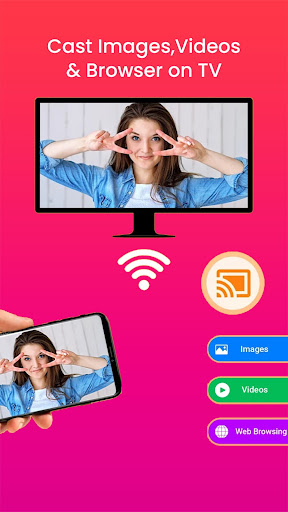
Cast to TV Screen Mirroring lets you share your Android device's screen on your TV or other big screen. Enjoy games, videos, and more on a bigger screen with just one tap!
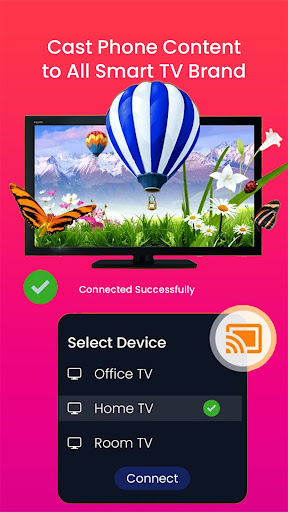
Cast to TV Screen Mirroring is the ultimate app for sharing your Android device's screen on your TV or other big screen. With this app, you can easily cast your screen to Chromecast, Roku, Amazon Fire Stick, Smart TVs, and other devices that support DLNA or Miracast.
Here are some of the key features that make Cast to TV Screen Mirroring the best screen mirroring app for Android:
Easy screen sharing: With just one tap, you can connect your phone to your TV and share your screen with everyone in the room.
Wide range of supported devices: Cast to TV Screen Mirroring works with a variety of devices, including Chromecast, Roku, Amazon Fire Stick, Smart TVs, and other devices that support DLNA or Miracast.
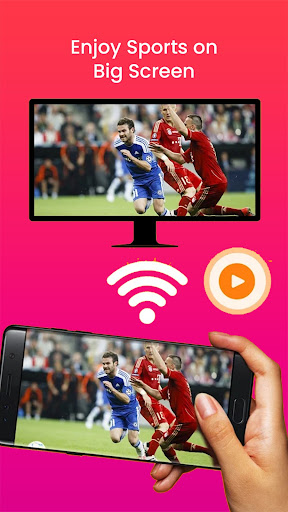
High-quality mirroring: Enjoy your games, videos, and more on a big screen with high-quality mirroring that supports Full HD and 4K resolutions.
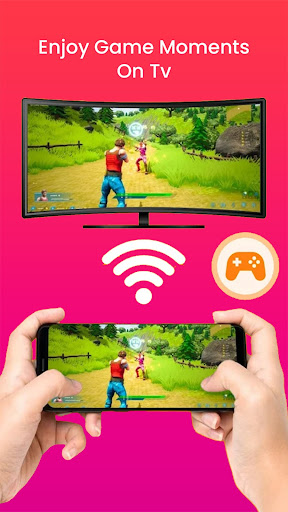
Low latency: With Cast to TV Screen Mirroring, you can enjoy smooth and low-latency screen mirroring, ideal for gaming and other interactive apps.
Multiple mirroring modes: Cast to TV Screen Mirroring supports multiple mirroring modes, including landscape and portrait orientations, and full-screen or partial-screen mirroring.
With Cast to TV Screen Mirroring, you can share your Android device's screen with everyone in the room, and enjoy your games, videos, and more on a big screen. Try this app now and experience the ultimate screen mirroring solution for your Android device!




9Apps 4.9














