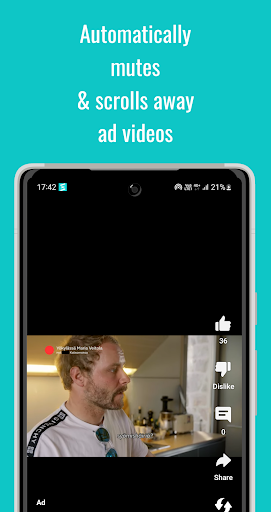
Are you annoyed by all the ads in your Shorts feed? Auto Scroll Ads will automatically scroll right past ads for you: once an ad has come into view, it will be muted and automatically scrolled away!
How to use:
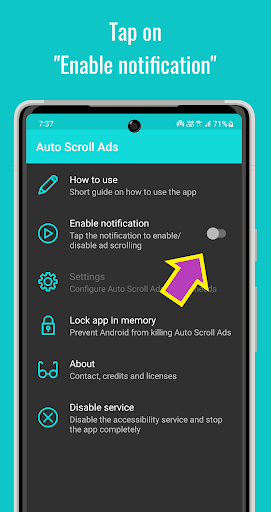
1) Tap 'Enable notification'. This will add a persistent notification in the status bar.
2) Open the Shorts feed.
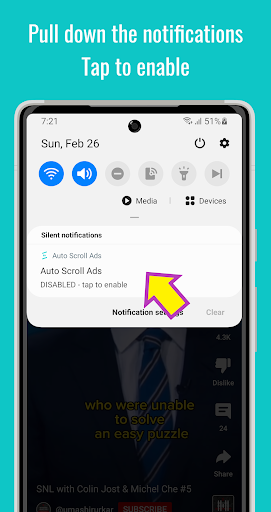
3) Pull down the notifications, and tap the Auto Scroll Ads notification. This will enable auto scrolling of ads.
4) To disable ad scrolling, pull down the notifications, and tap the Auto Scroll Ads notification again.
Auto Scroll Ads uses Accessibility services.
The app requires the accessibility service permission in order to be able to scroll the screen.
No data is collected via the accessibility service.
Auto Scroll Ads uses a persistent notification as an easily accessible on/off switch. On Android 13, this requires the notification permission.
- added support for ads missing a share or like button


9Apps 4.9