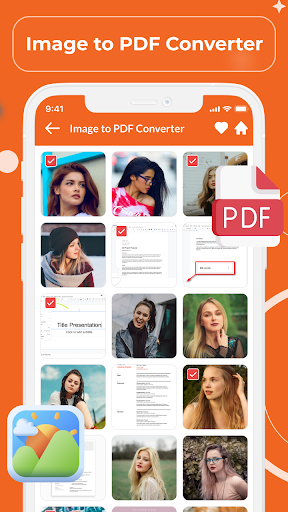
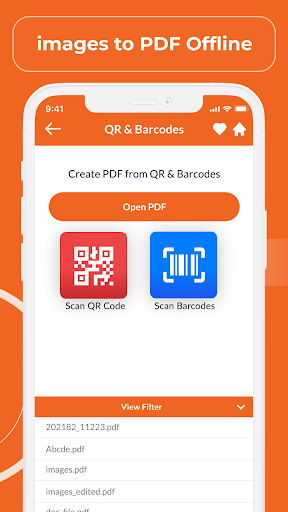
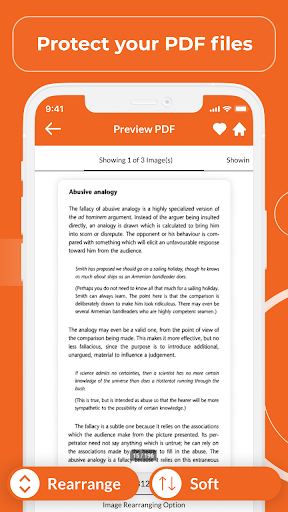
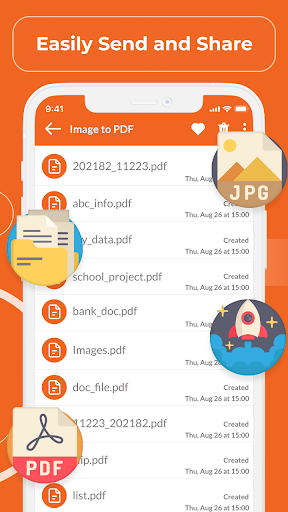
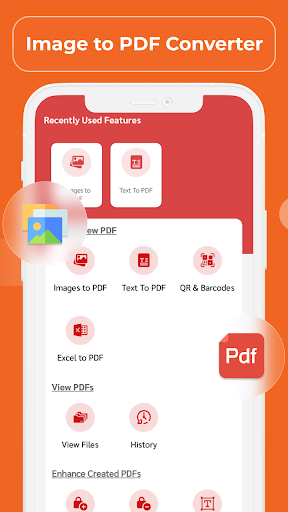
Easiest utility based image to pdf convert app free – Super easy to convert high quality images into pdf document. This PDF scanner create pdf from JPG/PNG images. This app is the best image to pdf converter & converts your Photos into pdf file for free, resulting in quality pdf documents. You can instantly download and install Image to PDF converter app and file converter image to pdf app on any of your android devices.
Image to PDF converter online app supports all kinds of docs like encrypted PDF (Password Protected PDFs). In contrast, most PDF to Image converter app in the market does not support password-protected PDF Documents. This pdf to image converter free offline offer PDF converter with quality made easy to use interface.
Image to PDF converter app as per your requirements, only you need to follow few simple steps to create pdf from images.
* Image to PDF Converter App Features *
• Convert all official documents within seconds through this latest converter app.
• Convert JPG, PNG and all types of images to Password protected PDF.
• Convert Images/Photos to PDF.
• Adjust the import JPG, PNG and other images formats.
• Every PDF is of high quality.
* How to use it *
• Download Image to PDF converter app.
• Select the images which you want to convert into pdf.
• We offer numerous extensions to convert your files.
• We offer special features to convert Images to standard, or high-quality pdf formats.
• The stylish scanner options provided for you to scan the file.
• You need to select the suitable export quality and click the Convert button.
• The converting process will take a second, depending on the format and quality of the conversion format.
• After the conversion is done, you can find your created pdf in your file manager app.
* How to access this app on your mobile *
• You can Save/convert images into pdf files in pdf to image converter free offline.
• This app automatically searches and lists all images extensions from internal & external storage.
• You can compress and share the converted files within this app (create a zip folder to transfer multiple files).
• We offer options to convert specific image files.
* Focus points while using Image to PDF Converter *
• The App will enable you to view PDF files by long-pressing to page previews.
• You can select or exclude pages before converting.
• We don't restrict the number of pages that are to be converted.
• You can open password-protected PDF files on our App.
• You can view all generated pdfs with any file manager apps, and you can easily share or delete them.
If you find our free image to pdf converter app useful, do not forget to give us your valuable rating.
For any queries and suggestion – feel free to contact us on dtvideosfunny56@gmail.com


9Apps 4.9