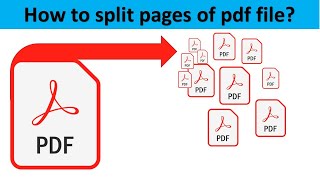
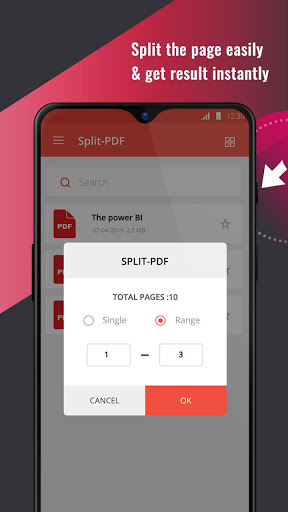
To split pdf into a number of pdf files, a pdf cutter or pdf split-er is required so as to carry out a split pdf process.
Pdf file formats are considered to be the set file formats in professional firms and legal institutions.
They are highly compatible, prevent editing and copying of contents, making pdf files reliable and secure to use.
Thus, while dealing with such high utility file format, professional tools like Split PDF, Cut, Extract PDF pages app is mandatory.
Features:
--> Easy to install.
--> Simple to operate.
--> User-friendly and professional GUI.
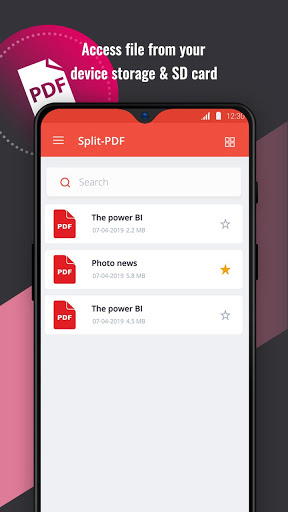
--> Just select the pdf file and let the split process be executed.
--> Maintains efficacy i.e., fast processing time.
--> Privacy is maintained, as all the split operations are performed on secure servers.
--> As soon as the split operation is completed, the files are removed from the servers, respecting the security of the contents in the pdf files.
--> Lightweight application.
--> Reliable app, will not consume more phone space or battery.
--> Fast splits completed within seconds.
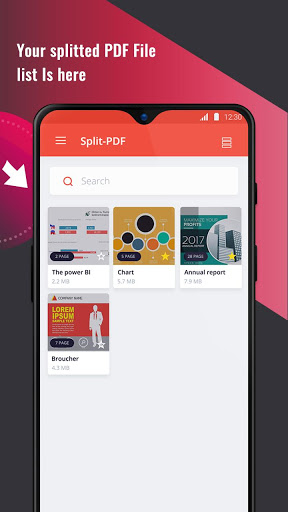
--> The resultant split pdf files can be easily downloaded and shared over social platforms, tools and applications.
Split pdf app is reliable, secure as well as stable.
It is effective and efficient in functioning.
Instead of compressing the pdf files, make use of the split pdf app to split pdf files and facilitate the user with better quality pdf files.
To gain the best user experience while working with pdf file formats, install the Split PDF, Cut, Extract PDF pages app now!!!







9Apps 4.9