
SLIDE REMOTE 2 RELEASED:
https://play.google.com/store/apps/details?id=br.com.patrickpissurno.slideremote
Please download Slide Remote 2 instead of this one.
This app will soon be removed from Play Store in favor of Slide Remote 2. Please update!
---
The easiest way to remote control your presentations!
Just download this and the Windows app here: https://patrickpissurno.com.br/slideremote/
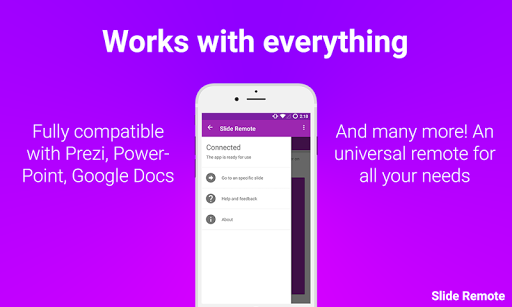
You can control any presentation software you want: Prezi, Microsoft PowerPoint, Slideshare and many more!
And the best:
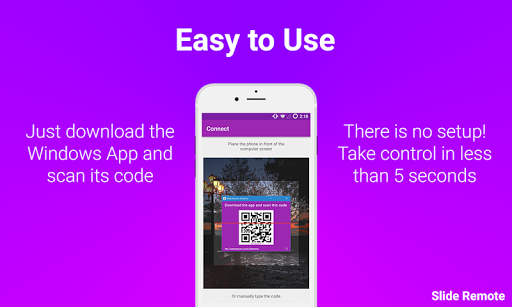
- QR code sync (start using the app in less than 2 seconds)!
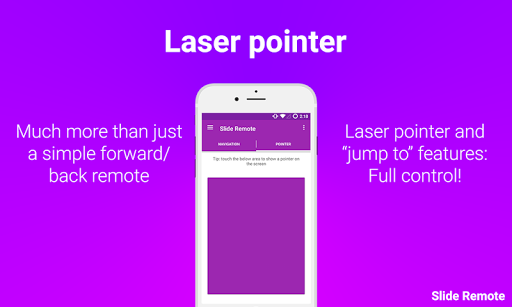
- Laser pointer
- "Jump to specific slide" feature
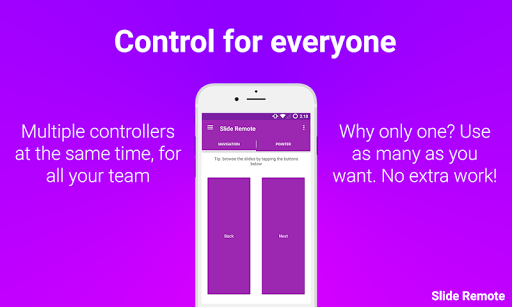
- Multiple controllers support. The control of your presentation for every team member.
- No registration required!
- No ads!
- Plug and play Windows app!
- Unlimited usage!
- High performace!
- Works with proxies without any additional effort!
- Great looking native material design interface!
(This app requires a Windows app to work. Don't worry, it's very easy to get it ready, just download it here: https://patrickpissurno.com.br/slideremote/)
What was good is now even better! Less storage, faster, more stable and more features!
Features:
- Native Material Design
- QR Code sync system
- Laser pointer
- "Jump to specific slide" function
- Multiple cloud-based servers for better performance
- Support for multiple controllers at the same time
- Less storage usage
- Less battery drain
- Now compatible with Android 9
Changelog:
- Better support with shiny new servers
- Some bugs that some of you were facing were fixed









9Apps 4.9














