

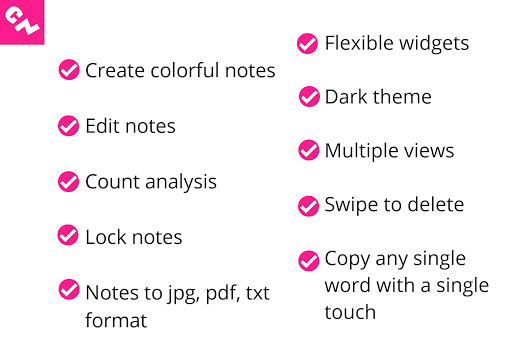
Create notes.
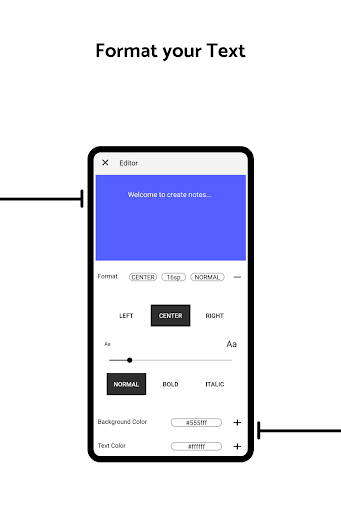
Edit notes - Change background color, text color, style, size and set gravity for text.
Lock and unlock notes - Set different password for different notes.
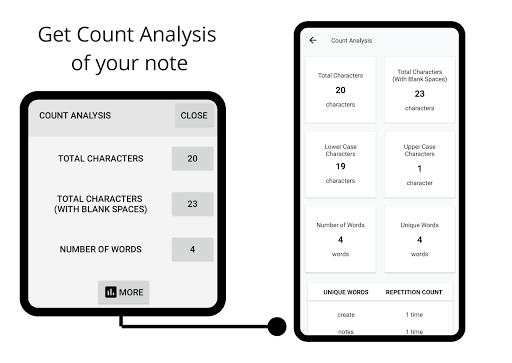
Get count analysis - Number of characters (with and without blank space), words, digits, lower and upper case characters, unique words, blank spaces - Average word length - Repeated words with repetition count is also available.
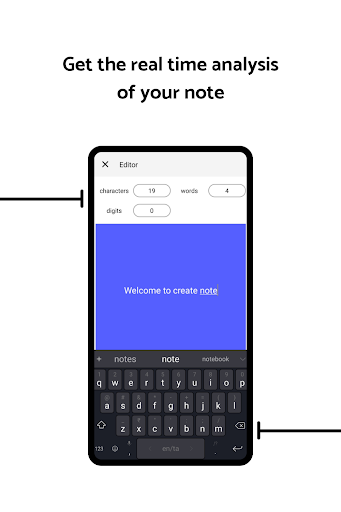
Get real-time count analysis on the go! - Number of characters, words, digits.
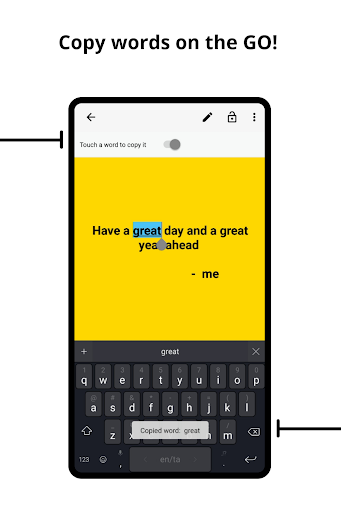
Touch a word to copy - you can copy any single word with a single touch!
Note: To perform the above feature follow the below steps.
1. Click on your notes.
2. At the top left, you can see the "Touch a Word to Copy" option, so just enable it to copy any of the words in your note, and you can also disable it at any time.
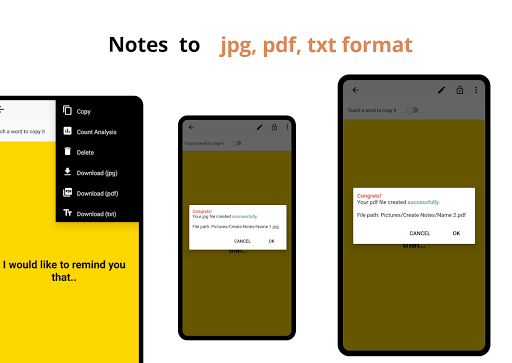
Notes to an image - Download your notes as an image (jpg) format.
Notes to pdf file - Download your notes as a pdf file format.
Notes to text file- Download your notes as a text file format.
Dark theme - Experience the other dimension of our application.
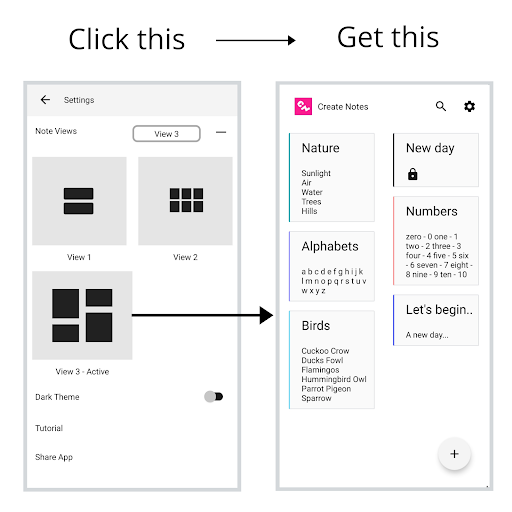
Multiple views - List, Grid and Comfort view are available.
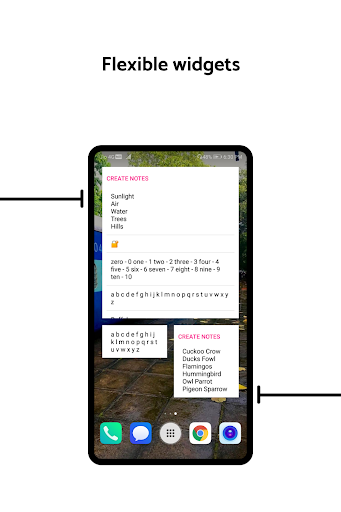
Add widget to home screen - Get all the notes in a single widget in smaller, medium and larger sizes.
Delete notes - Swipe your note to the left or the right to delete.
Search notes.
Android 13 compatibility fixes







9Apps 4.9













