

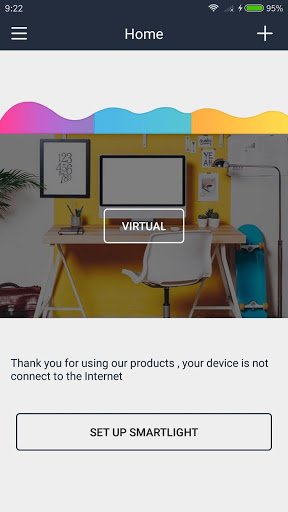
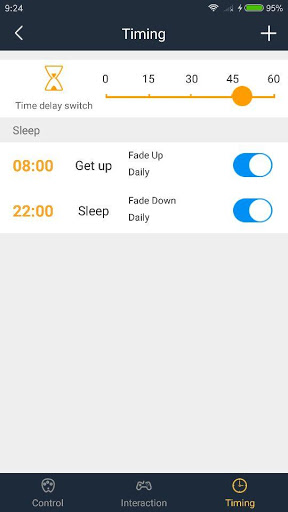
The APP for the purchase of our company's hardware customers to develop supporting procedures, can use wifi control intelligent lights. When there is no equipment, the device list is empty, you need to configure the smart light connected to wifi can be used. Operation provides two ways, that is, the device is a local state or remote state, when off-line instructions that the smart light is not in use or mobile phone without network (uncontrollable). Local is in the same wifi network, you can directly control, remote is not in the same wifi network, you need to wifi or 2g / 3g / 4g and so can connect to the external network for remote control.
1.This software is supposed to be used along with
see-time Socket.
2.When you tu use the APP for the first time, you need to restore the data to factroy values, add new devices in the APP, and connect see-time to the same WiFi network as your cellphone does.
3.With the APP, you can get the devices list controlled by see-time.
4.You can turn on or turn off the sockets, set up timers and set the permission with local WiFi network.
5.You can control see-time sockets from a long distance with 2G/3G/4G.
6.By setting up scenes, you can control several devices at one time.
7.You can check the electricity statistics with the APP.
8.You can save and restore data by “ backing up and restoring”


![Time - Hans Zimmer [Inception] (Soft Version, No Mid Roll Ads) Sleep, Study, Relax - 1 Hour screenshot 4](https://i.ytimg.com/vi/AhYMdy3PG5k/mqdefault.jpg)






9Apps 4.9














