
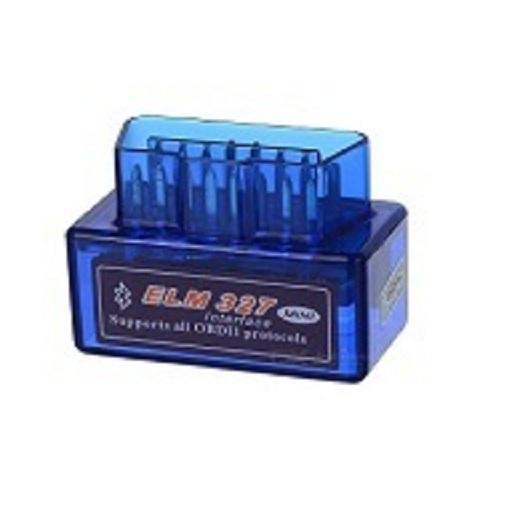
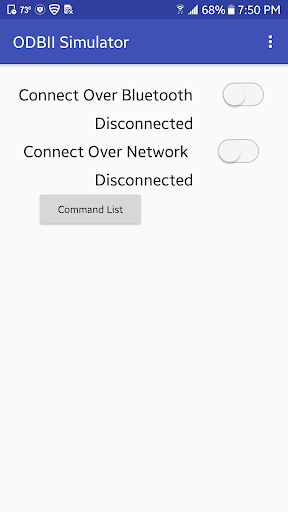
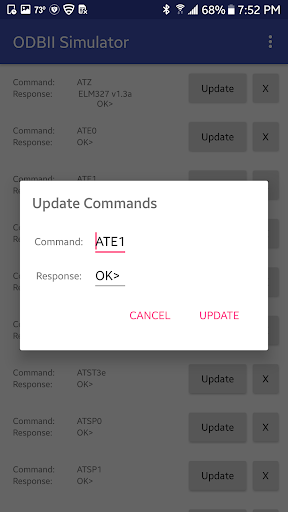
ODBII Simulator ELM327 works as your real hardware device and returns you response.
It works on both Bluetooth and WiFi.
* Bluetooth
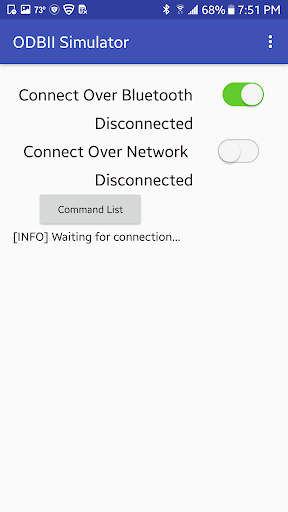
Turn on Bluetooth then press "Connect with Bluetooth" .
List of devices will shown from your near field.
Select the desired device to connect.
* WiFi
ODBII Simulator ELM327 uses port 35000.
Find device IP and use that IP on Local Network.
Turn on WiFi then press "Connect with WiFi" .
Functionality
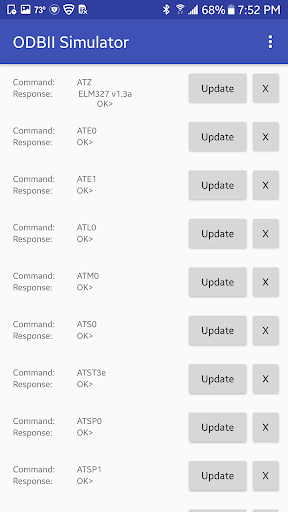
Supports all ODBII Simulator ELM327 protocols.
You can add new commands to Simulator.
You can update existing commands.


9Apps 4.9















