
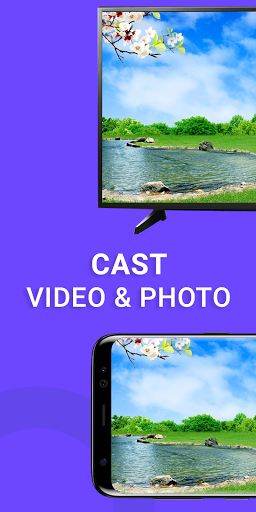
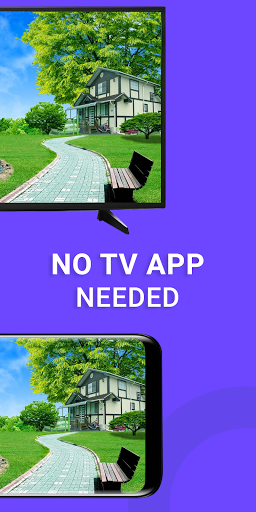
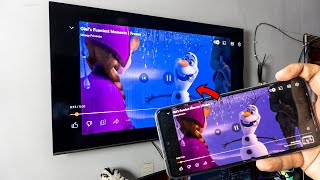
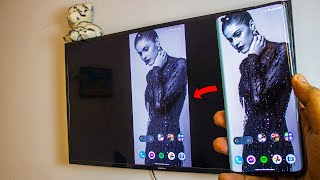
TV Cast is the simplest way to mirror wirelessly your Android phone's screen to any smart TV in realtime.
TV Cast : Screen Mirroring for Smart TV has been tested and found works on most of android mobiles. Stream Videos, Movies, Sports And Live TV From Android To Your Big TV Screen. This App enables you to cast images, videos and music to any Smart TVs.
Screen Mirroring with Smart TV App will assist you to scan and mirror your android phone or tab's screen on smart TV/Display (miracast enabled) or Wireless dongles or adapters. Screen Mirroring ready to play videos, photos, etc in any smart TV of any devices (smartphone, smartTV, laptop, tablet, etc) at anywhere.
QUICK START GUIDE to mirror your mobile screen to smart TV with screen mirroring TV.
1. Your TV should support Wireless Display or any sort of Display Dongles.
2. The TV must be connected to wifi network same as your android phone.
3. The Phone version must be android 4.2 and above.
4. Download and run “TV Cast : Screen Mirroring for Smart TV”
TV Cast : Screen Mirroring for Smart TV Features :-
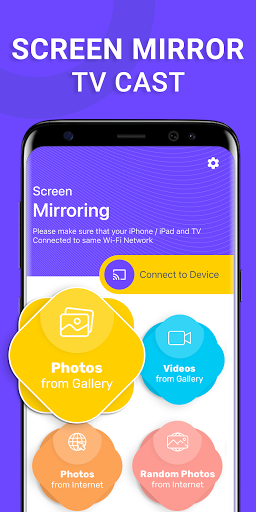
◆ Cast photos to your Smart TV.
◆ Cast videos to your Smart TV.
◆ Search image on web and cast it on your Smart TV.
◆ Full HD 1080p on your big screen.
TV Cast : Screen Mirroring for Smart TV Supported Devices :-
◆ Chromecast
◆ Roku / Roku Stick / Roku TV
◆ WebOS and Miracast
◆ Fire TV
◆ Apple TV
Initial launch





9Apps 4.9














