

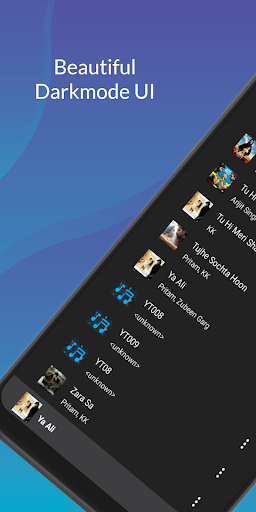
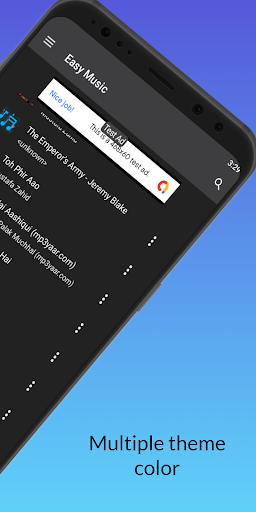
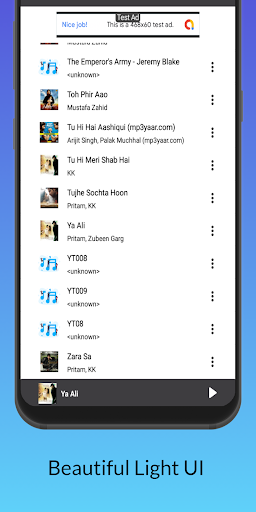
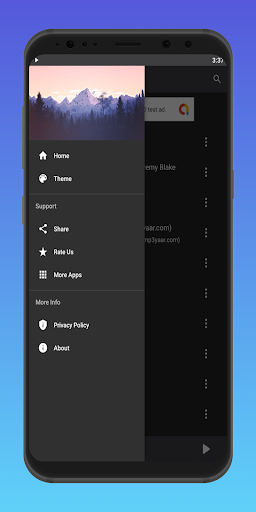
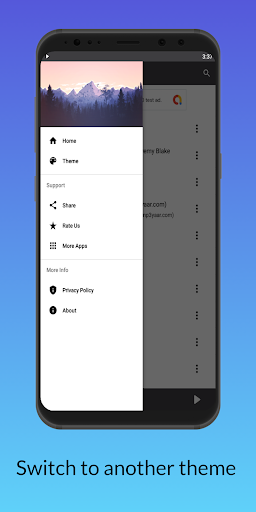
Easy Music Player app allows you to listen to music files and songs stored in the phone's internal or external memory. Music is something that we all enjoy in the course of our lives. It is the sound that is brought together through a harmony of instruments and singing voices. this is the best app to play your favorite songs. this app is the easiest music player to use, the Best app to play all Mp3 media songs and music. Anyone can use this app. Easy Music Player is a free app. It has the best UI. This app provides multiple theme colors. Users can switch to their favorite theme color. It provides dark mode which can save battery. Users can use dark mode or light mode.
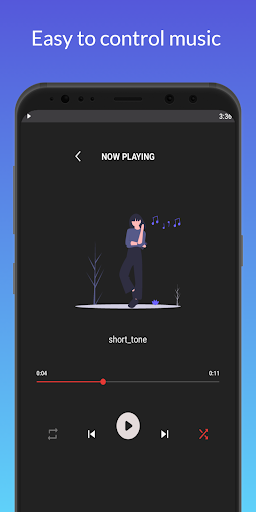
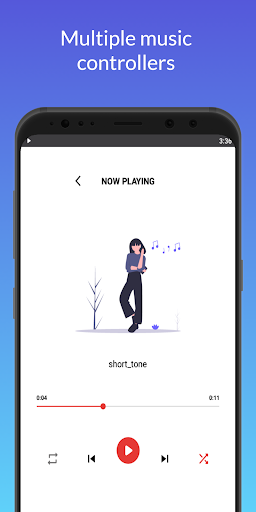
Easy Music Player has a fever feature but this app is simple and easy to use. You can use this app offline. This music player is very beautiful and simple. and this app uses very little memory and gives you the best music experience. In this app, users can easily control playing songs or music. It has the best music controllers like play-pause, Shuffle, repeat. You can play the next or previous song just by clicking the next or previous button. Easy Music player only lets you play songs by clicking on songs it means this app doesn't provide album or artist functionality. This app is small in size, so if your android device has low memory, you will also get a better user experience. Users can also share music files with this app. This app also provides search bar functionality to directly search for their favorite song and play it. Easy Music Player also provides Mini-player so users can also control songs through the mini player. In short, this is a simple, easy and perfect music player.
Features -
- Simple and Easy to use
- Nice and clean User interface
- Multiple theme color
- Rich controllers to control music
- Shuffle and repeat button
- Current playing song notification
- User can control song through Notification
- Mini-player functionality to play pause the current playing song
- Search bar to search song by the name
- Uses less memory
- Small app
- Good and responsive UI
- Free app
- Not collecting any data.
How to use -
1 - Allow permission
After installing this app, you have to give storage permission to list out all music files from the phone's internal or external memory.
2 - Click on the song
After allowing storage permission, you will find all music files and songs stored in the phone's internal or external memory on the screen. Click on any Song to play it.
3 - Searchbar
Click on the search bar to search for any song.
4 - Mini-player
Click on the play-pause button of the mini player to stop or resume music.
5 - Shuffle
Enable shuffle button to mix- up the playlist of songs.
6 - Repeat
Enable the repeat button to repeat the same song.
Note-
- This app will require storage permissions to list out and display music files.
- This app contains some ads.
- This app is an Indian app.
- This app is made in android studio
You will get the best music experience after using this app.
Enjoy.
If you have any suggestions or query then contact us at npx6903@gmail.com
New Release




9Apps 4.9













