
**DOWNLOAD NOW** SIGNAL SPY 2.0
🎉**Important updates/upgrades with Signal Spy 2.0**🎉
- Total overhaul of the user experience
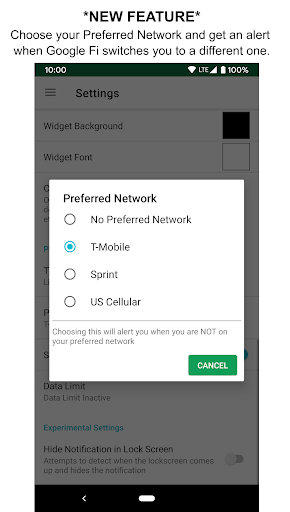
- NEW Preferred Network feature for Pro users
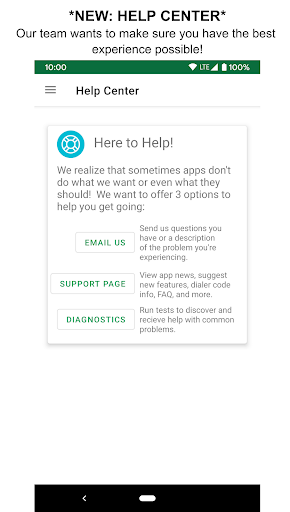
- NEW Help Center
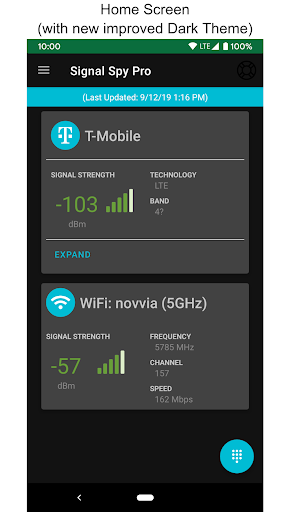
- Android Q compatibility (including updated Dark Theme)
Download now to take back control over the device you use every day! The original Google Fi companion app, practical for ALL: Signal Spy gives you the tools you need to stay better connected all in one app.
☎️The tool to make Google Fi even more powerful
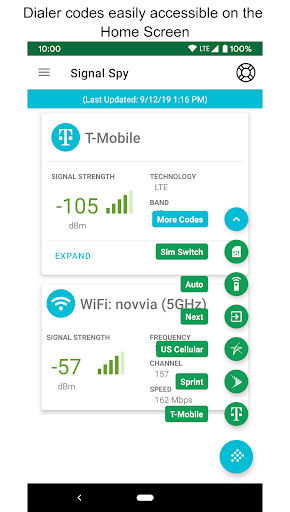
- Dialer code shortcuts to quickly switch networks and pick the best one for you (with a made-for-fi phone)
-----------------------
Free Features
-----------------------
📲Dialer codes
- Easily access dialer codes from notifications
- Google Fi users (with a made for Fi phone) can manually switch between networks with dialer codes
- eSIM / SIM switching
💡Reports
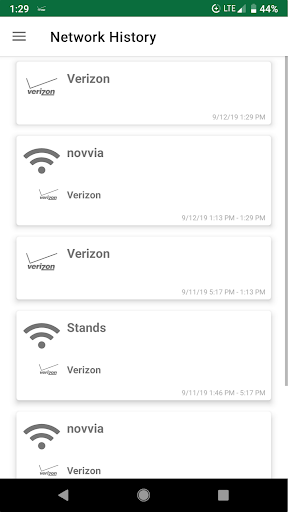
- Understand your connection history
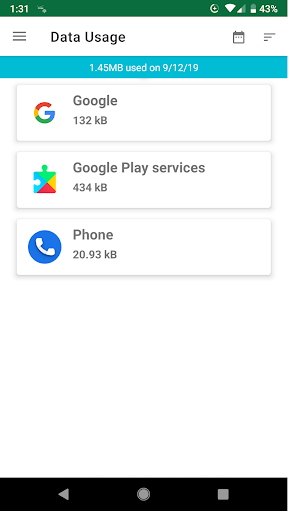
- Data usage reports
- Customizable home screen widget to keep you updated on connectivity strength
❓Help Center
- Email us with any questions you have or let us know any trouble you’re experiencing
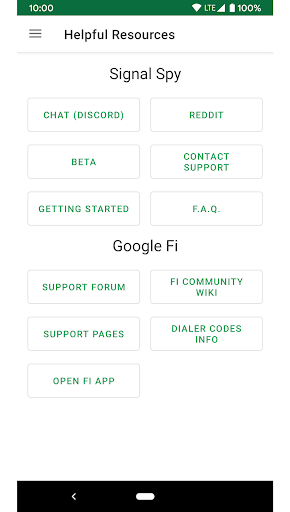
- Connect to our support page with News, FAQ, Feature Requests, and more
- Run diagnostics to diagnose and fix any issues
-----------------------
Upgrade: Pro Features
-----------------------
📡NEW FEATURE: Preferred Network (Google Fi users with a made-for-Fi phone)
- Choose to which cell network you prefer to stay connected
- Get an alert when Google Fi switches you to a different network with the option to switch back to your preferred network
🎁No ads
📲One tap switch with automatic dialer codes
- Google Fi users (with a made-for-Fi phone) can easily switch between cellular networks
with Accessibility support
🔔Set yourself data limits
- Monitor data usage with daily data limits you set for yourself that warn you when you use too much
- Limit data usage when you cross your defined threshold
- Set a data usage threshold to be automatically warned when you’re about to go over
📄Detailed history of your connections and signal strength
- East to understand History Cards with additional information of network connection history
- Detailed view for each History Card with additional data
📊Advanced data usage
- Monitor data usage and prevent data overages with variable date data usage reports
- Sortable by name or MB user
- See data used by carrier
🛠 Other tools
- App Shortcuts
- Quick Tile support
- Added Fialer integration












9Apps 4.9















