
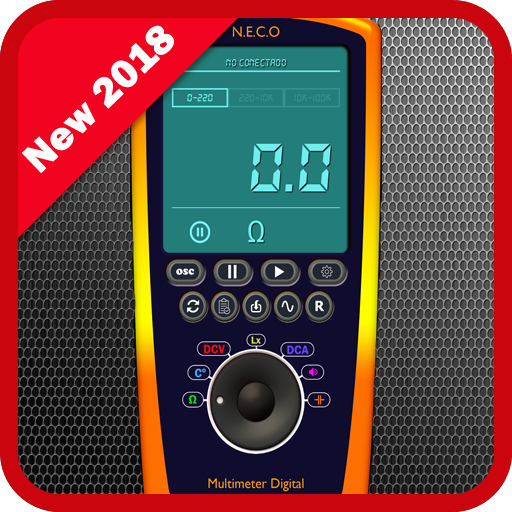

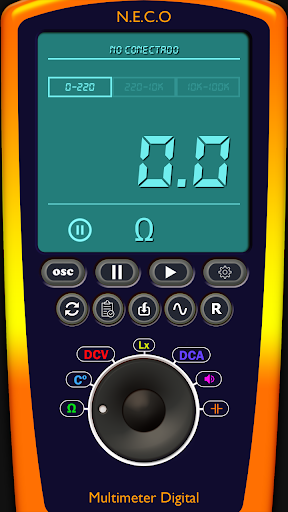
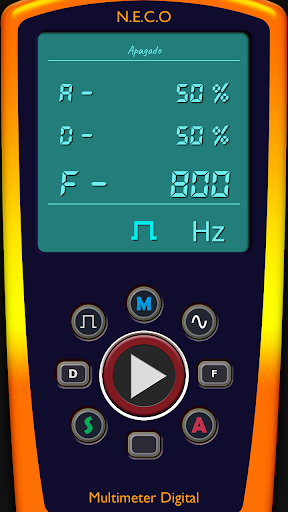
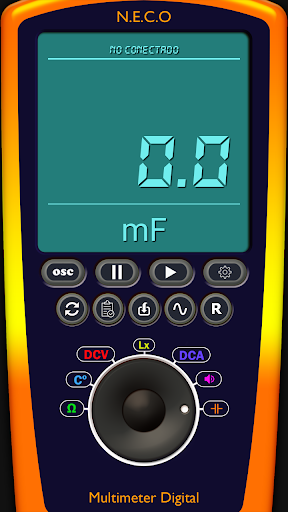

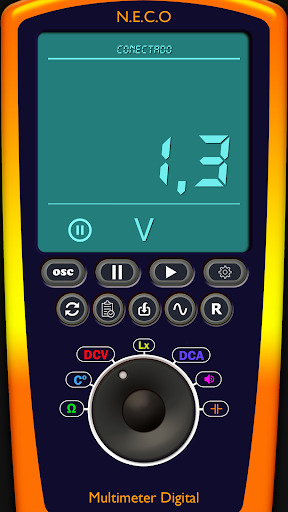
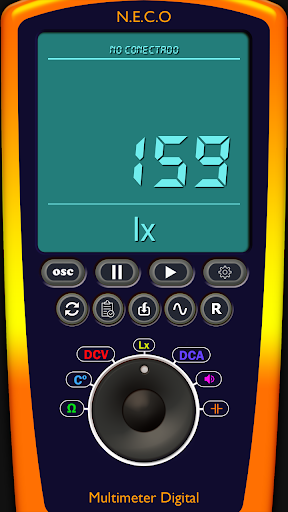
This Digital Multimeter help you to
measure:
1 - Volts
2 - Ohms
3 - Temperature
4 - The light (lx)
5 - Frequency
6 - Amplitude
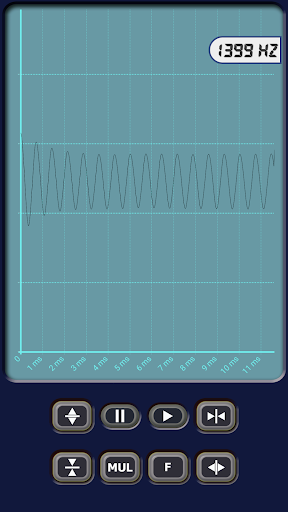
7 - Oscilloscope included
8 - Sound Generator (sine / square waves) 0Hz - 20000Hz included
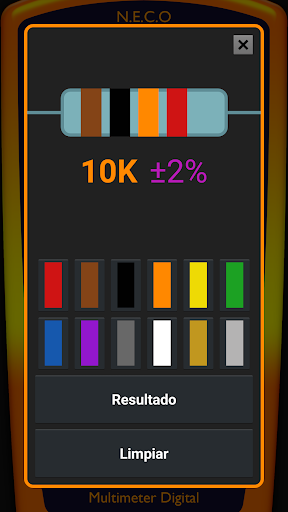
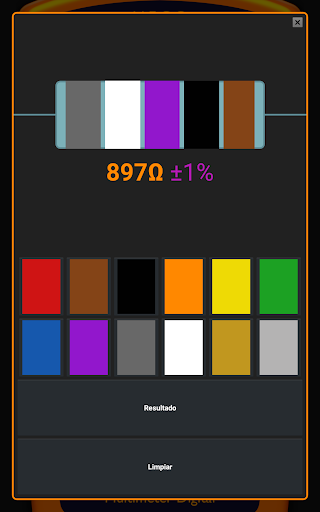
9 - Color code resistance calculator
10 - Database for store data!
11 - Inductance meter!!
New functions:
1 - Ammeter!
2 - Capacitance meter 1nF-10000mF (High accuracy!)
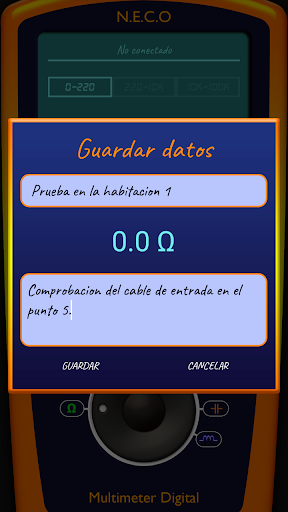
3- Now you can save measuring data!!
10 - NO ADDS!
It's easy to build, you just need:
1 -A arduino uno or nano
2 - Bluetooth module(HC-05 or HC-06)
3 - Temperature sensor(TMP36)
4 - Some resistances.
And for Oscilloscope:
1 - A old headphones with 4 pins
2 - Capacitor from 0.1mF to 1mF.
MY WEB PAGE : https://www.neco-desarrollo.es
Please watch video tutorial How to use oscilloscope:
https://youtu.be/ZwNe8yEjjxo
**For build the circuit follow this**
LINK FOR DOWNLOAD SCHEMATIC:
http://neco-desarrollo.es/arduino-multimetro
LINK FOR DOWNLOAD ARDUINO SKETCH HERE:
http://neco-desarrollo.es/arduino-multimetro
MY WEB PAGE:
www.neco-desarrollo.es
If you have any questions to mount the circuit or any other doubt please write us, the mail you can find below
Councils to improve accuracy!
1 -
Check the voltage on the 5v pin of the arduino after connecting everything, because the voltage tends to fall a bit, normally drops to 4.8v so put an exact value in the arduino code, it is important because it is the reference voltage to measure ohms
2 - The values of the resistances must be as accurate as possible
3 - You must weld all the connections to avoid parasitic resistances
Multimeter/Oscilloscope PRO try it now!
*Usb connection (OTG cable)
*Serial monitor
*New menu












9Apps 4.9











