WavePad Audio Editor - Master's Edition icon

WavePad Audio Editor - Master's Edition

12.86 for Android
3.9 | 5,000+ Installs | Reviews

NCH Software

$14.99

Description of WavePad Audio Editor - Master's Edition

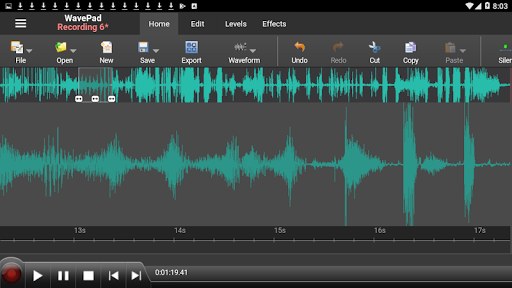
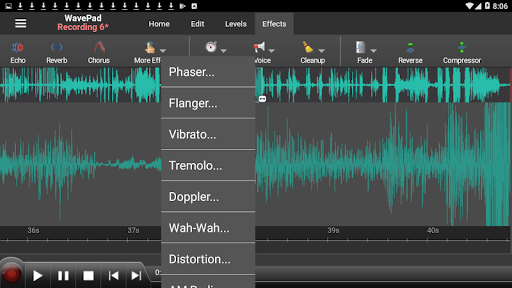
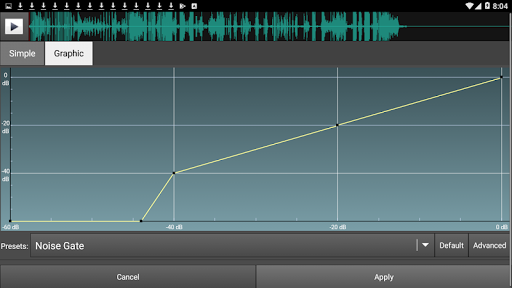
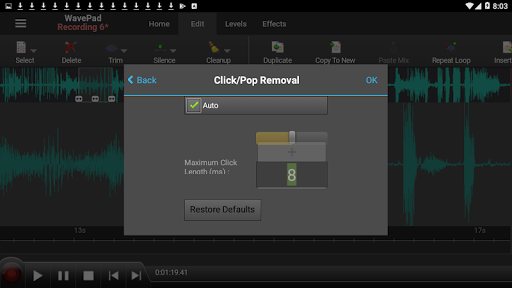
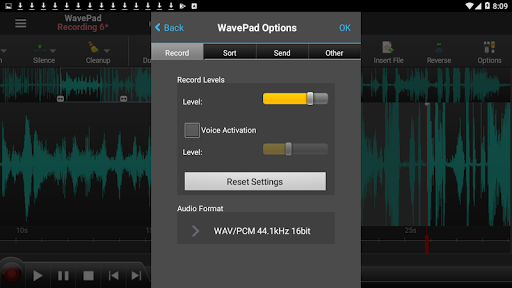
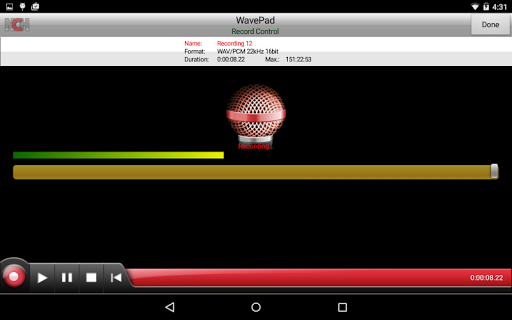
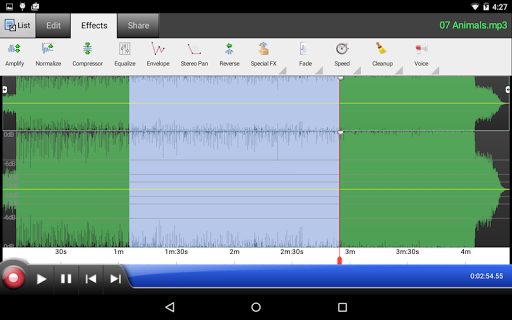
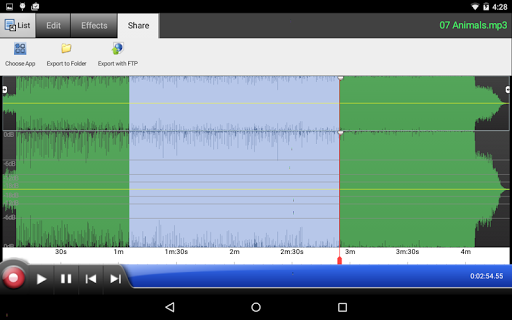
WavePad Master's Edition sound and audio editing application. Record, edit, and add effects, then send audio to yourself or others to share or continuing editing on another device. WavePad Master's Edition allows you to record voice or music, then edit the recording and add sound effects, clean up background noise and more to achieve high quality audio recordings.
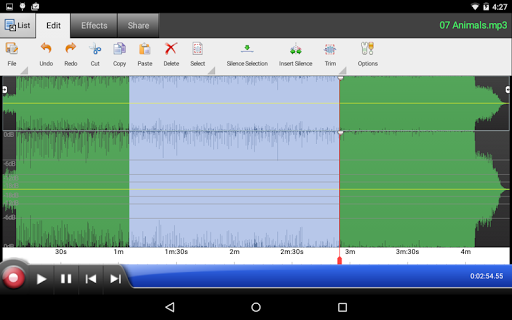
WavePad Master's Edition works with audio waveforms to make selections for quick editing, such as inserting sound from other files, or apply sound effects like the high pass filter to clarify audio quality.
This free sound editor is ideal for anyone who needs to make recordings and edit on the go. WavePad Master's Edition makes it easy to store or send recordings so they are readily available wherever they are needed.
• Supports a number of file formats including WAV and AIFF
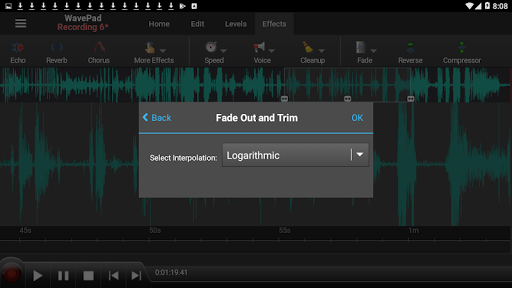
• Editing capabilities include cut, copy, paste, insert, trim and more
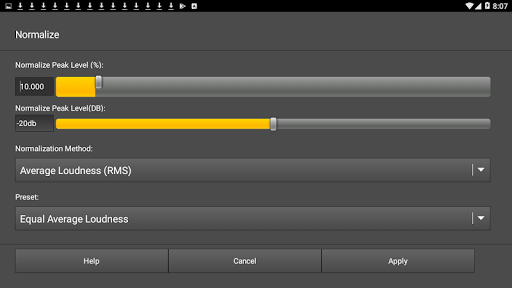
• Effects include amplify, normalize, echo and more
• Edit multiple audio file formats
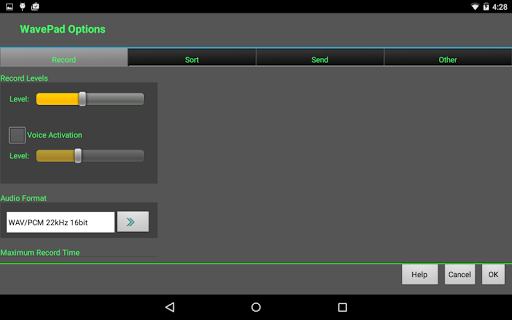
• Supports auto-trim editing and voice activated recording

What's New with WavePad Audio Editor - Master's Edition 12.86

Fixed a bug with mp3 encoding

Information

  • Category:
    Music & Audio
  • Latest Version:
    12.86
  • Updated:
    2021-07-08
  • Requirements:
    Android 0 or later
  • Developer:
    NCH Software
  • ID:
    com.nchsoftware.pocketwavepad
  • Available on:
Reviews
  • avatar
    nice
    2024-01-08 04:01
  • avatar
    Always a Nostalgic moment for me.. Discovered this when I was 12 and it's still the only software I'll use. ✌️ I make music and its beyond user friendly when working with others. **I recommend learning the PC version first** The app is super simplified
    2023-10-15 11:08
  • avatar
    Useful in so many ways!
    2023-10-05 07:48
  • avatar
    great app✅
    2023-08-23 11:48
  • avatar
    Extremely helpful with my work, except for when they decide I can't use the equipment at that moment because they don't like what the message is that I'm recording.
    2023-08-01 07:56
  • avatar
    Everything is fine, but the Amplifier doesn't make your track louder- it just distorts the audio. Can you please fix this?
    2023-06-30 08:32