

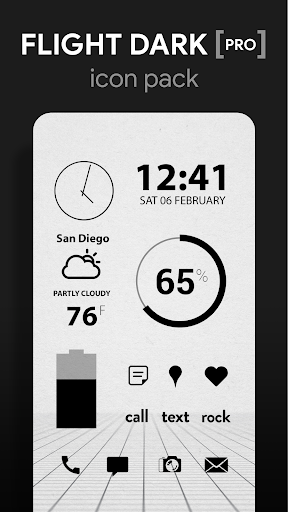
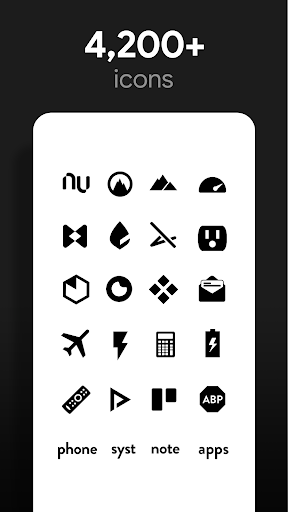
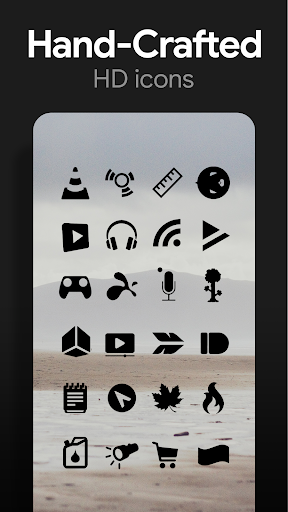
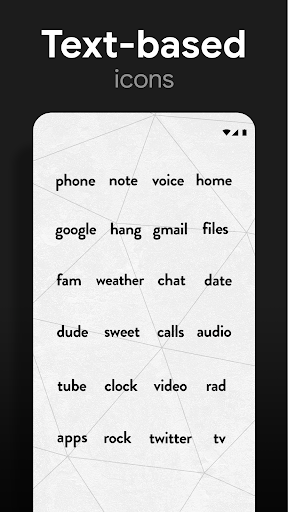
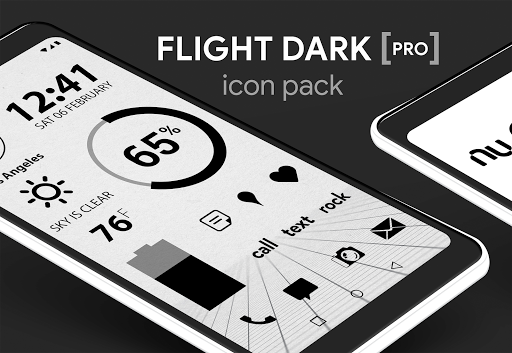
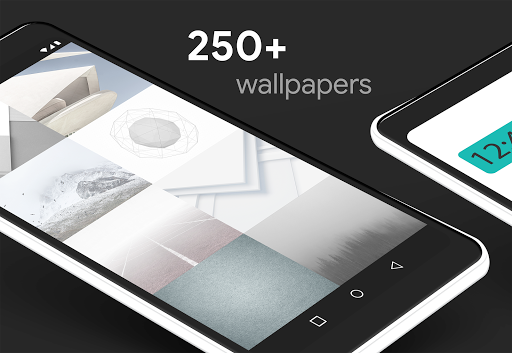
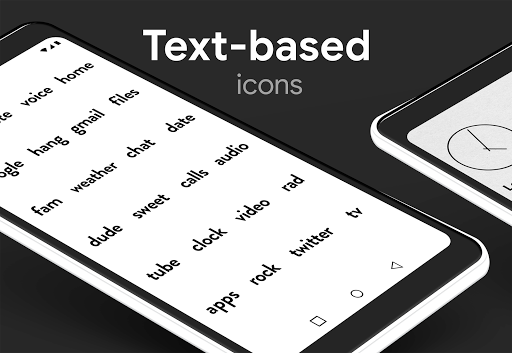
Flight Dark Pro is a simple minimalist, clean, flat & dark black icon pack with transparency in the icons to blend in well with your backgrounds. Icons feature clean & flat handmade designs. Custom wallpapers featuring scenic skies, clouds & landscapes included.
QUICK TIPS
You can manually edit icons in most launchers by long-pressing the icon you'd like to edit.
Widgets: If your widget stops updating, check your system or battery settings to make sure the app is exempt from battery optimization. More info at
https://dontkillmyapp.com/
PRO VERSION
This is the pro version of the app. Get the free version here:
https://play.google.com/store/apps/details?id=com.natewren.darkflightfree
HOW-TO GUIDE
http://natewren.com/apply
FEATURES
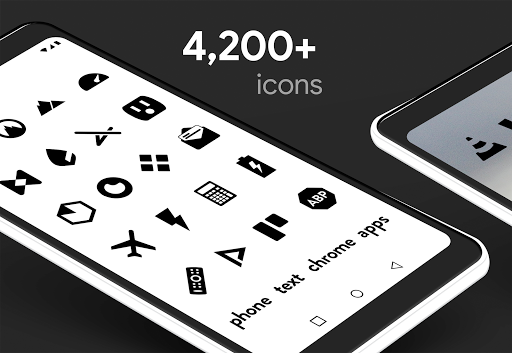
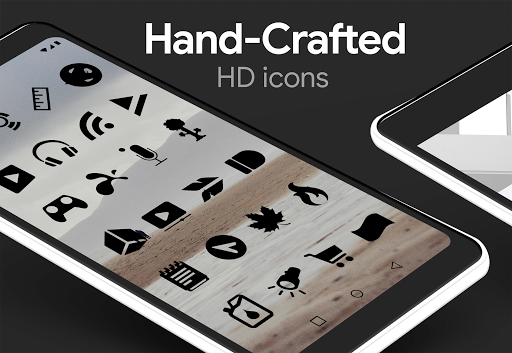
• 4,000 hand crafted flat, clean & simple dark black flat HD Icons
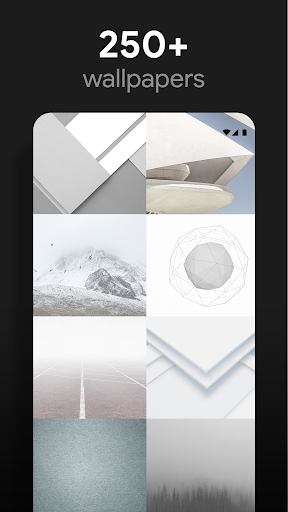
• 200 wallpapers included. Downloadable from the cloud. Browse and save the ones you want. All wallpapers shown are included!
• XXXHDPI high definition black icons included for super large HD screens. All black icons are 192x192
• Customized cloud/sky/landscape wallpapers. Wallpapers have been edited to show off the black icons nicely
• Some parts of the flat icons are transparent letting each show the provided sky/landscape backgrounds or to your own backgrounds
• Contains over 4,000 different clean, flat and simple icons with many variations of default icons such as phone, contacts, camera, etc.
• Wallpaper chooser comes installed
• Request icons via "Request" tab
• Clean, dark black icons work best with light wallpapers
• Muzei support for rotating wallpapers
• New icons added regularly
WIDGETS
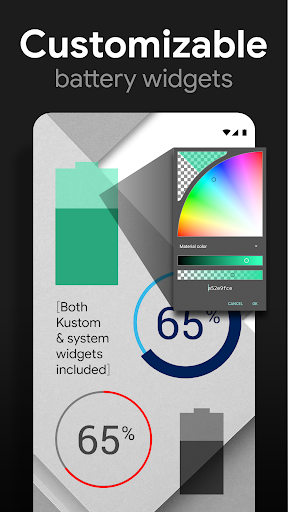
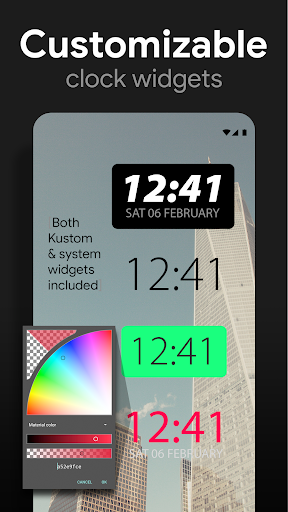
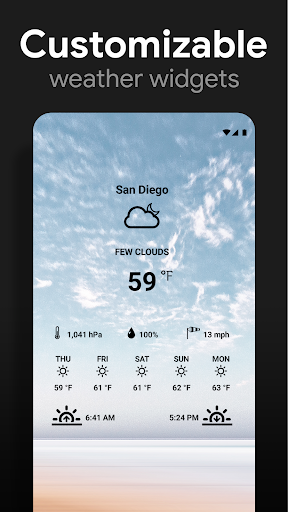
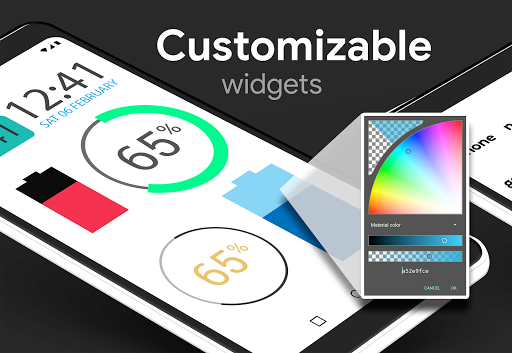
System widgets as well as editable KWGT widgets are included.
• Battery widgets
• Digital clock widgets
• Analog clock widget
• Weather widgets
HOW TO APPLY ICONS VIA ICON PACK
1. Open the app after installing
2. Navigate to "Apply" tab
3. Select your Launcher
DISCLAIMER
You may need a 3rd party launcher to apply the icon pack. Please download a launcher (Nova, Evie, Microsoft, etc.) before installing.
COMPATIBLE LAUNCHERS
• Nova Launcher (Recommended)
• Microsoft Launcher (Apply via launcher settings)
• Evie Launcher (Apply via launcher settings)
• Poco Launcher
• ADW Launcher
• Yandex Launcher (Apply via launcher settings)
• Action Launcher
• Apex Launcher
• Atom Launcher
• Aviate Launcher
• Go Launcher
• Holo Launcher
• Inspire Launcher
• KK Launcher
• Lucid Launcher
• Next Launcher
• Nine Launcher
• Solo Launcher
• Smart Launcher
• Themer
• TSF
Nova is recommended for the best experience and supports icon name search when manually applying icons. For more info on searching while manually applying icons please visit
https://natewren.com/manually-edit-icons/
.
HOW TO APPLY ICONS VIA LAUNCHER
1. Open Launcher settings by tapping holding on an empty area of home screen
2. Select personalization options
3. Select icon pack
FOLLOW ME
Twitter: https://twitter.com/natewren
QUESTIONS/COMMENTS
natewren@gmail.com
http://www.natewren.com
Woohoo! We hit 5,000 icons! Thanks for your support!
Added 40 icons to Pro Versions.
Current Free Icon Count: 2,560
Current Pro Icon Count: 5,023
Updated Icon Appfilter(fixes to un-themed icons).










9Apps 4.9














