iScan Air icon

iScan Air

1.3.5 for Android
2.8 | 10,000+ Installs | Reviews

Mustek Systems, Inc.

Description of iScan Air

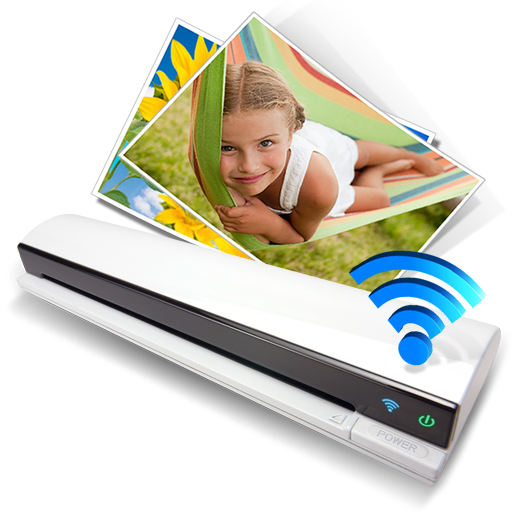
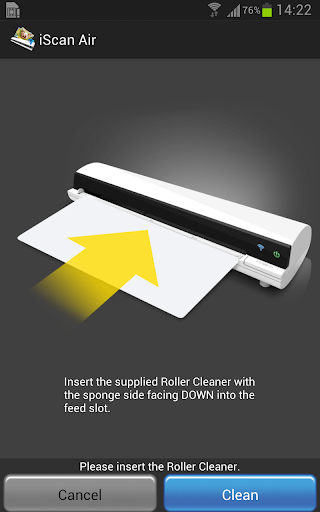
iScan Air is specially designed to work with the Wireless Scanner for your Android smartphones and tablets exclusively.
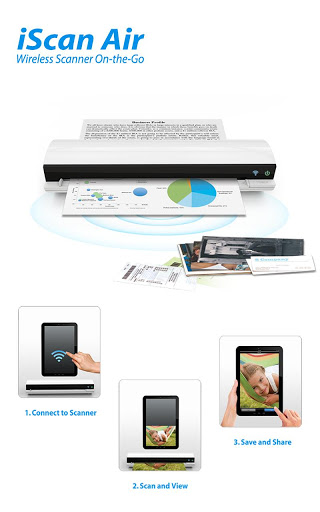
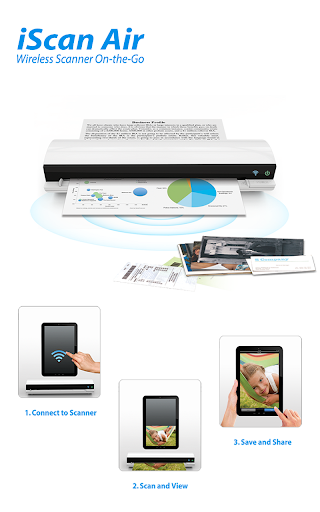
iScan Air enables the Wireless Scanner to connect to the Wireless Scanner over Wi-Fi services from your Android device anywhere a signal is present.
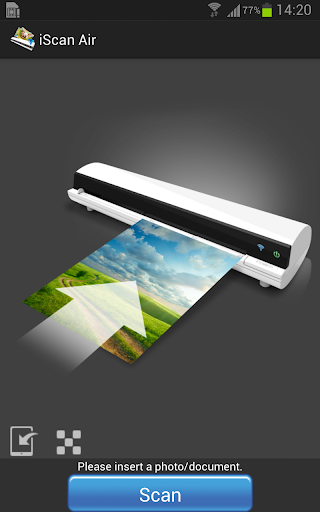
You can scan hard copies at up to US Legal size (8 1/2" x 14") directly to your Android device to view and store your images, and share them via email or social network sites.
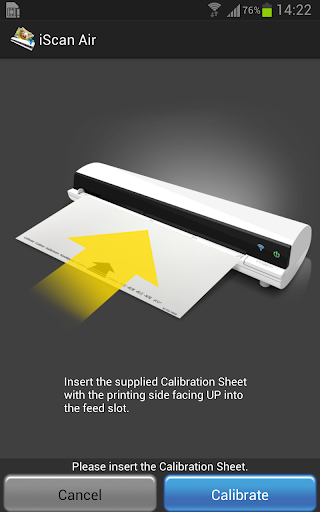
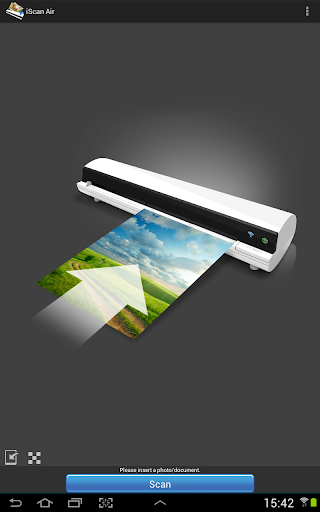
Simple and graphical interface makes it easy for all ages and skill levels to complete scanning tasks within just a few seconds.
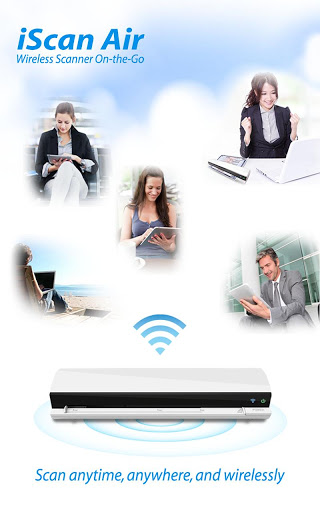
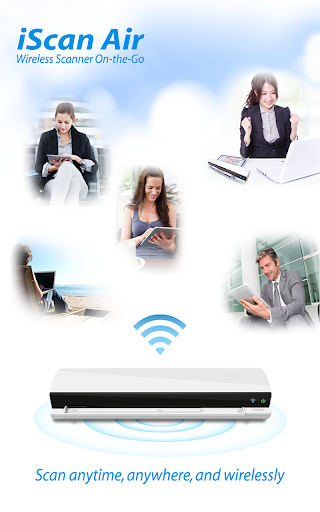
Enjoy the freedom of wireless scanning with iScan Air wherever you are.
iScan Air Feature:
◆ Scan to your Android devices on your wireless network.
◆ Create full color JPEG files up to standard paper size (A4/Legal).
◆ Instant real-time preview while scanning.
◆ Simple and graphical interface made easy for all ages and levels.

What's New with iScan Air 1.3.5

V1.3.5:
Fix compatibility issues.

Information

  • Category:
    Photography
  • Latest Version:
    1.3.5
  • Updated:
    2014-01-08
  • File size:
    5.8MB
  • Requirements:
    Android 2.3.3 or later
  • Developer:
    Mustek Systems, Inc.
  • ID:
    com.mustek.iscan.air
  • Available on:
Reviews
  • avatar
    It works well when I was using Samsung S7. Now I am using S10 and the machine is as good as junk! It not compatible to S10 at all!
    2019-11-11 04:53
  • avatar
    This Scanner is super awesome, unfortunately It doesn't work anymore, Says "This App was build for an older version of Android and may not work properly. Try Checking for updates or contact the developer. Please Update.
    2019-08-28 05:46
  • avatar
    does not work with galaxy s10
    2019-06-26 04:41
  • avatar
    For those of you looking for other software for your Mustek iScan Air it uses the same software as Halo Magic Scanner, ION AirCopy, iscan Fly, Century and Patri Kun. You can use any of these scan apps and many versions available. Also there is a network scanning app that runs on a linux server that allows this scanner to be used from any device on the network and even adds additional features. you can Google "teknogeekz airscan" for more info. the scanner is good . It was an innovation in WiFi scanning. Bundled software is bad.
    2019-04-09 06:46
  • avatar
    this does not work it is exsteamly bad
    2019-02-28 09:55
  • avatar
    this app does not work on the note 9:( please update the app
    2019-01-27 07:34