
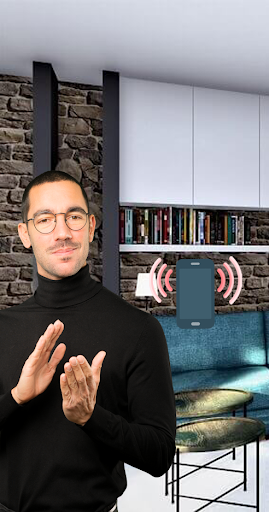
If you are tired of looking for your phone, you can make a whistle or pop, the application will make a loud sound. You no longer need to worry about losing your phone.
Hide and seek - Clap To Find My Phone is a free app that enables you to find your device by clapping. This app is very useful when you forget where you placed your phone. It also offers other features like a flashlight when you lost your phone and ringtone changer features. When you start the services of the the app your phone is on security. This phone finder app permits you to set different notification tones, volumes for either feature. All the features are introduced in this smart app.
Hide and seek - Clap To Find My Phone: clapping for bright light and vibration, which lost gadget finder rings even on silent mode. Lookup of cell current position with lost gadget searcher that works. Locating & tracking finder will detect my smartphone by clapping! Cell finder rings on silent and vibration mode to locate the phone. Helpful locator tool for all the family - no need to use gps to track the device location!
Features of this app:
# Find lost phone only by clapping
# Select any ring to find your phone
# Flashlight Strobe/ Signal with more settings options
# Cell searcher rings with vibration & bright light
# Gadget lookup: locating in vibration & silent mode
# Searching family tool for kids and adults
# Find device & mobile free
# Locate my device & track my phone with a clap
# Tracking apps for cell phones without gps
How to use Clap To Find My Phone app?
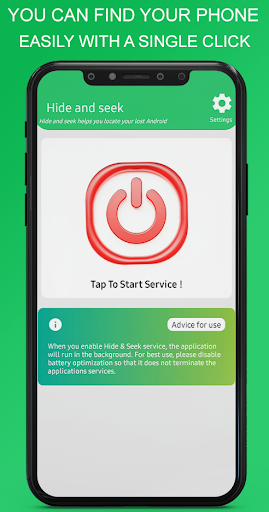
Don't confuse about how to find my phone. We already provided total procedure in Information tag under the “Clap to Find” section. Here it is:
1. Click on the “Find My Phone” button to enable this feature.
2. Enable the toggle button. Now you are able to use this feature.
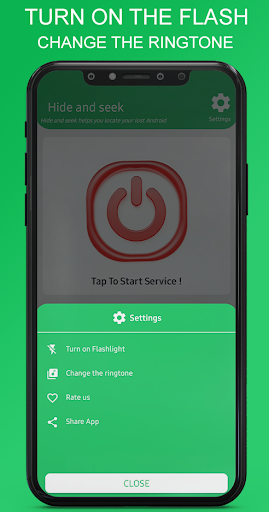
3. You can adjust the sound frequency, notification and flash blink speed in “Setting”
4. ”Select Tone” to set your desired tone.
5. You can set the flash on/off.


9Apps 4.9