
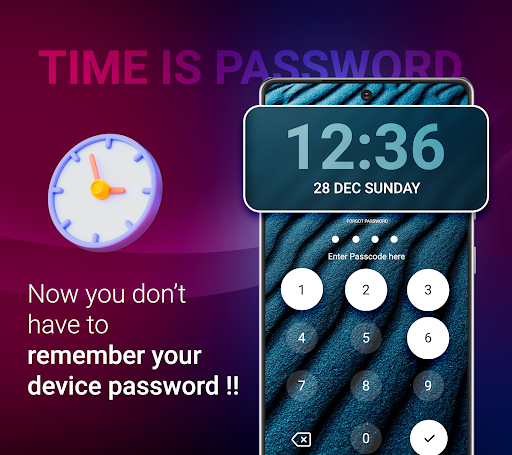
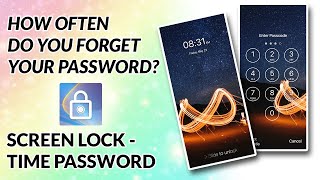
-> Current time is the lock password; enter a pin, and the lock will open.
> Simple lock screen settings include Current Time, Pattern Lock, Pin Lock, and Gesture Lock.
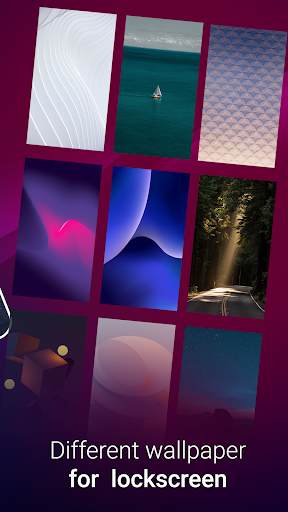
-> Alter the wall paper on your lock screen.
-> Change clock styles quickly
-> Modify the colour of the time, date, and clock.
-> Ask a security question if you forget your password to open the screen.
Set Time Lock
->Enable the service that locks the time now.
Preview Time Lock
-> The user can view a preview of the lock screen's current time.
Set Time Lock
->Set Time Lock use Setting On Time Set
->12 hours Pin Set as Current Time Lock
->24 hours Pin Set as Currant Time Lock
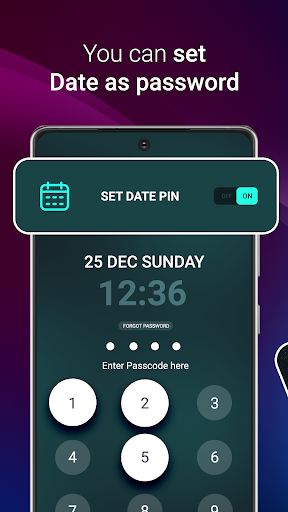
->Date Pin Set as Current Time Lock
Set Wallpaper
->Set wallpaper on your lock screen
->Various wallpaper available
Set Clock
->Set Clock Style On Lock Screen
->Different clock style available
Set Clock Color
->You can change the clock color
->Change Color of Time and Date
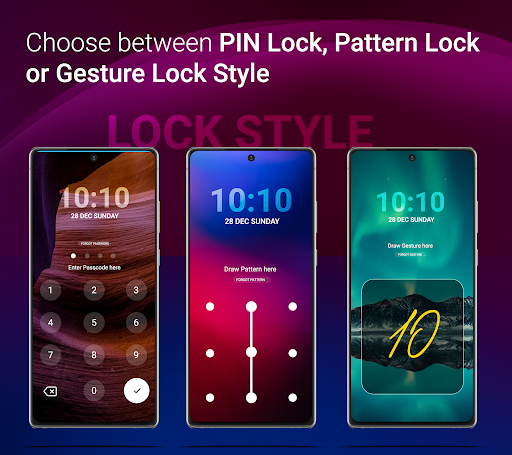
Select Lock Style
-> different Type Of Lock like
-> Pattern Lock
-> Pin Lock
-> Gesture Lock
Pattern Lock
-> Enable pattern lock service and draw your pattern to set as lock screen
Pin Lock
-> Enable pin lock service and enter your pin to set as lock screen
Gesture Lock
->Enable Gesture Lock service and draw gesture which you apply on lock screen as password
Required Permission:
SYSTEM_OVERLAY_WINDOW: To visible lock screen when unlock phone
Note:
We have not store any kind of user data for our personal use.
We strictly maintain user privacy.





9Apps 4.9














